Chapter 4 Troubleshooting Flowcharts 4-39
4.4.3 NVRAM Problem
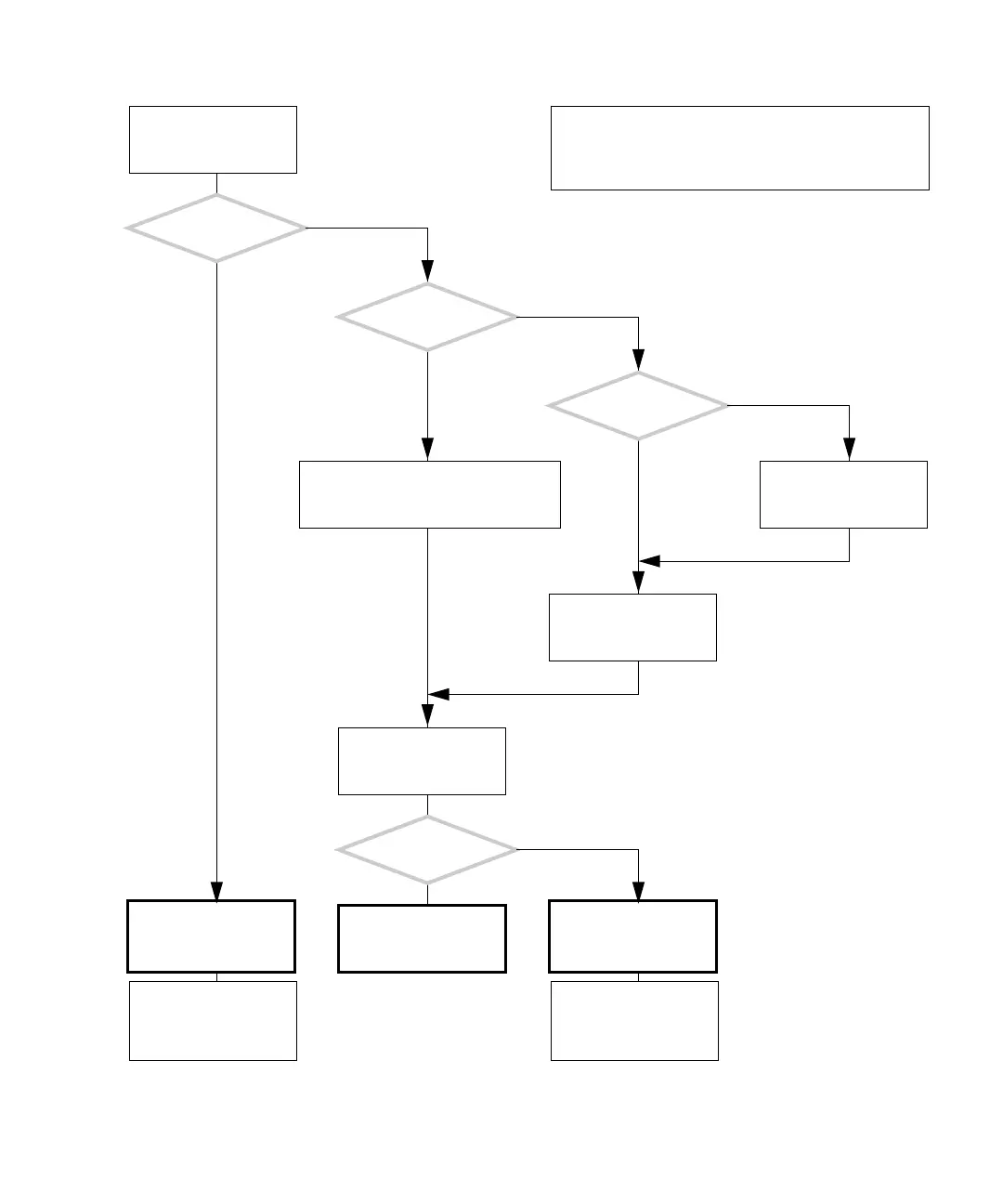
FIGURE 4-34 NVRAM Problem
Compare the MAC
address listed with that
printed on the NVRAM.
There is a problem with
the NVRAM.
Are
the MAC addresses
identical?
Does the
system seem to lose
NVRAM settings?
Is the
operating system
running?
Is the ok prompt
displayed?
Press the Stop-A keys.
Type:
ok banner
Find the MAC address. Type:
arp hostname|nawk ’{print$4}’
Check the NVRAM and
replace if necessary. See
“Replacing the NVRAM”
on page 11-25.
Return to “Power-On
Flowchart” on page 4-3.
Check the NVRAM and
replace if necessary. See
“Replacing the NVRAM”
on page 11-25.
Reconfigure application
and license servers for
the system’s new MAC
address.
Reconfigure application
and license servers for
the system’s new MAC
address.
Y
N
Y
N
Y
N
Y
N
In normal operation, the NVRAM stores system boot and
configuration parameters for the OpenBoot PROM. The MAC
address is the same as the Ethernet address.
Checking a component means checking the electrical con-
nections and fit.














 To Next Page