Chapter 4 Troubleshooting Flowcharts 4-3
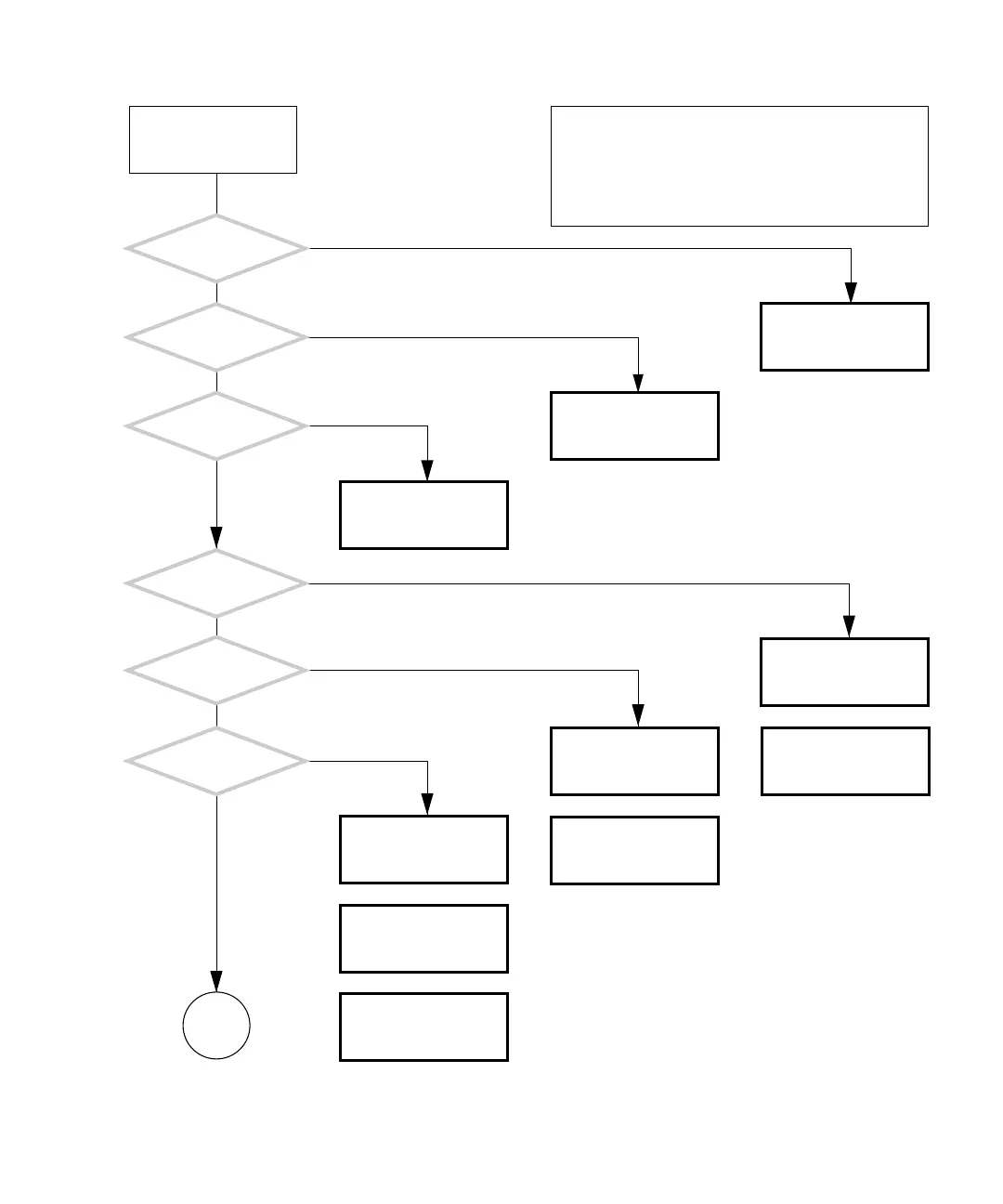
FIGURE 4-1 Power-On Flowchart
Problem with power. See
“Power Problem” on
page 4-6.
Problem with speaker.
See “Audio Output Prob-
lem” on page 4-12.
Does at least one of the
system fans spin up?
Does the hard
drive spin up?
Does the power supply
fan spin up?
Is anything displayed
on the monitor?
Can you log in
as your user?
Does the speaker
beep only once?
Problem with monitor.
See “Monitor Problem”
on page 4-14.
Problem with monitor.
See “Monitor Problem”
on page 4-14.
Problem with log in. See
“Login Problem” on
page 4-20.
Problem with graphics
accelerator. See “PCI Card
Problem” on page 4-28.
Problem with network.
See “Network Problem”
on page 4-17.
Problem with hard drive.
See “Hard Drive Problem”
on page 4-8.
Problem with fan. See
“System Fan Problem” on
page 4-9.
Press and release the
Power button.
Y
N
Y
N
Y
N
Y
N
Y
N
Y
N
OR
OR
OR
Problem with memory or
motherboard. See “Audio
Responses” on page 3-12.
OR
In normal operation, the system power-on sequence fol-
lows the path of Y for every question. Power on your sys-
tem and follow this flowchart. Should your system resolve
to a N answer to a question, go to the cross-reference. If
several cross-references are listed, the first is the most
likely solution. Try the other cross-references if the first
does not resolve the problem.
Go to
Next Page














 To Next Page