Chapter 13 Replacing Chassis Components 13-33
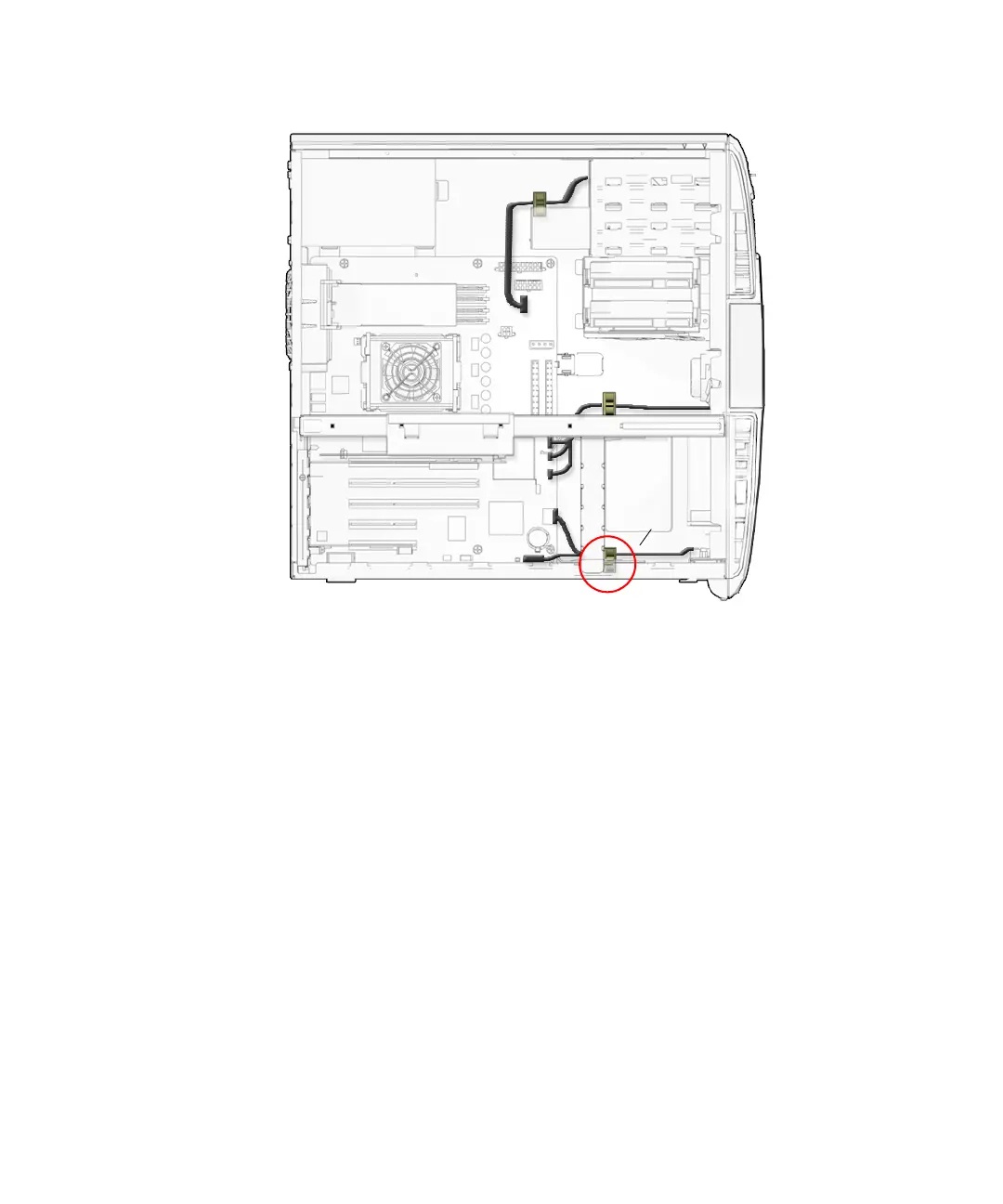
FIGURE 13-35 Removing the Audio USB Cables From the I/O Cable Clip
5. Using a No. 2 Phillips screwdriver, remove the two screws that secure the audio
USB assembly to the inside front of the chassis.
See FIGURE 13-36. Set the screws aside in a container.
J13 Audio
J19 USB
I/O cable clip














 To Next Page