12-10 Sun Blade 1500 Service, Diagnostics, and Troubleshooting Manual • December 2004
12.2.1 Identifying the Optical Drive
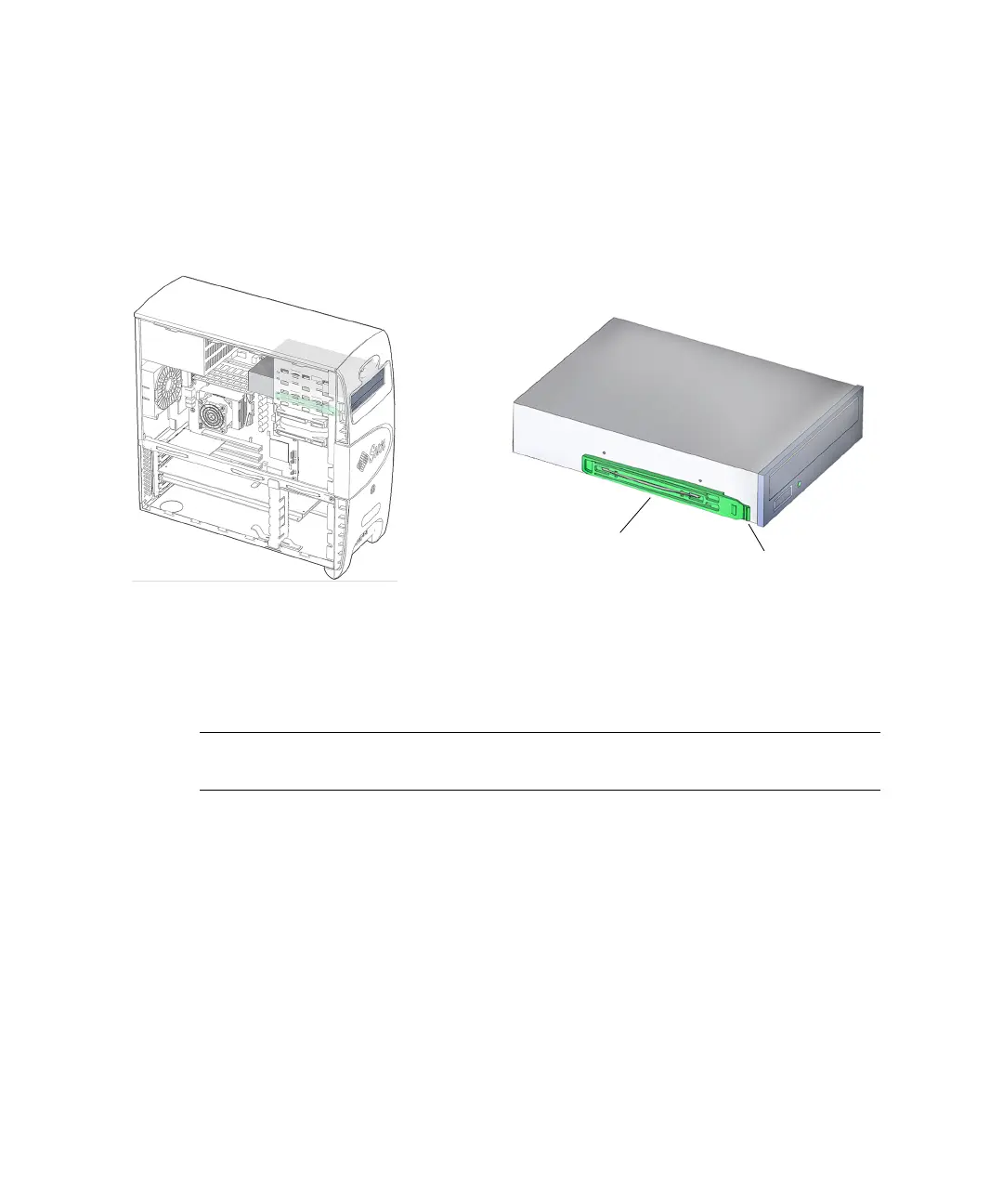
The workstation supports a single optical drive. The optical drive is installed on
drive rails that slide into the removable media bay. The power and interface
connectors are accessible when the access panel is removed. The optical drive bay is
accessible when the bezel is removed. See
FIGURE 12-8.
FIGURE 12-8 Optical Drive Location and Identification
12.2.2 Removing the Optical Drive
Note – The instructions in this section apply to any removable media drive, such as
a CD-ROM, tape, or DVD drive.
1. Power off the system, open the chassis, and remove the bezel.
Refer to:
■ “Powering Off the Workstation” on page 10-4
■ “Removing the Access Panel” on page 10-12
■ “Removing the Bezel” on page 10-14
2. Locate the optical drive.
See FIGURE 12-8.
3. Disconnect the interface cable located at the rear of the optical drive.
See FIGURE 12-9. Set the cables out of the way.
Drive rails (2)
Ta b














 To Next Page