11-20 Sun Blade 1500 Service, Diagnostics, and Troubleshooting Manual • December 2004
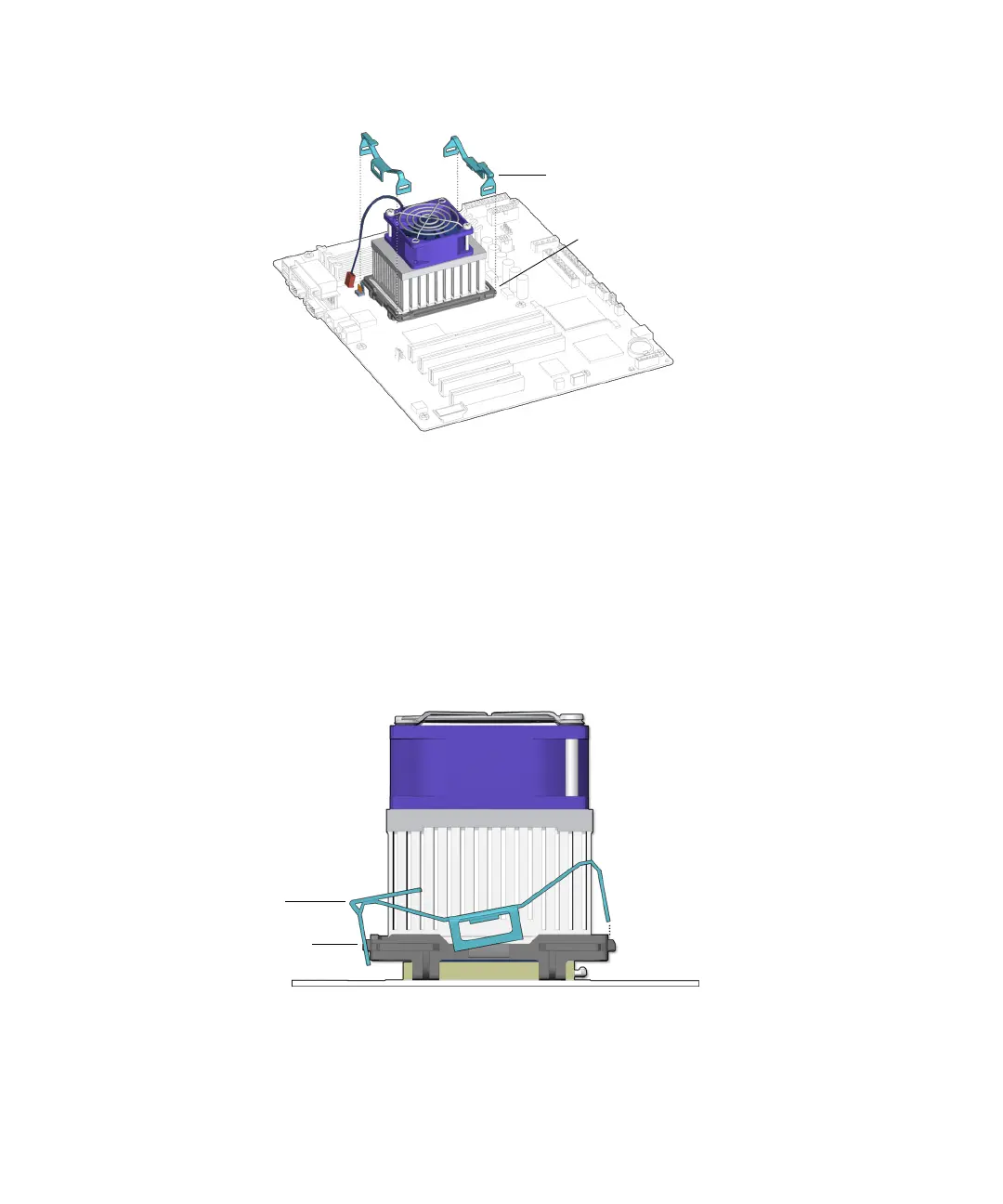
FIGURE 11-21 Aligning the Clips Over the Locking Ring
b. Rotate the clip in toward the CPU fan and heat sink assembly to secure it over
the center tab.
c. Press down on the latch-end of the clip and hook the end over the tab on the
locking ring.
See FIGURE 11-22.
FIGURE 11-22 Hooking Clip Over End Tab
Clips (2)
Locking ring
Clip
End tab














 To Next Page