Chapter 12 Replacing Storage Devices 12-5
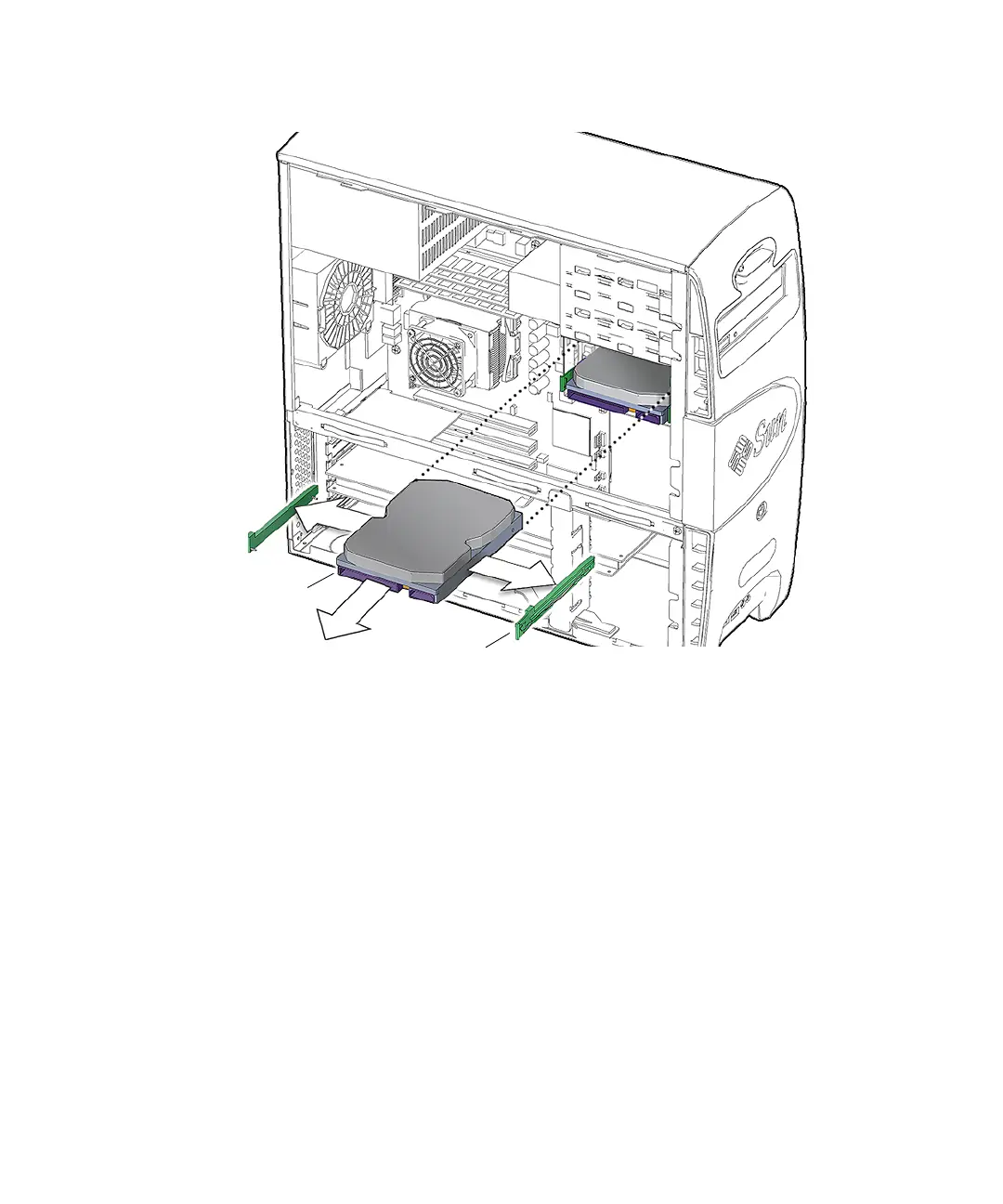
FIGURE 12-3 Removing the Hard Drive
6. Set the hard drive aside on an antistatic mat.
7. Pull the green plastic drive rails off the sides of the hard drive.
See FIGURE 12-3. If you are not going to immediately replace the hard drive with a
new one, store them on the underside of the hard drive bay. See FIGURE 12-4.
Drive rails (2)
HDD0














 To Next Page