4-30 Sun Blade 1500 Service, Diagnostics, and Troubleshooting Manual • December 2004
4.3.3 IEEE 1394 Problem
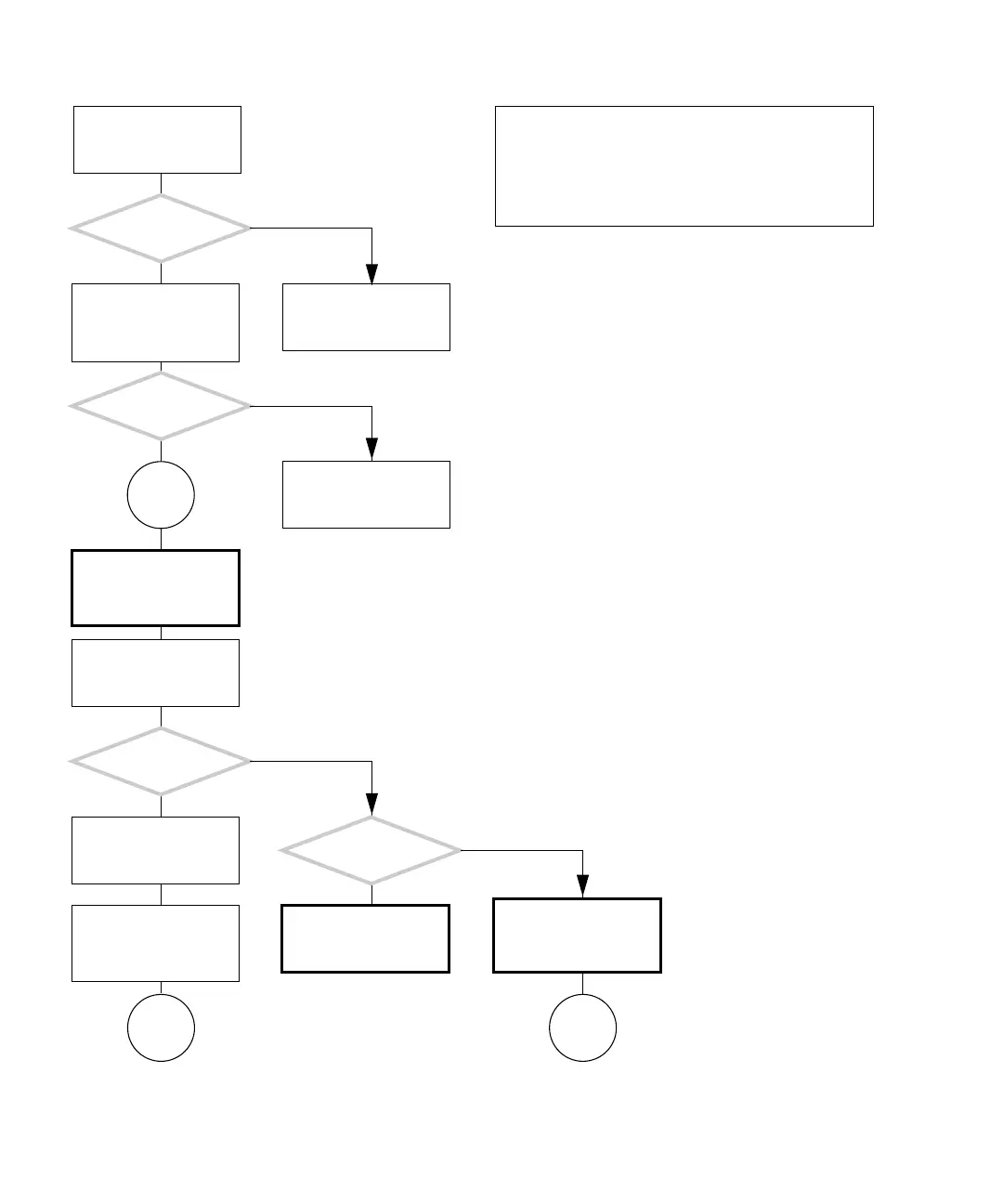
FIGURE 4-26 IEEE 1394 Problem
This flowchart can only
be used for Sun sup-
ported devices.
There is a problem with
an IEEE 1394 device inter-
acting with the system.
Is the
suspect device a Sun
supported device?
Obtain the ok prompt.
See “Obtaining the ok
Prompt for Testing” on
page 5-2.
Do you see this text?
firewire@b
Did you
move the combination
card to another PCI slot?
Start the operating sys-
tem. Type:
ok boot -r
Type:
ok show-devs
Y
N
Y
N
Move the combination
card to another PCI slot.
See “Replacing the PCI
Cards” on page 11-28.
Go to
L
Replace the combination
card. See “Replacing the
PCI Cards” on page 11-28.
Determine if the combi-
nation card is recognized.
Type:
% prtconf
Disconnect all IEEE 1394
devices and attach the
suspect device directly to
the combination card.
Is the problem
still there?
Problem is with cabling,
hubs, or other IEEE 1394
device.
Go to
M
L
Y
N
Y
N
In normal operation, the IEEE 1394 ports allow for hot-
plugging of peripherals. If the peripheral is not recog-
nized, try plugging it in to another connector. Do not force
the connection.
Checking a component means checking the electrical con-
nections and fit.














 To Next Page