2-4 Sun Blade 1500 Service, Diagnostics, and Troubleshooting Manual • December 2004
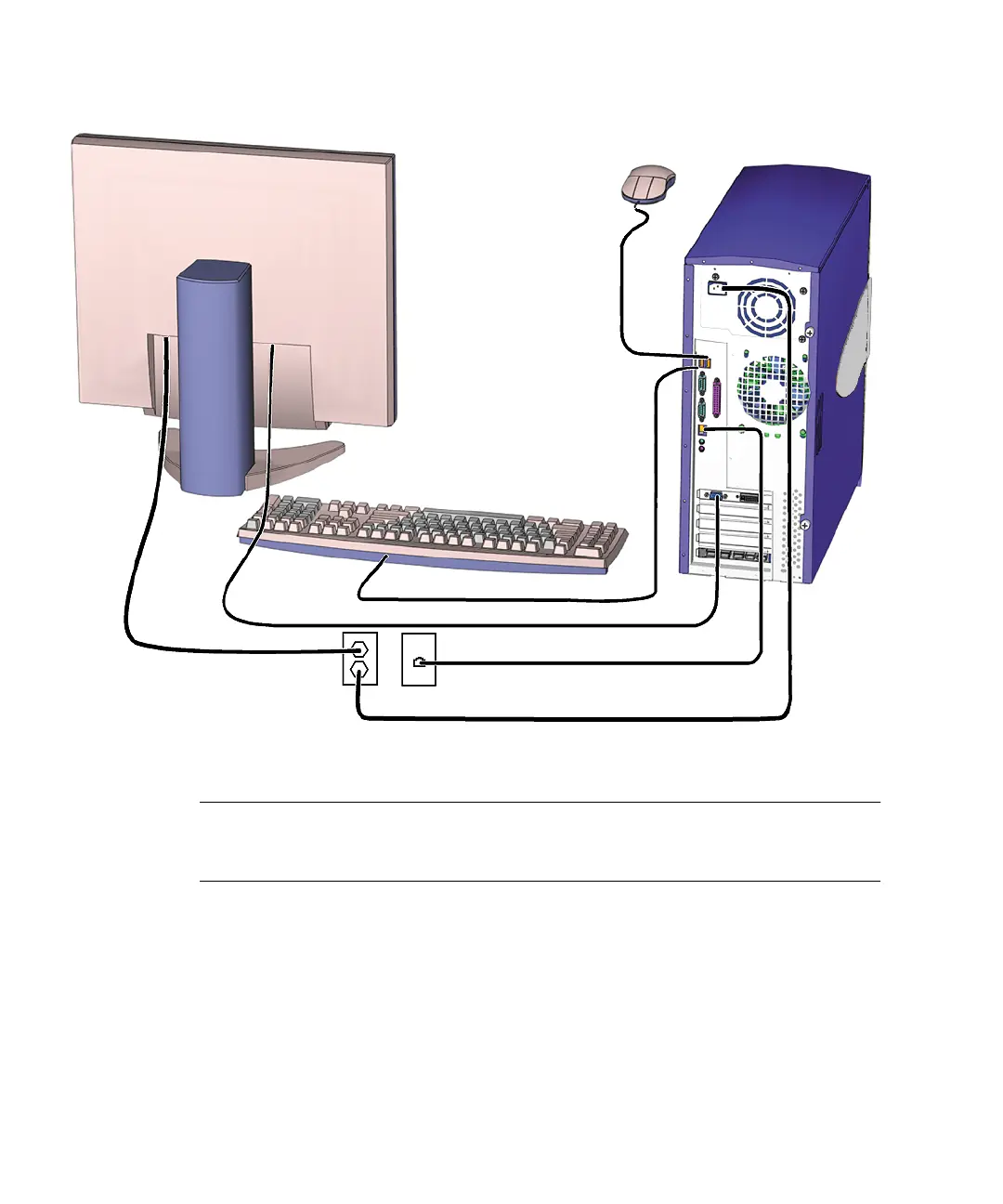
FIGURE 2-1 Monitor, Keyboard, Mouse, and Sun Blade 1500 Workstation
Note – Make sure that the keyboard and mouse are only connected to USB 1.1
compliant connectors on the bezel or rear panel. See
“Rear Panel Overview, Sun
Blade 1500 Workstation” on page 2-6.














 To Next Page