Chapter 11 Replacing the Motherboard and Associated Components 11-23
11.3.1 Identifying the Battery
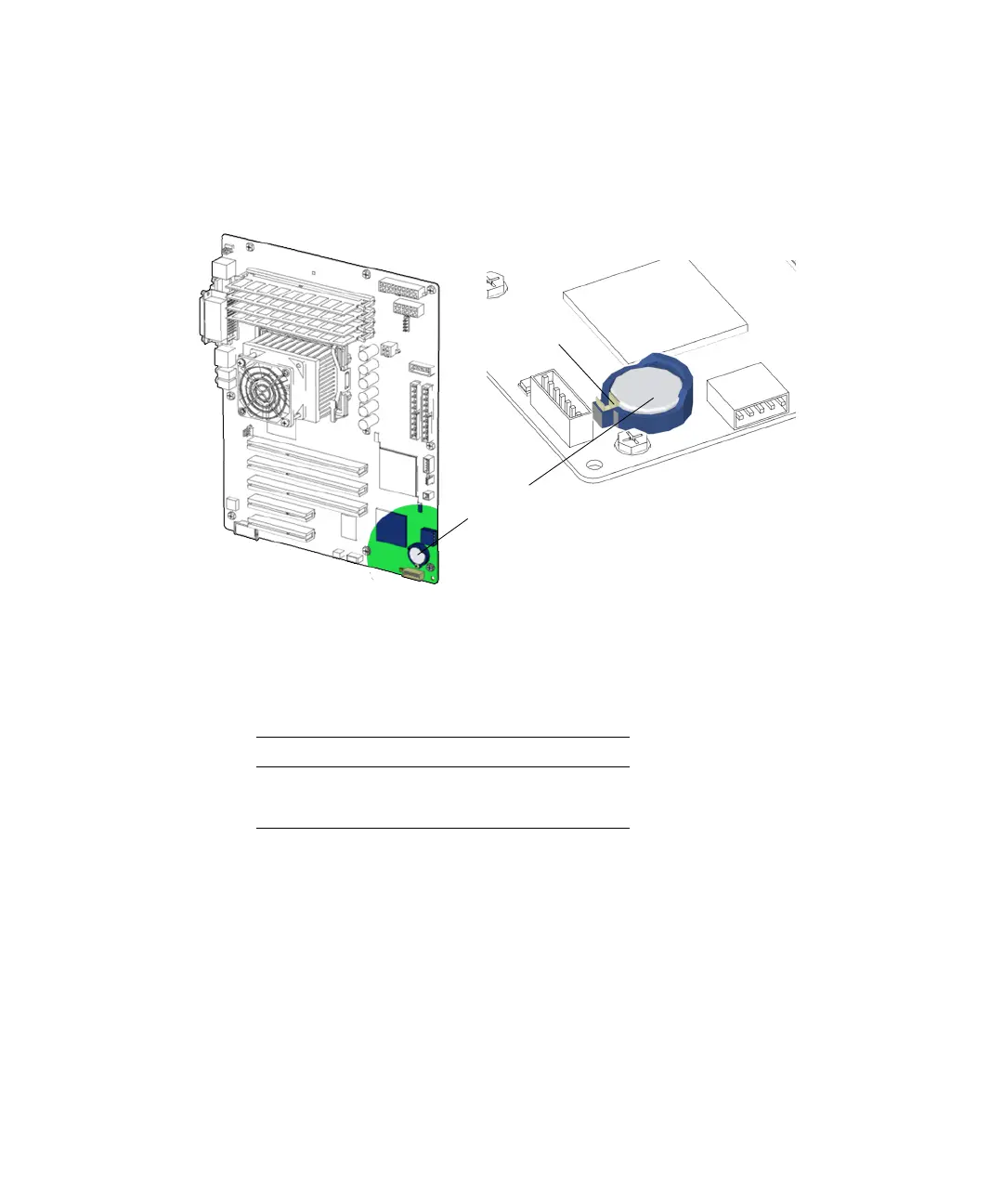
FIGURE 11-25 shows the location of and identifies the battery.
FIGURE 11-25 Battery Location and Identification
TABLE 11-1 lists the battery specifications.
11.3.2 Removing the Battery
1. Power off the system, open and position the chassis.
Refer to:
■ “Powering Off the Workstation” on page 10-4
■ “Removing the Access Panel” on page 10-12
■ “Positioning the Chassis” on page 10-16
TABLE 11-4 Battery Specifications
Specification Value
Voltage 3 VDC
Type CR 2032
Battery
(BAT0)
Battery clip














 To Next Page