13-32 Sun Blade 1500 Service, Diagnostics, and Troubleshooting Manual • December 2004
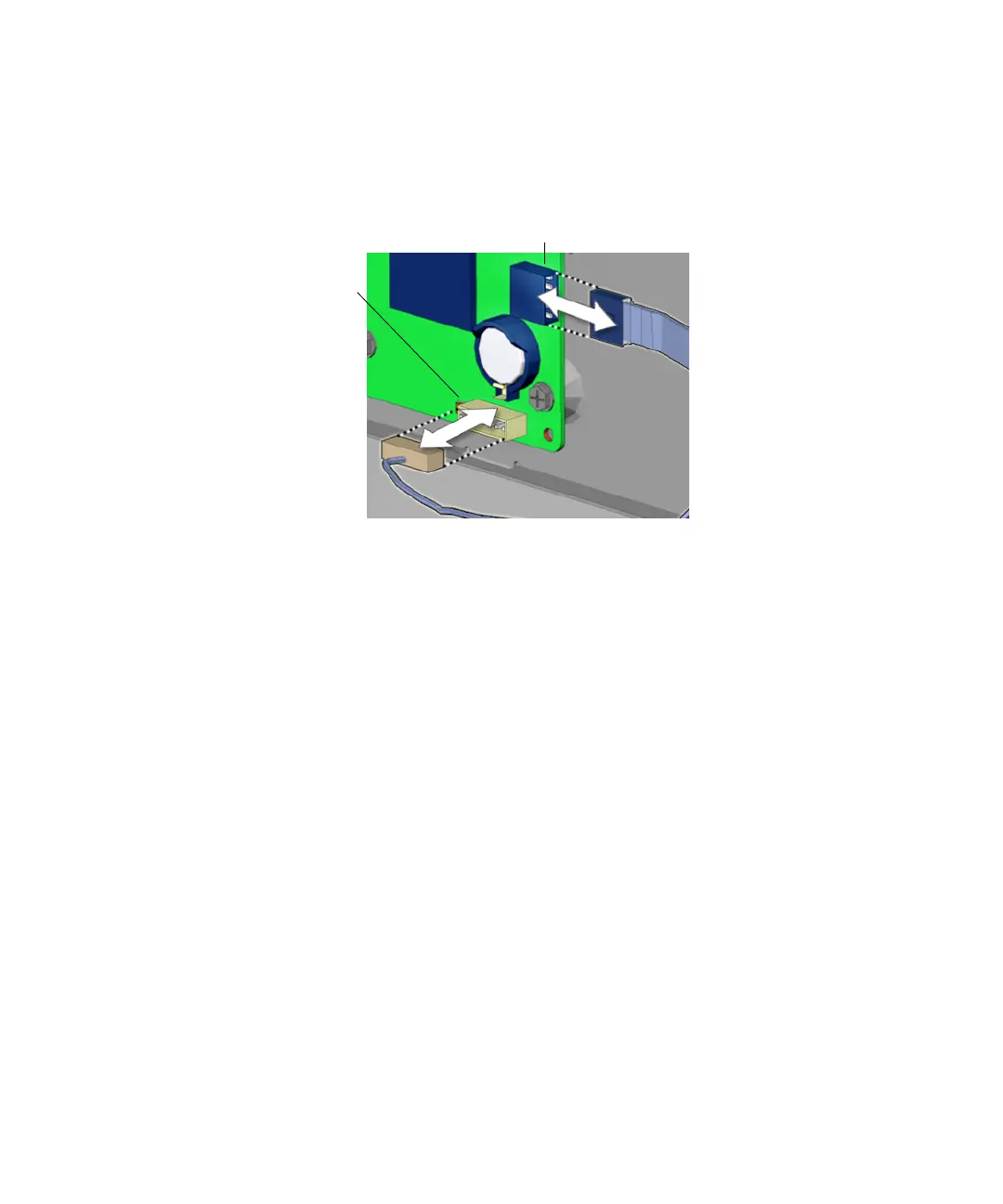
3. Disconnect the audio USB board cables from the motherboard at J13 AUDIO and
J19 USB.
See FIGURE 13-34.
FIGURE 13-34 Disconnecting the Cables From the Motherboard
4. Open the I/O cable clip at the bottom of the chassis and remove the audio USB
board cables from the clip.
See FIGURE 13-35.
Connector J19 USB
Connector
J13 AUDIO














 To Next Page