Chapter 11 Replacing the Motherboard and Associated Components 11-43
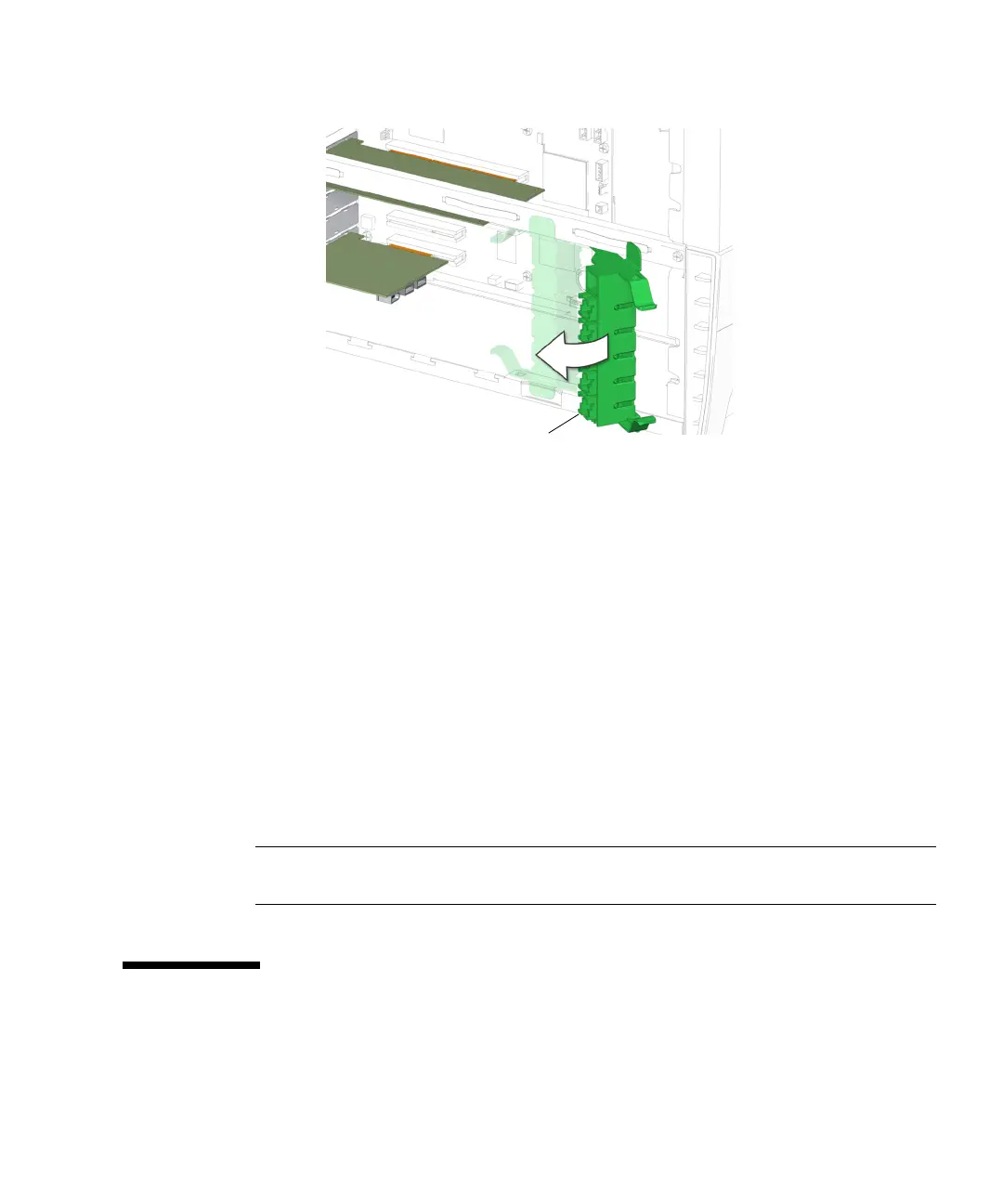
FIGURE 11-41 Closing the PCI Card Support
18. Inspect the PCI card fasteners to verify that:
■ The PCI card panel slot screws are tight.
■ The PCI cards are well seated in the motherboard.
19. If you installed PCI cards after installing the NVRAM, return to Step 7 in
“Installing the NVRAM” on page 11-27.
20. Reposition the chassis, install the access panel, power on the system, and verify
the PCI card installation.
Refer to:
■ “Repositioning the Chassis” on page 15-1
■ “Installing the Access Panel” on page 15-5
■ “Powering On the Workstation” on page 15-8
■ “Verifying an Installation” on page 15-11
Note – Remember to either boot or reboot the system with the -r option, so that the
Solaris operating system can reconfigure itself for the new PCI card.
11.6 Replacing the Motherboard
This section describes removal and installation of the motherboard. Topics include:
Spring-loaded fingers (5)














 To Next Page