13-48 Sun Blade 1500 Service, Diagnostics, and Troubleshooting Manual • December 2004
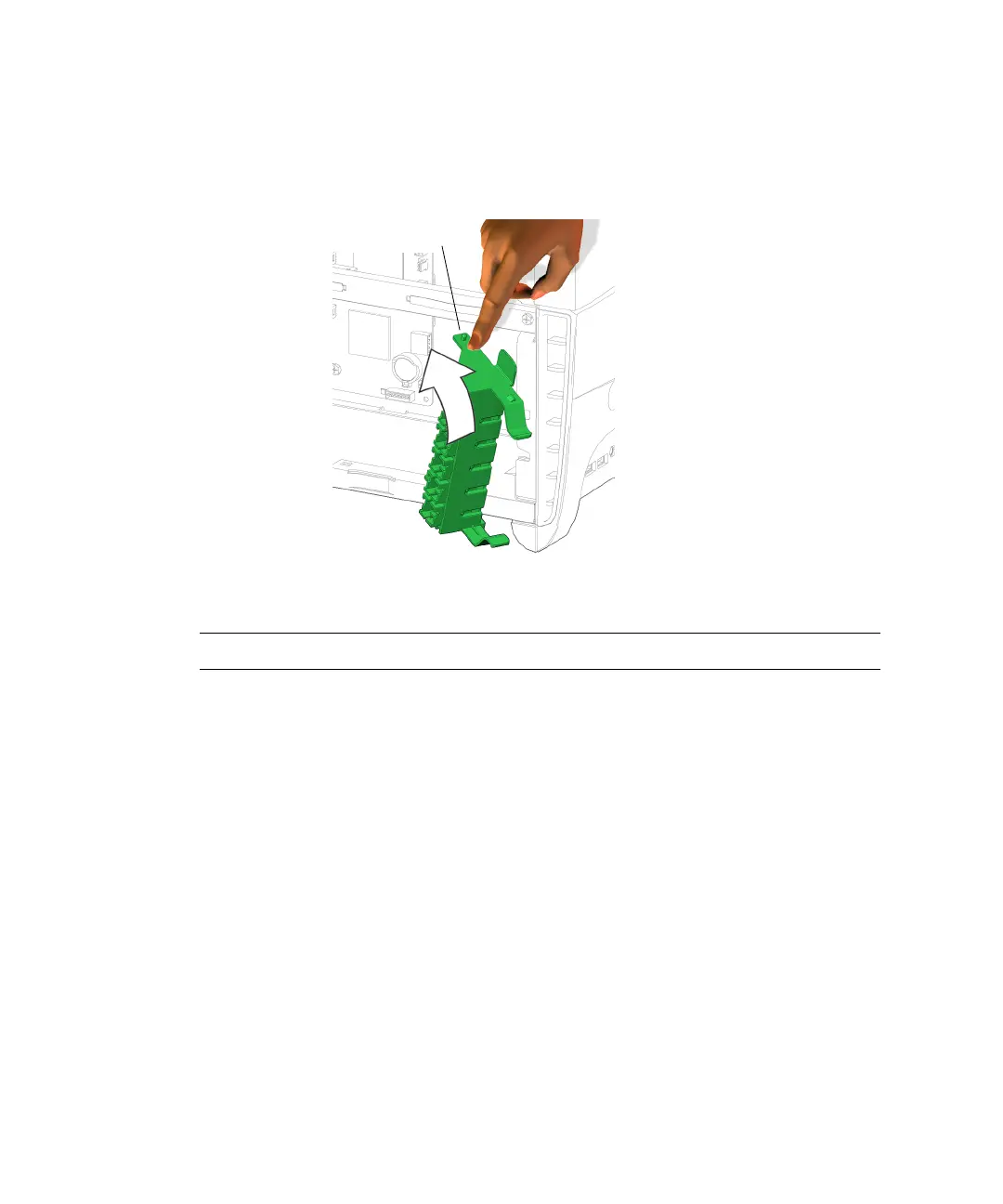
4. Slightly depress the upper pivot tab and slide it under the cross brace so that is
clicks into place.
See FIGURE 13-50.
FIGURE 13-50 Installing the PCI Card Support
Note – Do not use the chassis cross brace as a handle.
5. Swing the PCI card support to the left until it clicks into position.
See FIGURE 13-51. For each PCI card installed, make sure the spring-loaded finger
centers upon the edge of the PCI card.
Pivot tab














 To Next Page