Chapter 14 Replacing Internal Cables 14-27
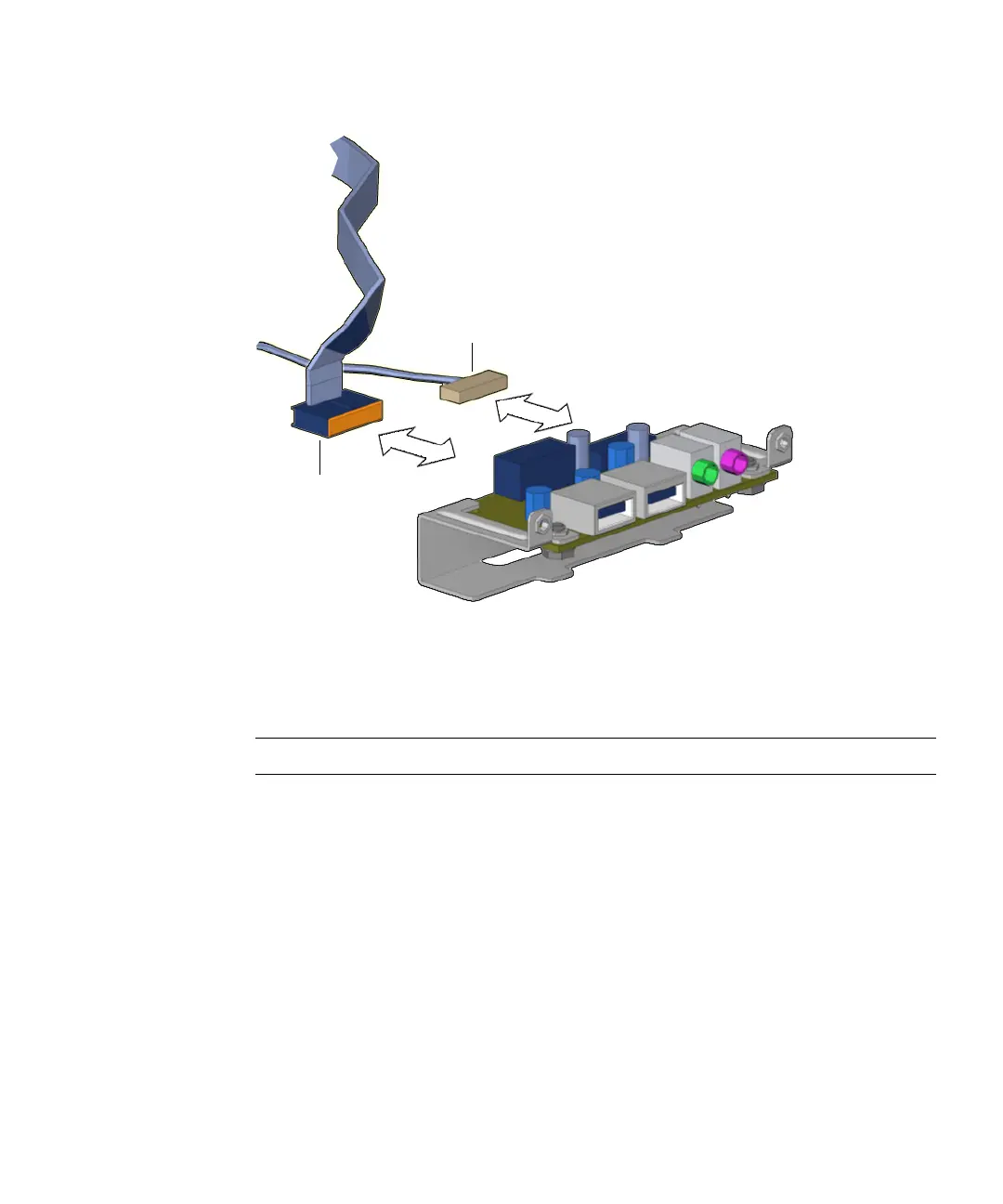
FIGURE 14-24 Disconnecting Cables From the Audio USB Board
Proceed to “Installing the Audio USB Board Cables” on page 14-27.
Note – The audio USB board does not operate without the cables.
14.6.3 Installing the Audio USB Board Cables
1. Open the chassis.
Refer to:
■ “Powering Off the Workstation” on page 10-4
■ “Removing the Access Panel” on page 10-12
2. Locate where the audio USB board interface cables are to be installed.
The audio USB board has two cables: the audio signal cable and the USB interface
cable. See
FIGURE 14-21.
Audio cable
USB cable














 To Next Page