Chapter 10 Preparing to Replace Components 10-17
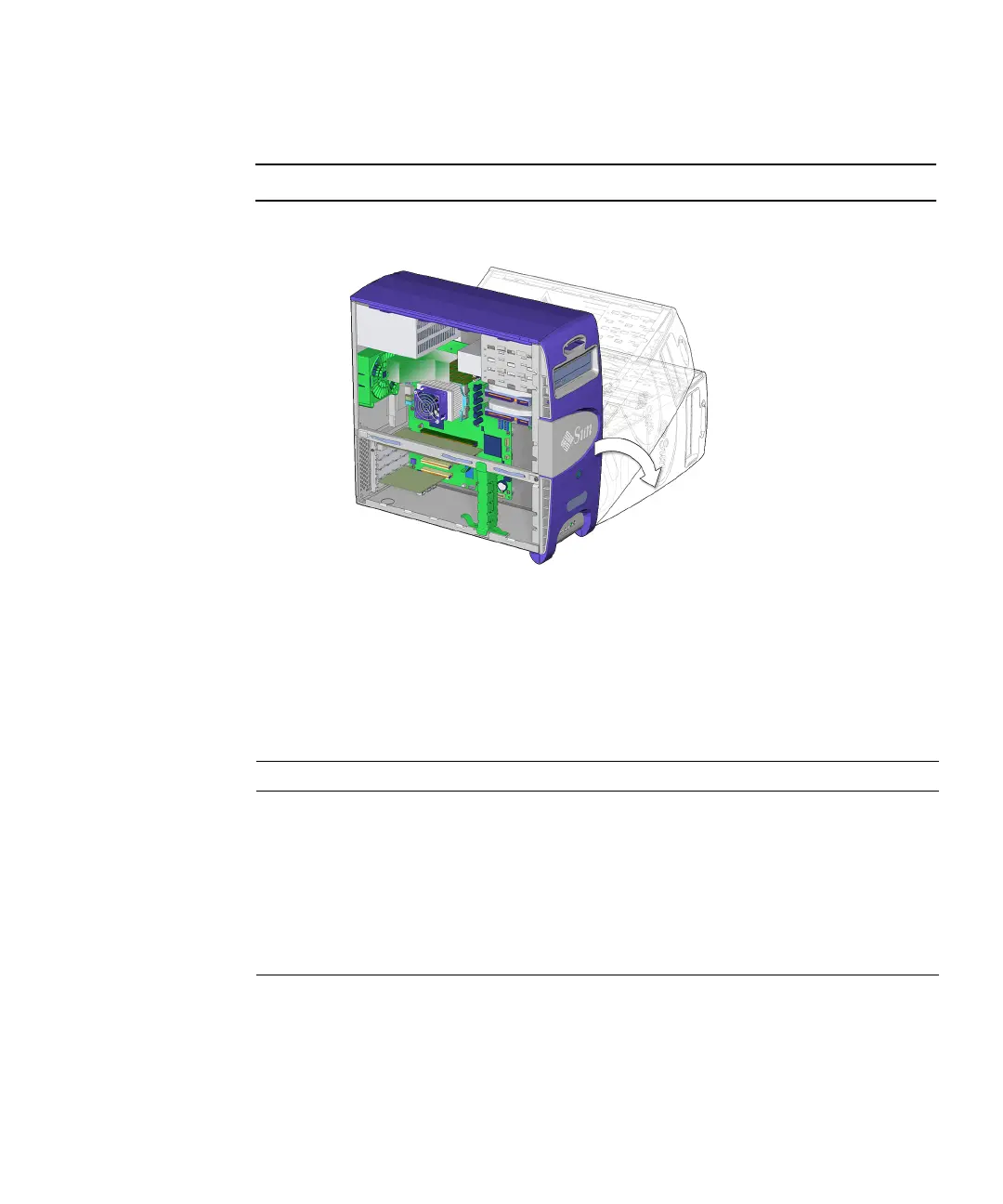
2. Using both hands, gently set the system chassis on its side, with the opening
facing up. See
FIGURE 10-12.
Note – Do not use the chassis cross brace as a handle.
FIGURE 10-12 Positioning the Chassis
3. Orient the chassis for ease of servicing.
To help with replacement procedures, references to location are relative to the
placement of the chassis. Directional terms are described in
TABLE 10-2.
TABLE 10-2 Workstation Chassis Directional Terms
Direction Chassis Orientation
Bottom Side with the chassis feet
Top Side opposite the chassis feet
Rear Side with PCI card ports and power cord connector
Front Side with the Power button, removable media drives, and Sun logo
Left Side with access panel
Right Side opposite the access panel














 To Next Page