3-6 Sun Blade 1500 Service, Diagnostics, and Troubleshooting Manual • December 2004
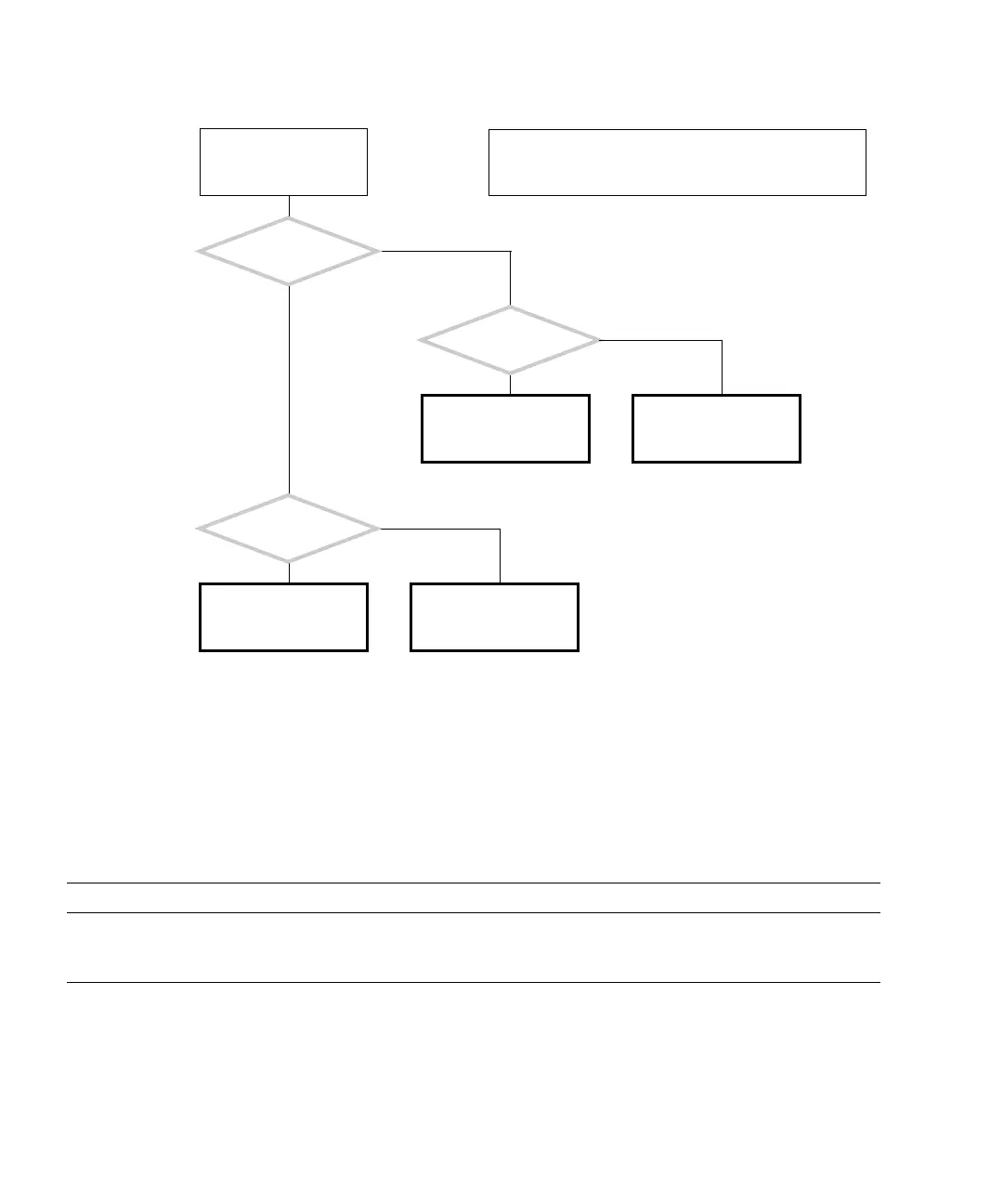
FIGURE 3-1 Displayed Messages Flowchart
3.2.2.1 OpenBoot PROM Messages
TABLE 3-2 lists some common fault messages or portions of fault messages displayed
by the OpenBoot PROM, their meanings, and what to do next.
TABLE 3-2 OpenBoot PROM Messages and Their Meaning
Message Meaning What to Do
The date is displayed as:
01/01/2000 00:00:00 GMT
The battery has drained. Replace the battery. See
“Replacing the Battery” on
page 11-22.
See “Displayed Screens”
on page 3-2.
An error message is dis-
played on the system’s
monitor.
See “Solaris Error Mes-
sages” on page 3-8.
See “OpenBoot PROM
Messages” on page 3-6.
See “Other Messages” on
page 3-11.
Was the Solaris operating
system running?
Y
N
Was the message
displayed in a white band
with black text across the
GUI?
Y
N
Is the screen all white
with black text?
Y
N
Use this flowchart to determine which message table to
look up the error message you see. If the message is not
provided in any table, consult with a system administrator.














 To Next Page