Chapter 11 Replacing the Motherboard and Associated Components 11-39
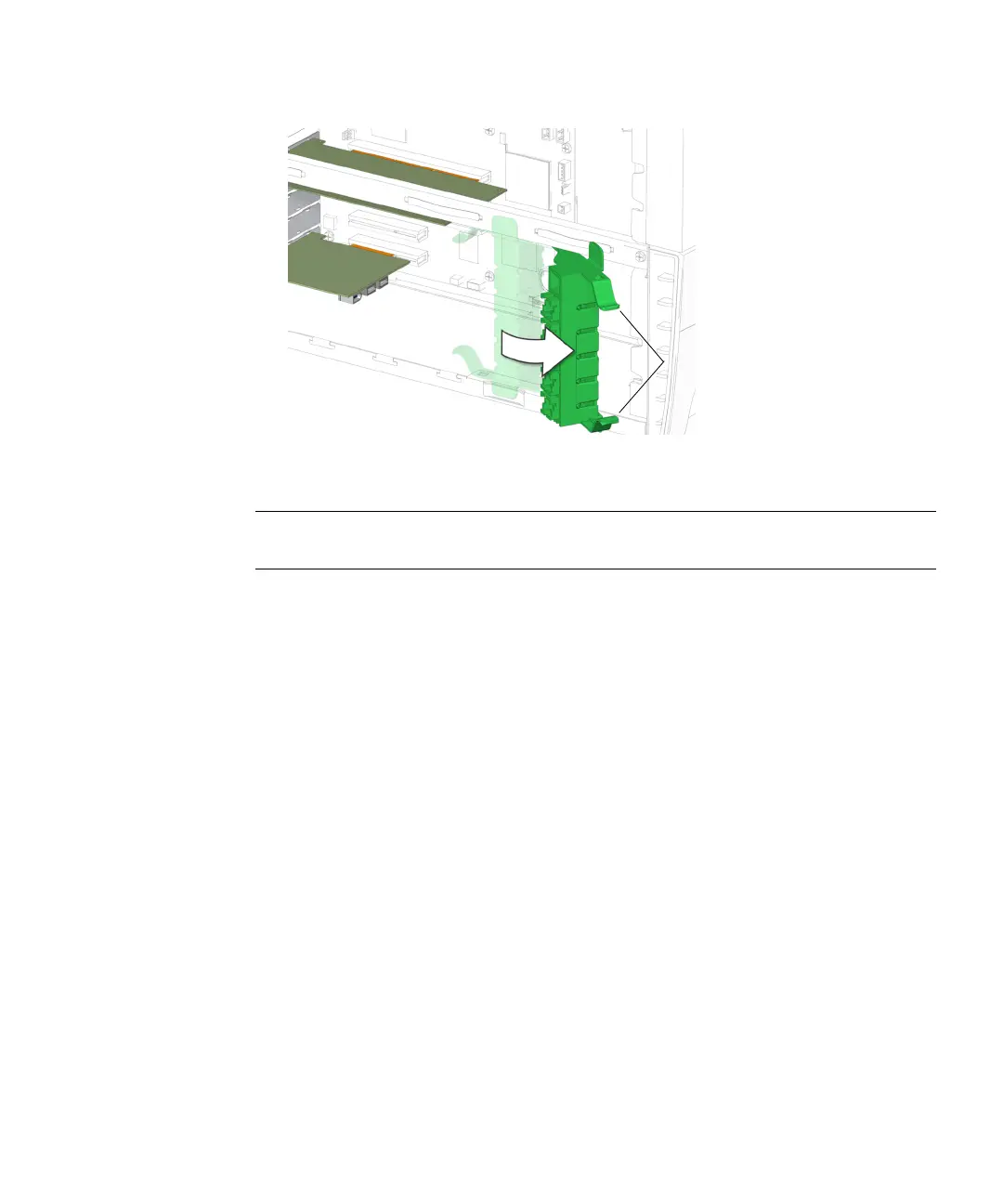
FIGURE 11-37 Swinging Out the PCI Card Support
Note – If you are installing a PCI card into slot PCI4, remove the chassis cross brace
according to the procedure in “Removing the Chassis Cross Brace” on page 13-51.
4. Using a No. 2 Phillips screwdriver, remove the screw that secures the card bracket
retainer to the chassis rear panel.
See FIGURE 11-38. Set the screw aside in a container.
Inside tabs














 To Next Page