Chapter 12 Replacing Storage Devices 12-3
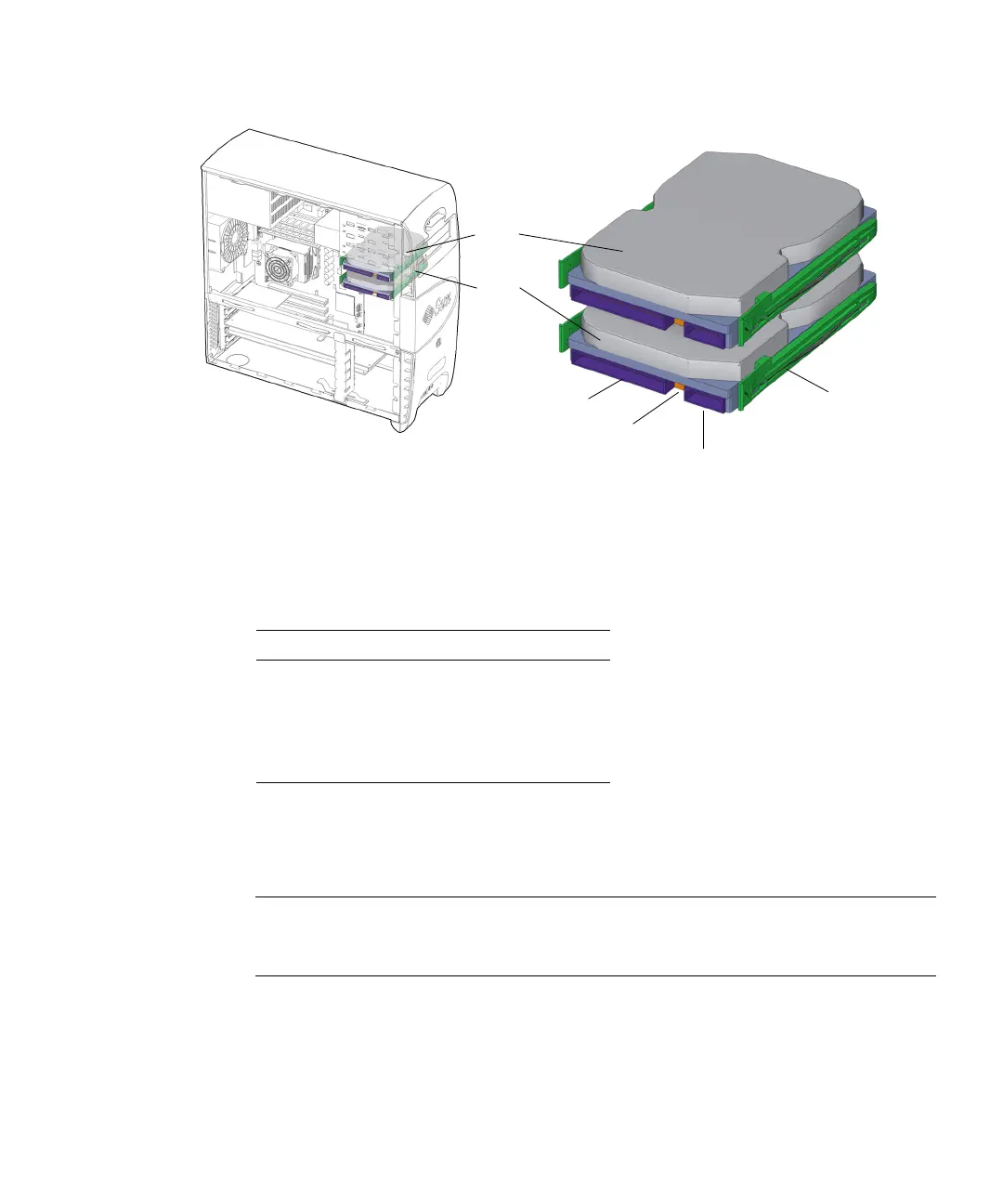
FIGURE 12-1 Hard Drive Location and Identification
TABLE 12-1 lists the hard drive specifications.
12.1.2 Removing a Hard Drive
Note – The Sun Blade 1500 workstation can accommodate up to two hard drives. If
you are not removing an existing drive, proceed to
“Installing the Hard Drive” on
page 12-6.
1. Power off the system and open the chassis.
Refer to:
■ “Powering Off the Workstation” on page 10-4
■ “Removing the Access Panel” on page 10-12
TABLE 12-1 Hard Drive Specifications
Specification Value
Capacity 120 GBytes
Speed 7200 RPM
Access Time 9.5 mseconds
Interface ATA 100
Drive rails
Interface connector
HDD1
HDD0
Power connector
Configuration jumpers














 To Next Page