Chapter 15 Finishing Component Replacement 15-11
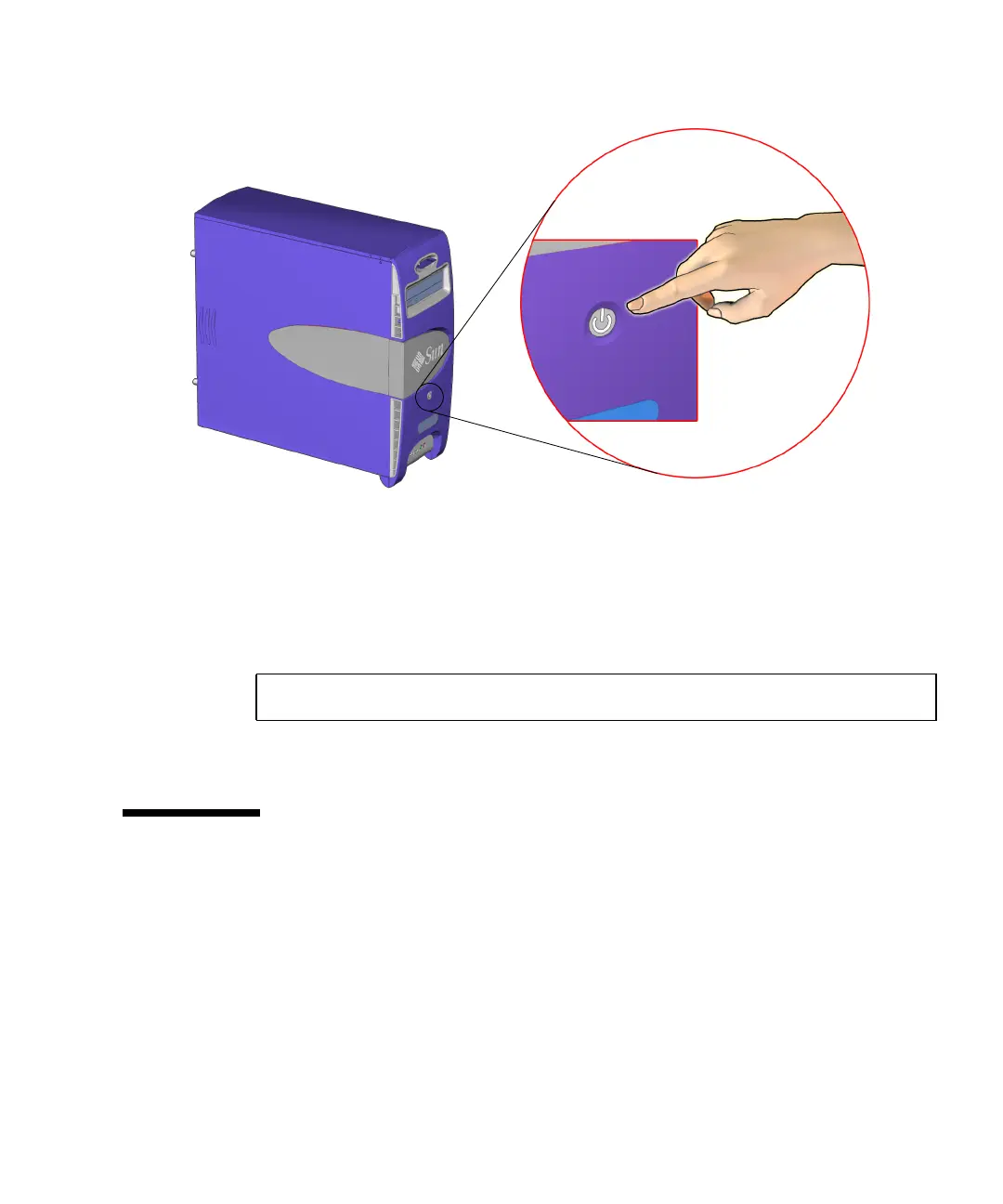
FIGURE 15-10 Powering Up the Workstation
The system proceeds with its power-on sequence until the operating system shell
displays or the CDE environment is started, as specified in the init_default files.
3. If you installed a hard drive, PCI card, or CD-RW drive, become superuser and
reboot the system with the -r option. For example:
This forces the system to recognize newly installed hardware.
15.5 Verifying an Installation
You can verify the functionality of the component you replaced or installed using the
following procedure.
1. Power on the system.
Refer to “Powering On the Workstation” on page 15-8.
2. Follow the power-on flowchart.
Refer to “Power-On Flowchart” on page 4-2.
# reboot -- -r
Power button














 To Next Page