Appendix D Power Management D-5
D.2.2 Activating the Workstation From Low-Power
Mode
You can tell the when the Sun Blade 1500 workstation is in low-power mode by
observing the power LED. In low-power mode, the LED flashes at a rate of one time
every two seconds.
The simplest way to reactivate the Sun Blade 1500 workstation from low-power
mode is to tap the spacebar on the keyboard. Additionally, moving the mouse can
also bring the system out of low-power mode.
D.3 Disabling Power Management
This section describes how to disable hard drive and system power management.
D.3.1 Disabling Hard Drive Power Management
When the system goes to low-power mode, the hard drive spins down to conserve
power. Later, when you perform a task that accesses the hard drive, the hard drive
spins up. You might have to wait a few seconds for the hard drive to reach full
speed. If this delay is inconvenient, you can turn off hard drive power management,
which prevents the hard drive from entering the low-power mode.
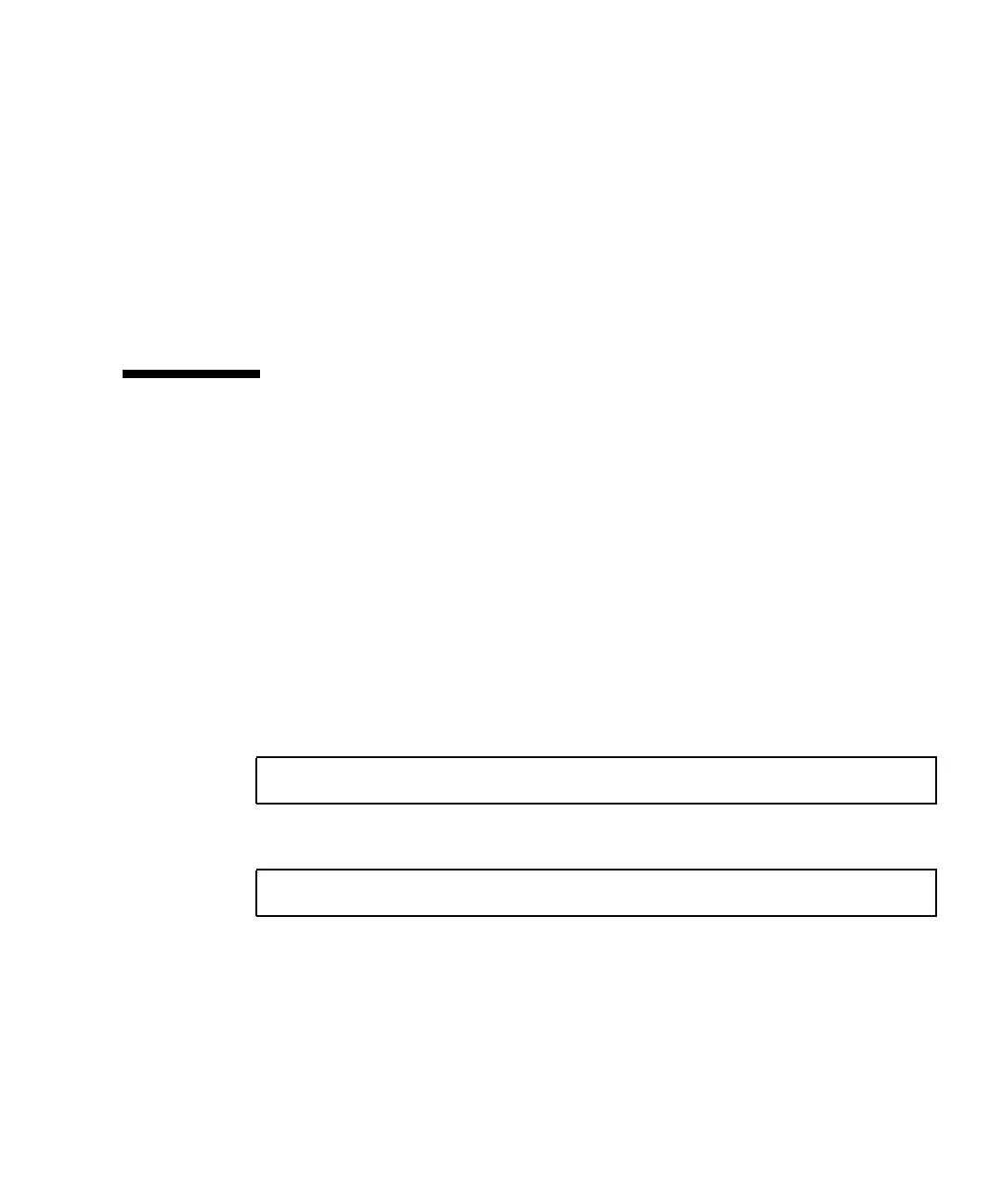
1. As superuser, edit the /etc/power.conf file to include the following line:
2. Reinitialize power management, type:
This procedure configures the power management framework to keep the hard drive
spinning all of the time, regardless of system usage. To completely turn off all
power-saving features of the Sun Blade 1500 workstation, use the procedure in
“Disabling All System Power Management” on page D-6.
device-thresholds /dev/dsk/c0t0d0s0 always-on
# /usr/sbin/pmconfig














 To Next Page