4-34 Sun Blade 1500 Service, Diagnostics, and Troubleshooting Manual • December 2004
4.4.1 Motherboard Problem
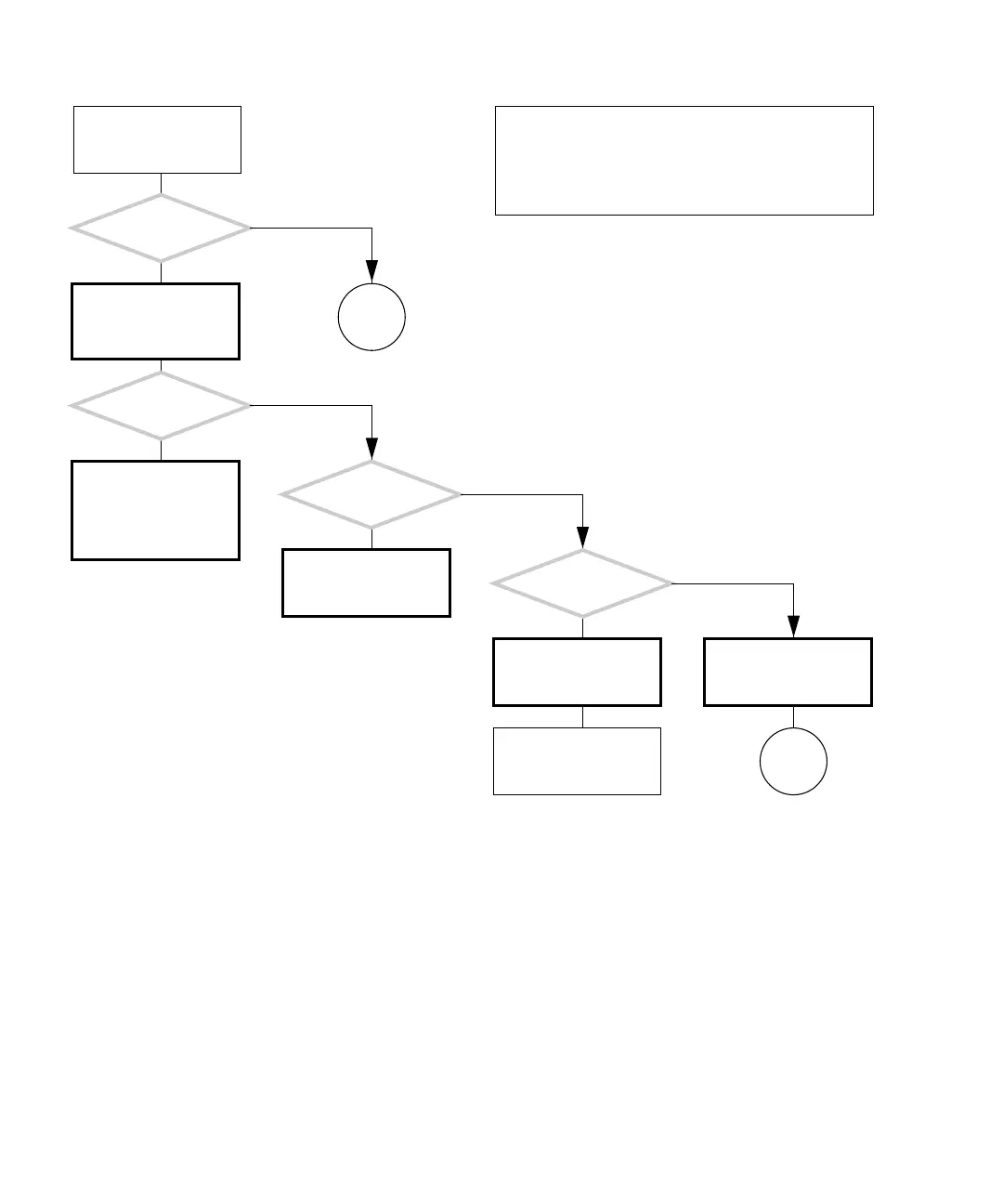
FIGURE 4-29 Motherboard Problem
There is a problem with
the motherboard and
CPU.
Refer to displayed screens
table. See “Displayed
Screens” on page 3-2.
Replace that cable or
component. See “Find-
ing Your Replacement
Procedures” on
page 10-18.
Check all internal connec-
tions. See “Replacing
Internal Cables” on
page 14-1.
Can you start the
Solaris operating system
and load SunVTS?
Is there a display
problem?
Are any connections
suspect?
Upon startup, does the
system beep only once?
Run all connection tests
with SunVTS. See “Sun-
VTS” on page 9-1.
Possible hard drive prob-
lem. See “Hard Drive
Problem” on page 4-8.
Consider test results for
your next step.
Y
N
Y
N
Y
N
Y
N
In normal operation, the system boots according to the
“Power-On Sequence” on page 3-1. When the system
doesn’t and all other possible component failures have
been eliminated, the motherboard is probably at fault.
Checking a component means checking the electrical con-
nections and fit.
Go to
O
Go to
P














 To Next Page