Chapter 12 Replacing Storage Devices 12-21
5. Using a No. 2 Phillips screwdriver, install both screws that secure the smart card
reader to its bracket.
See FIGURE 12-18.
6. Connect the interface cable to the smart card reader.
See FIGURE 12-18.
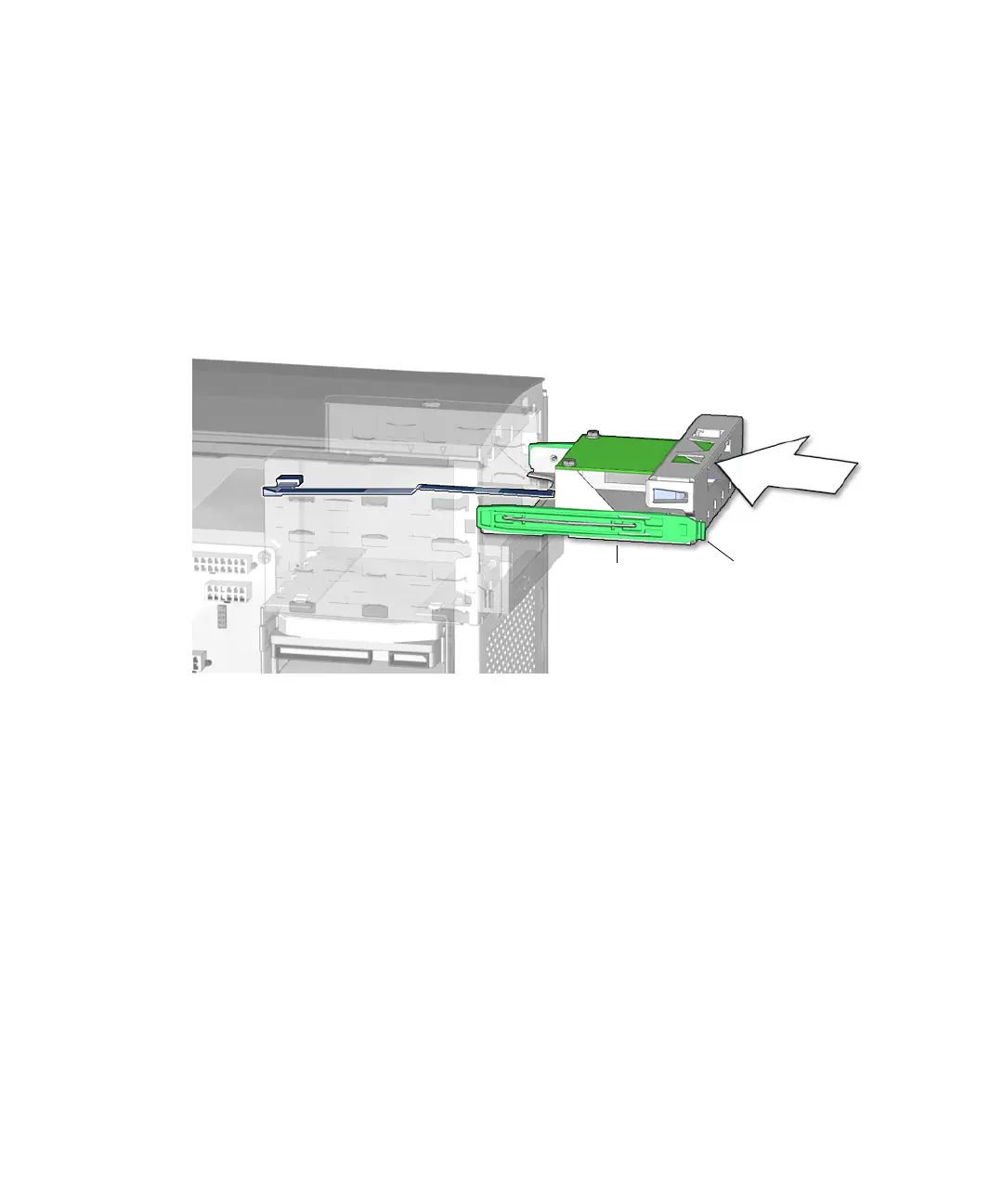
7. Feed the interface cable into and through the removable media bay.
See FIGURE 12-19.
FIGURE 12-19 Feeding Smart Card Cable Through Chassis
8. Slide the smart card reader bracket into the removable media bay until the drive
rails click.
See FIGURE 12-19.
9. Reconnect the smart card reader interface cable to the motherboard at connector
SCR0. See
FIGURE 12-20.
Tabs (2)Drive rails (2)














 To Next Page