Chapter 3 Basic Troubleshooting 3-5
3.2.2 Displayed Messages
When a failure occurs, a message might be displayed on the system’s monitor. Use
the following flowchart to determine which message table addresses the error
message you see.
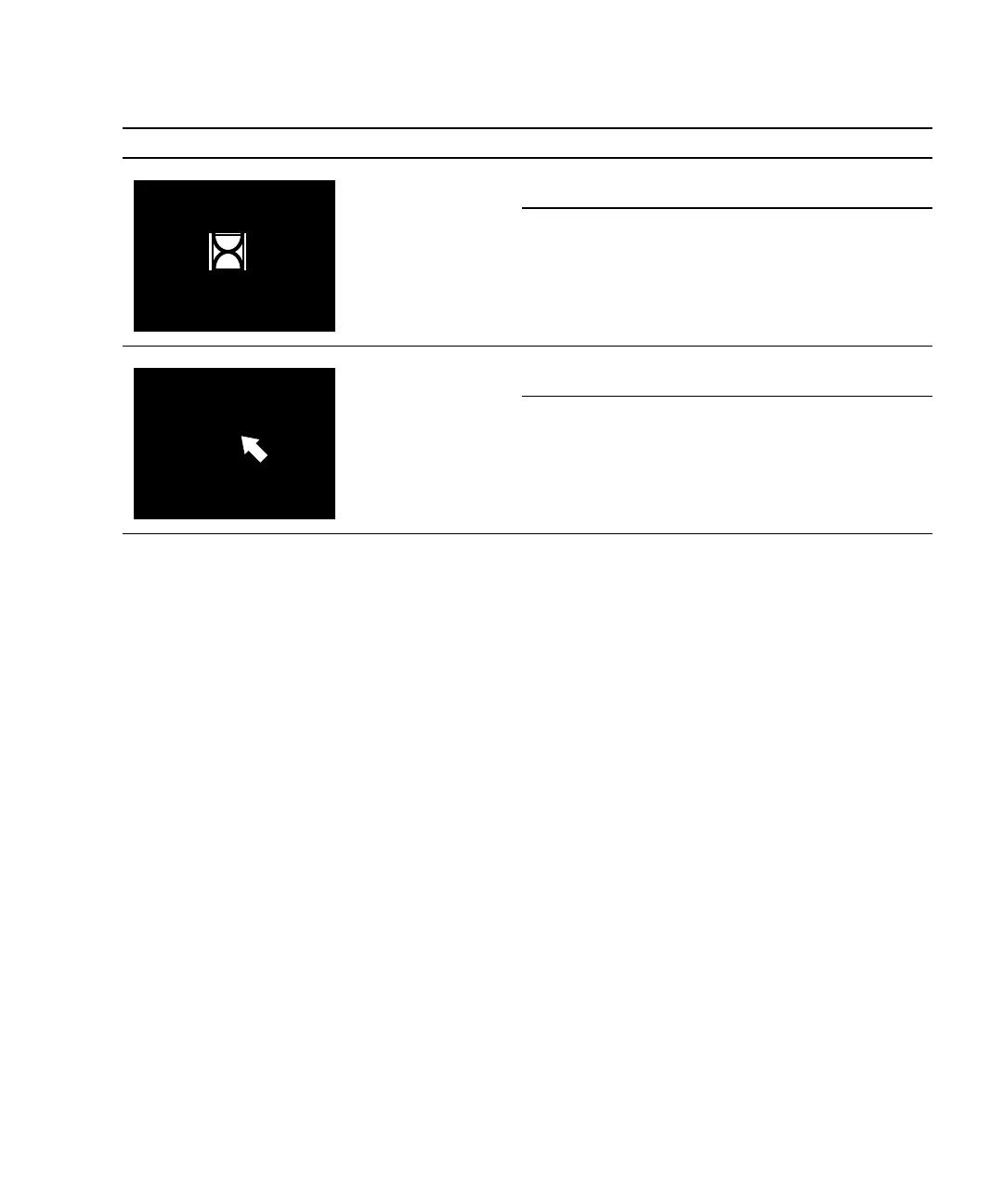
Display is black
with hourglass.
Network problem. See “Network Problem” on
page 4-17.
Dtlogin problem. See “Login Problem” on
page 4-20.
Display is black
with mouse pointer.
Network problem. See “Network Problem” on
page 4-17.
Dtlogin problem. See “Login Problem” on
page 4-20.
TABLE 3-1 Screen Images and What They Mean (Continued)
Screen Images Description Meaning Comment














 To Next Page