3-4 Sun Blade 1500 Service, Diagnostics, and Troubleshooting Manual • December 2004
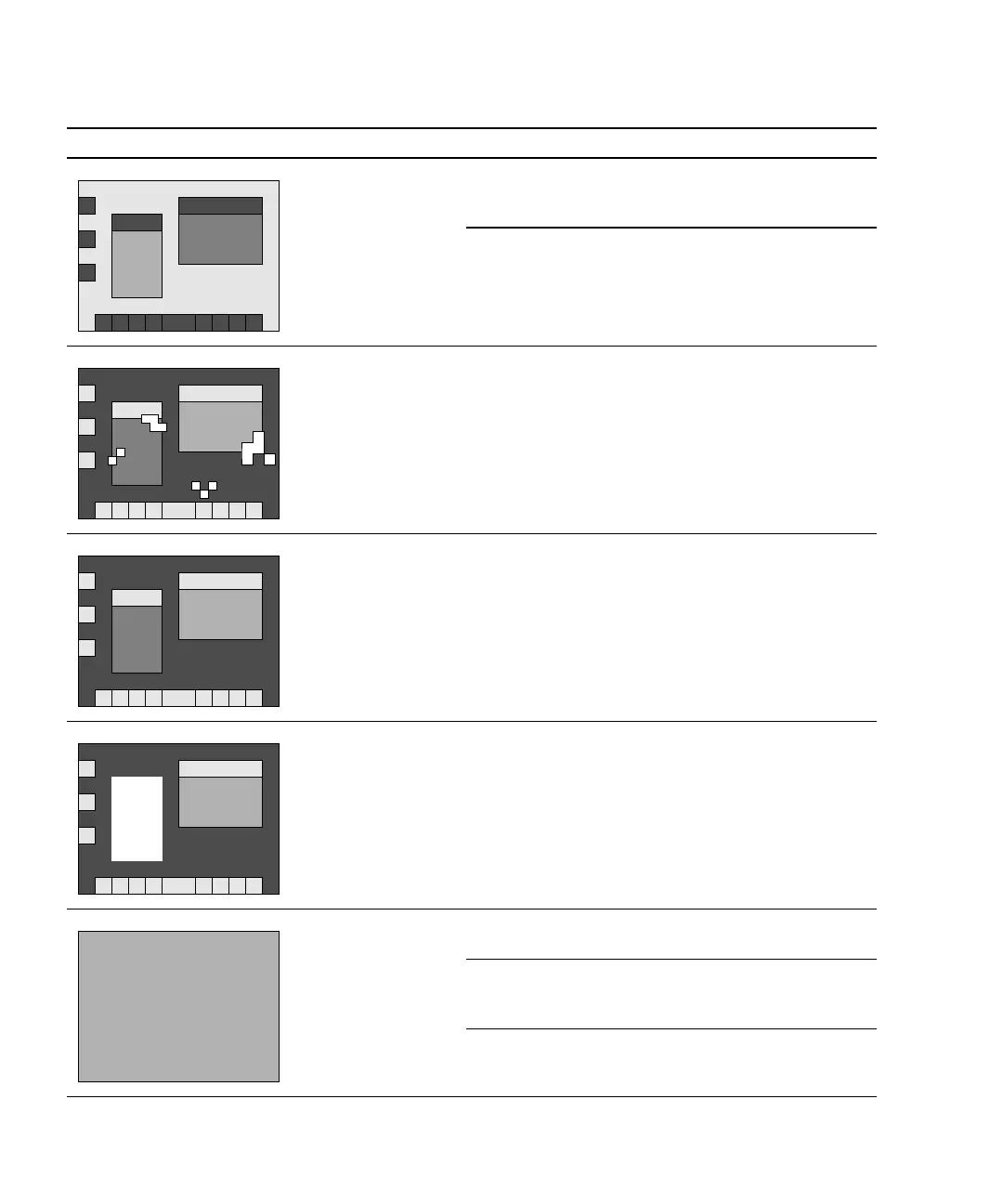
GUI colors flash or
are wrong.
Color registers
exhausted.
Allocate more colors to GUI. See
“Avoiding Colormap Flash” on
page 11-37.
Monitor problem. See “Monitor Problem” on
page 4-14.
GUI has artifacts. Graphics
accelerator
problem.
See “PCI Card Problem” on
page 4-28.
GUI is in wrong
language.
Locale problem. 1. Log out.
2. At the login GUI Options
pulldown, select Language.
3. Select your language.
4. Log in as usual.
Window in GUI is
completely white.
Window process is
hung.
See “Graphical User Interface
Problem” on page 4-22.
Display is all one
color.
Monitor problem. See “Monitor Problem” on
page 4-14.
Graphics
accelerator
problem.
See “PCI Card Problem” on
page 4-28.
NVRAM problem. See “NVRAM Problem” on
page 4-39.
TABLE 3-1 Screen Images and What They Mean (Continued)
Screen Images Description Meaning Comment
ΣΦΞ
Ψ∆














 To Next Page