14-16 Sun Blade 1500 Service, Diagnostics, and Troubleshooting Manual • December 2004
Proceed to “Installing the IDE Power Cable” on page 14-16.
Note – The optical drive and hard drive(s) do not operate without the IDE power
cable.
14.4.3 Installing the IDE Power Cable
1. Power off the system and open the chassis.
Refer to:
■ “Powering Off the Workstation” on page 10-4
■ “Removing the Access Panel” on page 10-12
2. Locate where the IDE power cable is to be installed.
See FIGURE 14-11.
3. Connect the center connector of the IDE power cable to the motherboard
at IDE PWR.
The center connector is at the vertex of the Y. See FIGURE 14-1 and FIGURE 14-15.
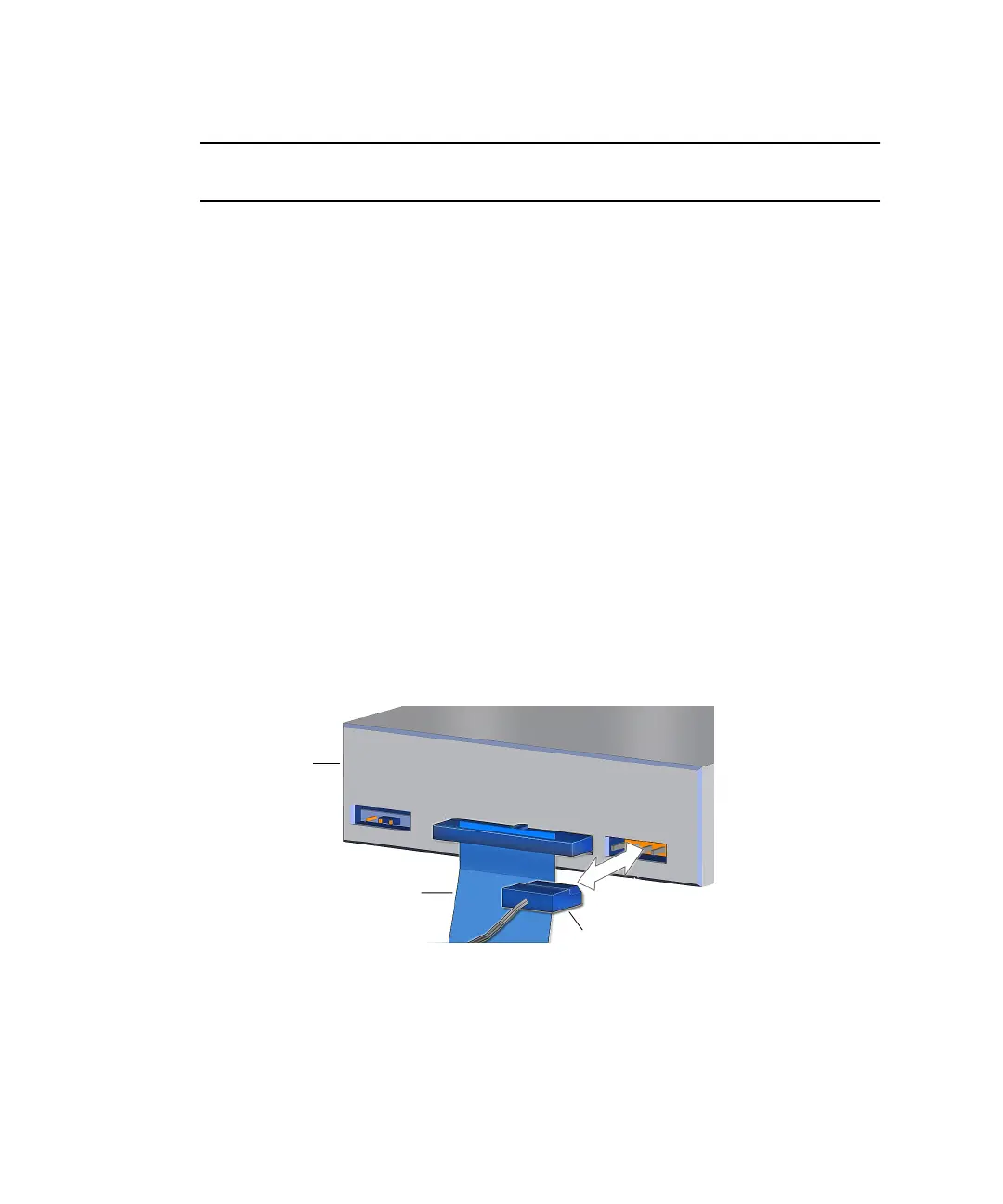
4. Connect the branch of the IDE power cable with the solitary connector to the
optical drive.
See FIGURE 14-14.
FIGURE 14-14 Connecting the IDE Power Cable to the Optical Drive
5. Attach the other branch end connector to the upper hard drive HDD0.
See FIGURE 14-15.
Interface cable
IDE power cable
Optical
drive














 To Next Page