13-36 Sun Blade 1500 Service, Diagnostics, and Troubleshooting Manual • December 2004
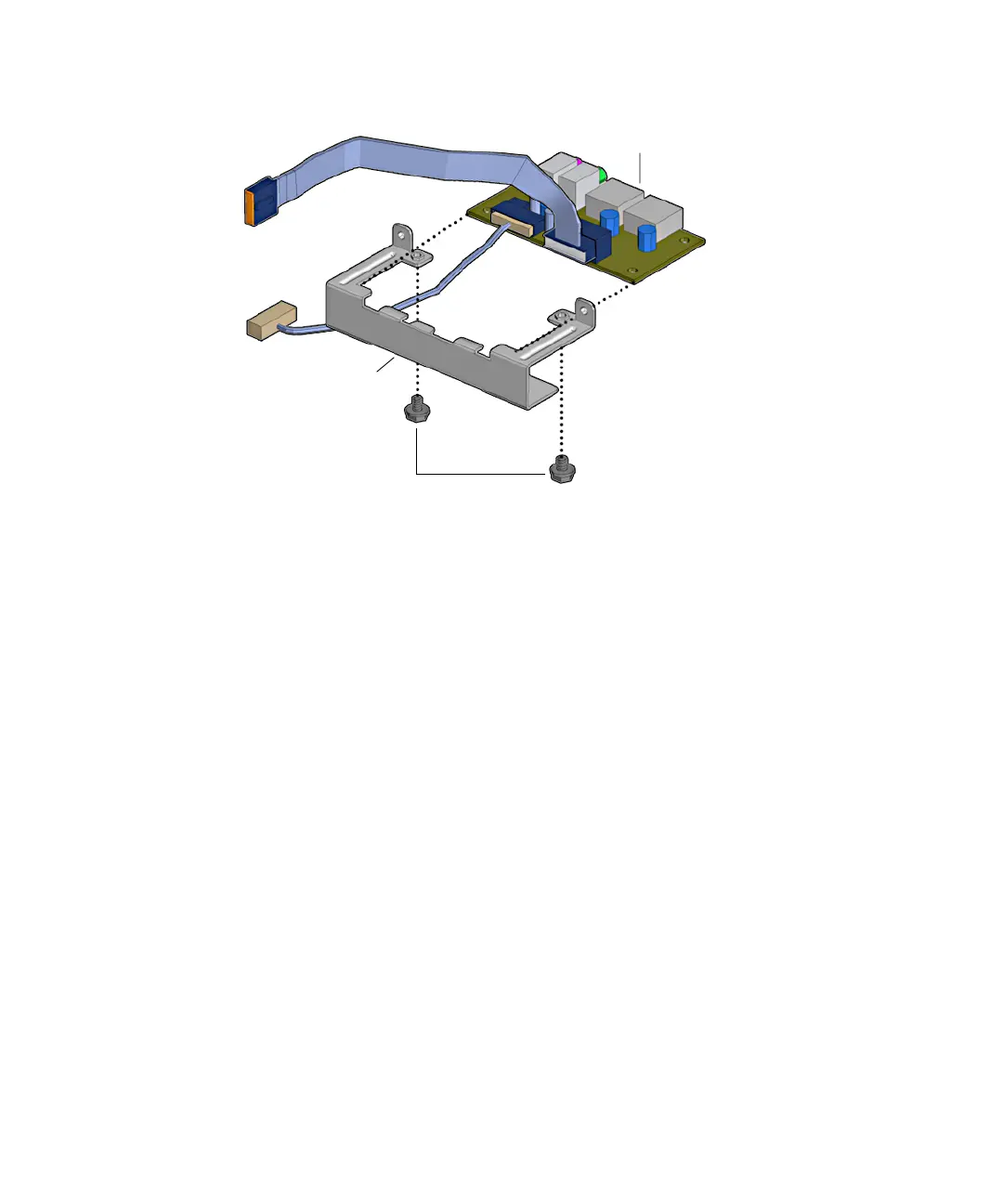
FIGURE 13-38 Installing the Audio USB Board Into the Bracket
5. Using a No. 2 Phillips screwdriver, fasten the two screws that secure the audio
USB board to the audio USB bracket.
See FIGURE 13-38.
6. Position the audio USB board assembly so that all the ports fit through the
designated chassis holes.
Screws
Audio USB board
Audio USB board
bracket














 To Next Page