Chapter 13 Replacing Chassis Components 13-23
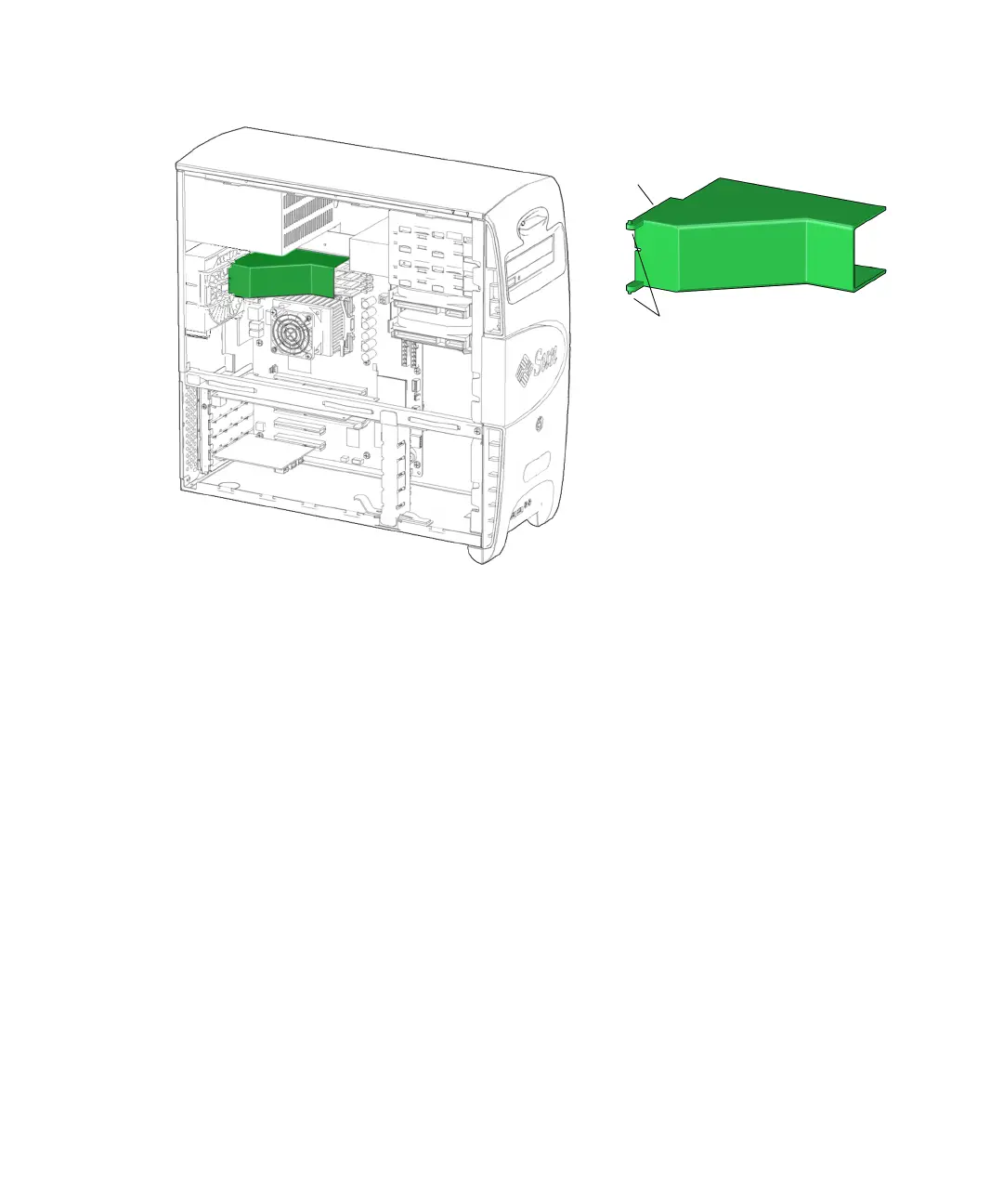
FIGURE 13-20 DIMM Cooling Duct Location and Identification.
13.4.2 Removing the DIMM Cooling Duct
1. Power off the system and open the chassis.
Refer to:
■ “Powering Off the Workstation” on page 10-4
■ “Removing the Access Panel” on page 10-12
2. Locate the DIMM cooling duct.
The DIMM cooling duct is secured to the rear fan bracket by guide rails formed in
the rear fan bracket. See
FIGURE 13-20 and FIGURE 13-21.
Pivot pins
Guide
rails (2)














 To Next Page