Chapter 4 Troubleshooting Flowcharts 4-37
4.4.2 Memory Problem
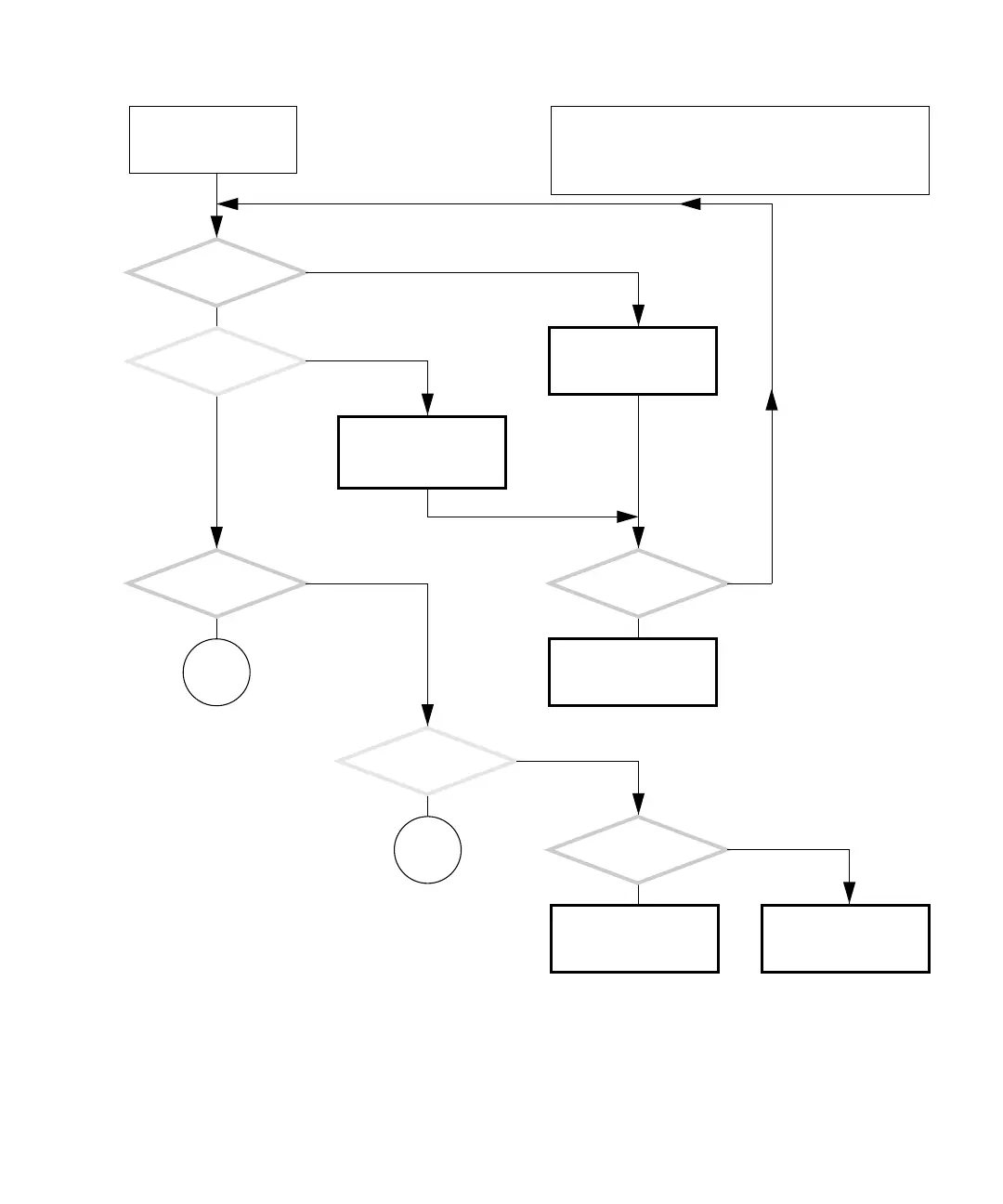
FIGURE 4-32 Memory Problem
Make sure memory pair
part numbers match. See
“Replacing the DIMMs”
on page 11-2.
Remove non-Sun mem-
ory. See “Removing
DIMMs” on page 11-3.
There is a problem with
the memory.
Did this solve
the problem?
Do memory pairs (DIMM0
and DIMM1 or DIMM2
and DIMM3) have the
same part number?
Does
all of the memory have
Sun part numbers?
Return to “Power-On
Flowchart” on page 4-3.
Upon power on, does
the system beep three
times and power off?
Is a memory message
that provides the mem-
ory location displayed?
Can you start the Solaris
operating system?
Check memory with
POST. See “Power-On Self-
Test” on page 7-1.
Check memory with Sun-
VTS. See “SunVTS” on
page 9-1.
Y
N
Y
N
Y
N
Y
N
Y
N
Y
N
In normal operation, memory is invisible to the user.
Memory software problems are most likely from memory
leaks in the suspect program.
Memory hardware failures are attributed to mishandling,
power transients, and overheating.
Go to
Q
Go to
R














 To Next Page