Chapter 13 Replacing Chassis Components 13-29
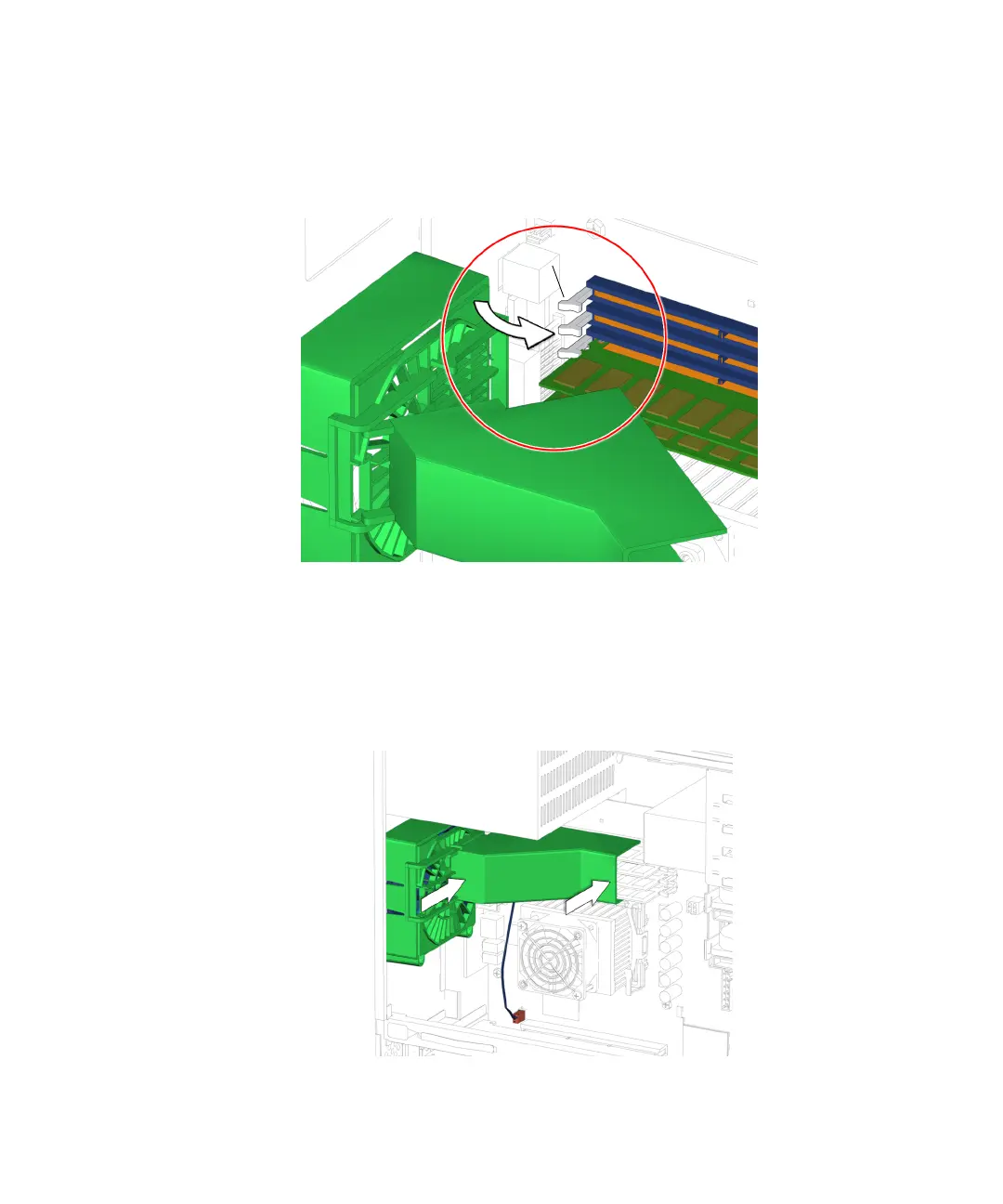
6. Ensure that the DIMM ejector levers are in the closed position before sliding the
DIMM cooling duct into the locked position.
See FIGURE 13-30.
FIGURE 13-30 Ejector Levers Closed Position
7. While maintaining a light pressure towards the rear fan bracket, slide the duct to
the right.
See FIGURE 13-31.
FIGURE 13-31 Sliding the Duct to the Right
Ejector levers














 To Next Page