Chapter 13 Replacing Chassis Components 13-17
2. Locate the rear fan.
The rear fan is housed in a green plastic bracket that connects to the workstation
chassis. See
FIGURE 13-14.
3. Remove the DIMM cooling duct.
Refer to “Removing the DIMM Cooling Duct” on page 13-23.
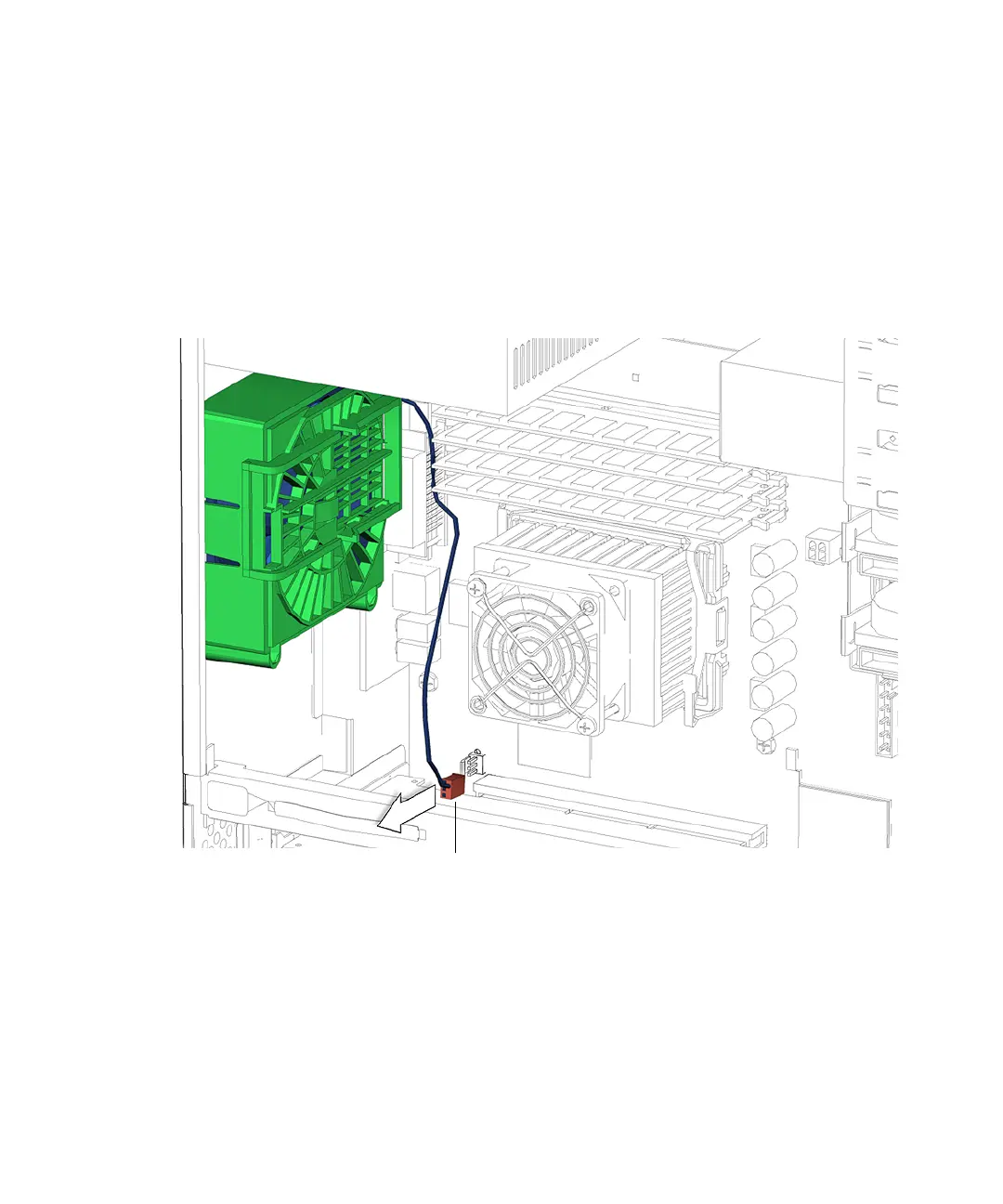
4. Disconnect the rear fan cable from the motherboard connector FAN1 SYS.
See FIGURE 13-15.
FIGURE 13-15 Rear Fan Motherboard Connection
5. Lift the rear fan bracket latch while sliding the fan bracket down the chassis.
See FIGURE 13-10.
Connector FAN1 SYS














 To Next Page