1-4 Sun Blade 1500 Service, Diagnostics, and Troubleshooting Manual • December 2004
Note – Some flowcharts also point to additional diagnostic information in other Sun
documents.
1.3 How to Use This Manual
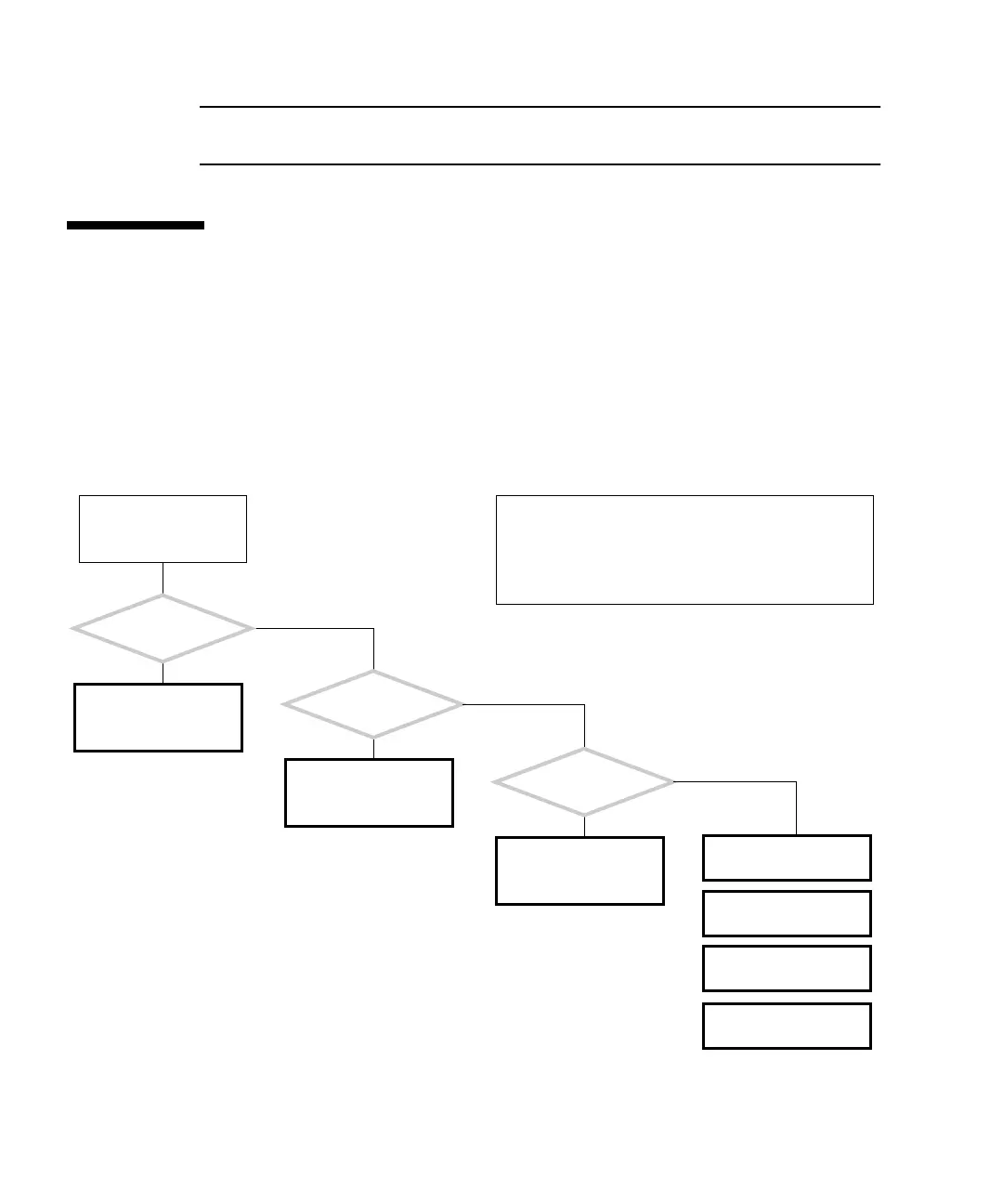
When you service the Sun Blade 1500 workstation, begin with the Start Here
flowchart,
FIGURE 1-1. The Start Here flowchart links you to information about:
■ Troubleshooting
■ Component removal, installation, and verification
■ Workstation customization
■ Product information
FIGURE 1-1 Start Here Flowchart
START HERE
See “Basic Troubleshoot-
ing” on page 3-1.
See “Preparing to
Replace Components” on
page 10-1.
See “Customizing Your
System” on page 16-1.
Is something wrong
with the system?
Y
N
Do you want to replace
a component?
Y
N
Do you want
to add a component or
optional component?
Y
N
The start here flowchart helps you identify what section of
this book to read first. Boxes like this one appear at the
start of each flowchart and describe the normal operation
of the Sun Blade 1500 workstation. This box might also
have information to help clarify the flowchart or resolve
the problem.
See “Product Specifica-
tions” on page A-1.
See “Signal Descrip-
tions” on page B-1.
See “Functional Descrip-
tion” on page C-1.
See “Power Manage-
ment” on page D-1.














 To Next Page