Chapter 4 Troubleshooting Flowcharts 4-9
4.2.3 System Fan Problem
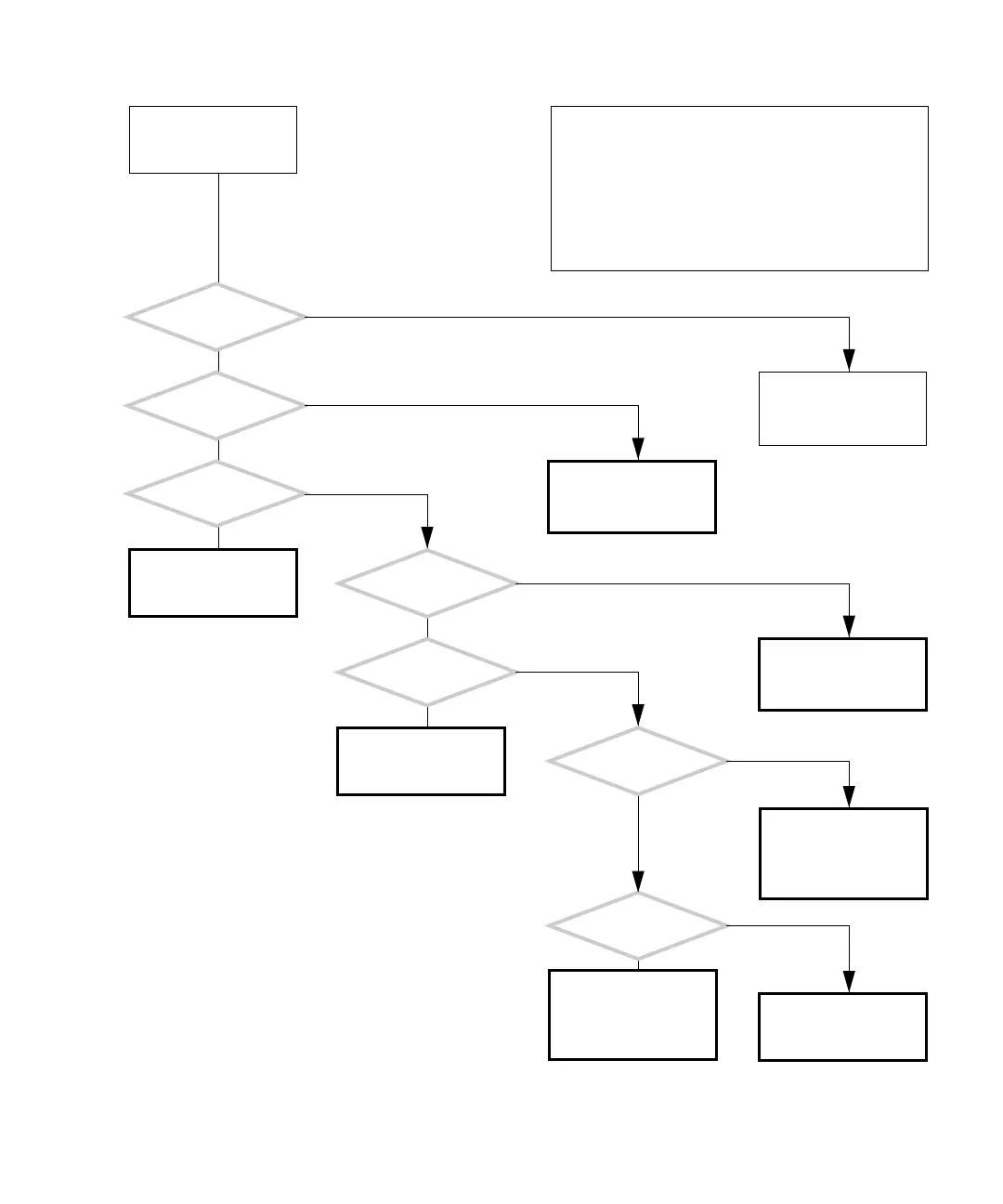
FIGURE 4-6 System Fan Problem
There is a problem with
the system fans.
The system fans are ther-
mally controlled and only
turn on when cooling is
needed.
Is the room
temperature greater than
15 °C (60 °F)?
Is the rear fan
spinning?
Is the
rear fan exceptionally
noisy?
Check the rear fan and
replace if necessary. See
“Replacing the Rear Fan”
on page 13-15.
Is the front fan
spinning?
Check the front fan and
replace if necessary. See
“Replacing the Front Fan”
on page 13-8.
Is the
front fan exceptionally
noisy?
Replace the rear fan. See
“Replacing the Rear Fan”
on page 13-15.
Is the CPU fan
spinning?
Check CPU fan and
replace if necessary. See
“Replacing the CPU Fan
and Heat Sink Assembly”
on page 11-13.
Is the
CPU fan exceptionally
noisy?
Replace the front fan. See
“Replacing the Front Fan”
on page 13-8.
Replace the CPU fan and
heat sink. See “Replac-
ing the CPU Fan and Heat
Sink Assembly” on
page 11-13.
Return to “Power-On
Flowchart” on page 4-3.
Y
N
Y
N
Y
N
Y
N
Y
N
Y
N
Y
N
In normal operation, the system fan’s speed is set accord-
ing to the temperature inside of the workstation. If it is
cold, the fans might not turn on at all and instead make a
quiet grumbling sound.
When fan bearings fail, they have a distinct noisy sound
and the fan should be replaced. Do not mistake this for the
full fan speed sound at power on.
If might be difficult to hear the CPU fan spinning.
Checking a component means checking the electrical con-
nections and fit.














 To Next Page