11-16 Sun Blade 1500 Service, Diagnostics, and Troubleshooting Manual • December 2004
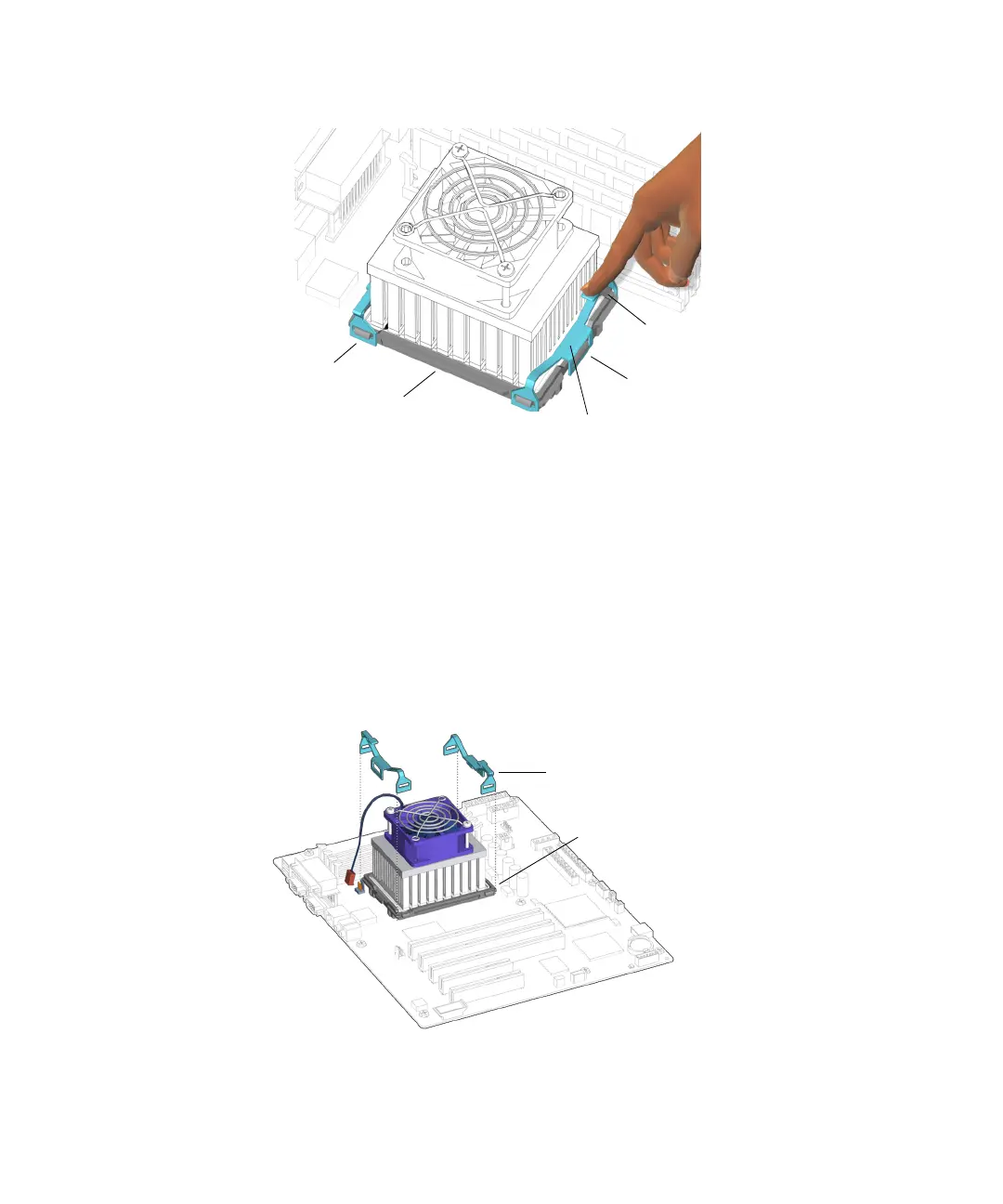
FIGURE 11-16 Pressing Down on the Clip Latch
b. Slide the clip to unhook the end opposite the latch.
This relieves clip pressure. The CPU fan and heat sink assembly might lift up on
one side. Hold the assembly down until the other clip is removed.
c. Rotate the clip away from the CPU fan and heat sink assembly and lift it off the
locking ring.
Set the clip aside. If removing clips separately, repeat from Step a for the other
clip. See FIGURE 11-17.
FIGURE 11-17 Releasing the CPU Fan and Heat Sink Assembly Clips
Latch
End tabs (4)
Center tab
Clips (2)
Locking ring
Clips (2)
Locking ring














 To Next Page