Chapter 13 Replacing Chassis Components 13-25
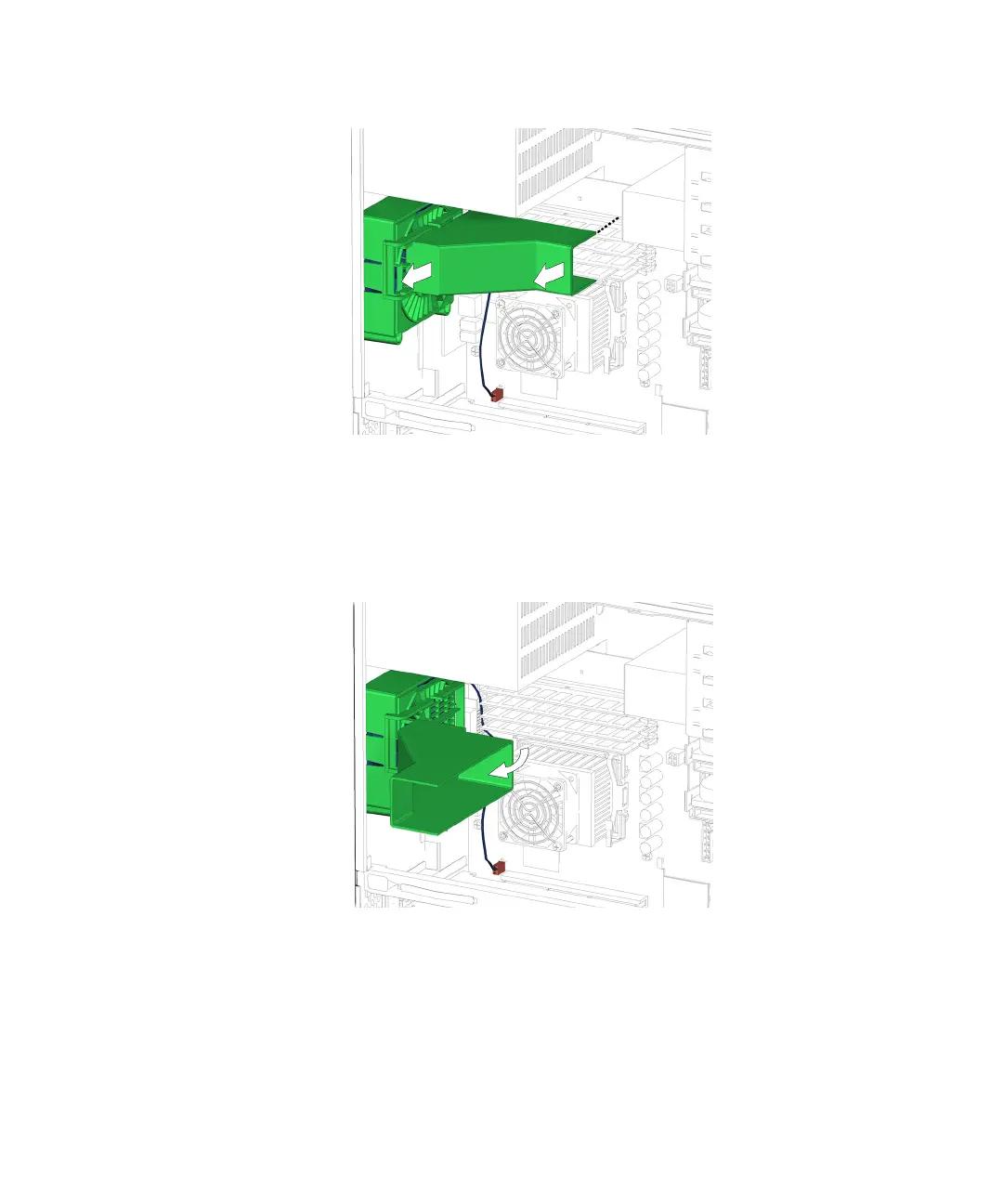
FIGURE 13-23 Sliding the Duct to the Left
5. Swing the duct out, so that it is perpendicular to its previous position.
See FIGURE 13-24.
FIGURE 13-24 Swinging Out the Duct
6. Slide the duct back to the right, while slightly pulling the duct to the front of the
chassis.
See FIGURE 13-25.














 To Next Page