Chapter 1 Start Here 1-3
1.2 About Flowcharts
The Sun Blade 1500 Service, Diagnostics, and Troubleshooting Manual contains
flowcharts that you can use to:
■ Determine how to use this book.
■ Identify workstation malfunctions.
■ Verify workstation operation after completing the service procedure.
Each flowchart begins with a problem statement and a description of normal
operation.
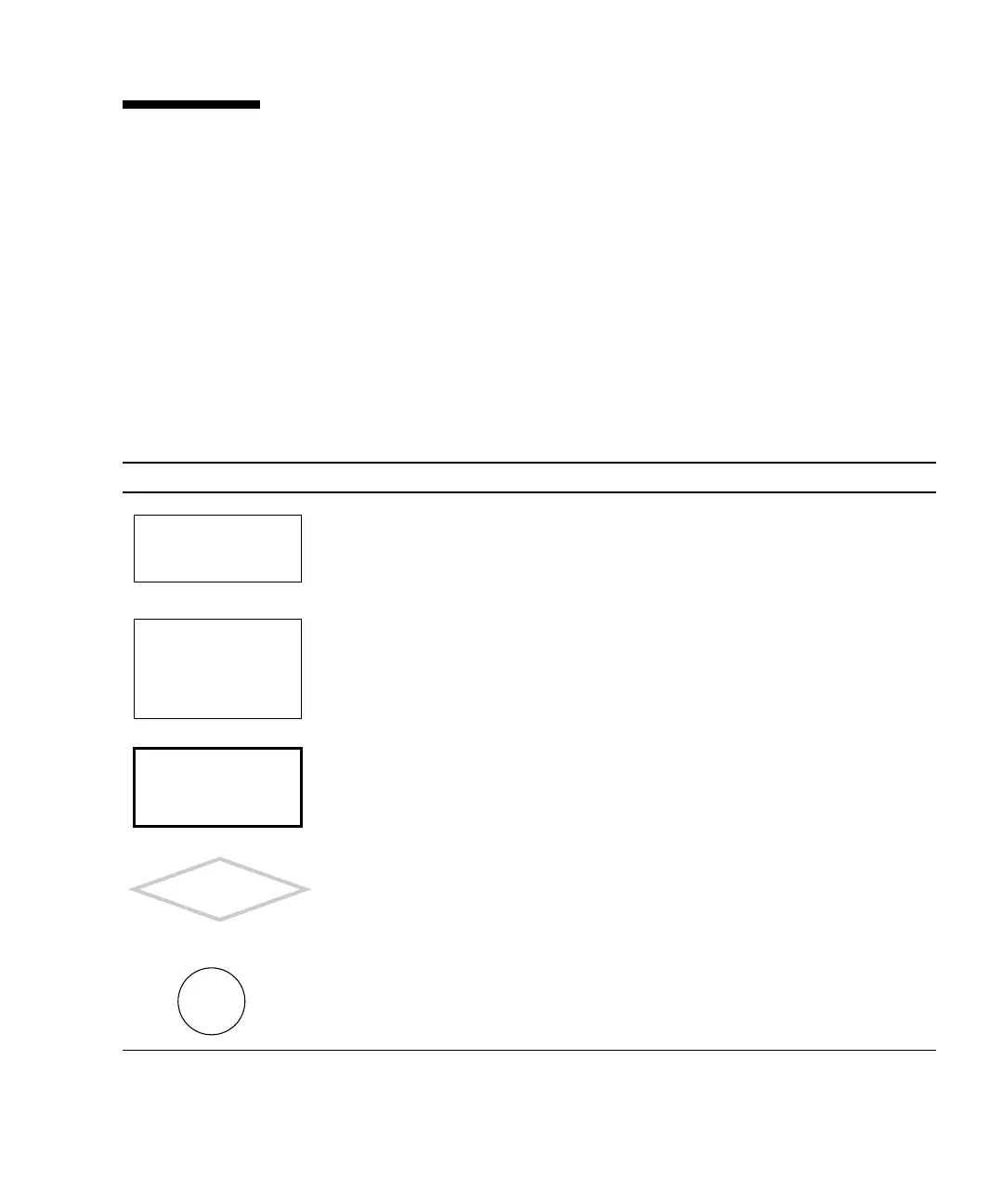
Flowcharts use structural elements, as described in TABLE 1-2:
TABLE 1-2 Flowchart Elements
Element Description Purpose
Rectangles at the top left and
throughout flow of the flowchart.
Bold text states a problem. Plain text states an
action.
Rectangle at the top right of the
flowchart.
Text describes normal operation or provides
details about normal conditions.
Rectangle drawn with bold lines. Text gives a cross-reference to another
flowchart, table, or procedure. The cross-
references are clickable links.
Diamond shape. Text asks questions to be answered Yes or No.
If you answer Yes, move down the chart to
the next element. If you answer No, move
right to the next element.
Circle The letter in the circle directs you to a
continuation of the flowchart. Some
flowcharts have more than one continuation
path.
There is a power prob-
lem.
Descriptive text about
normal operation.
Replace the power sup-
ply. See “Replacing the
Power Supply” on
page 13-2
Do any system
fans spin?
Y
N
Go to
A














 To Next Page