4-14 Sun Blade 1500 Service, Diagnostics, and Troubleshooting Manual • December 2004
4.2.6 Monitor Problem
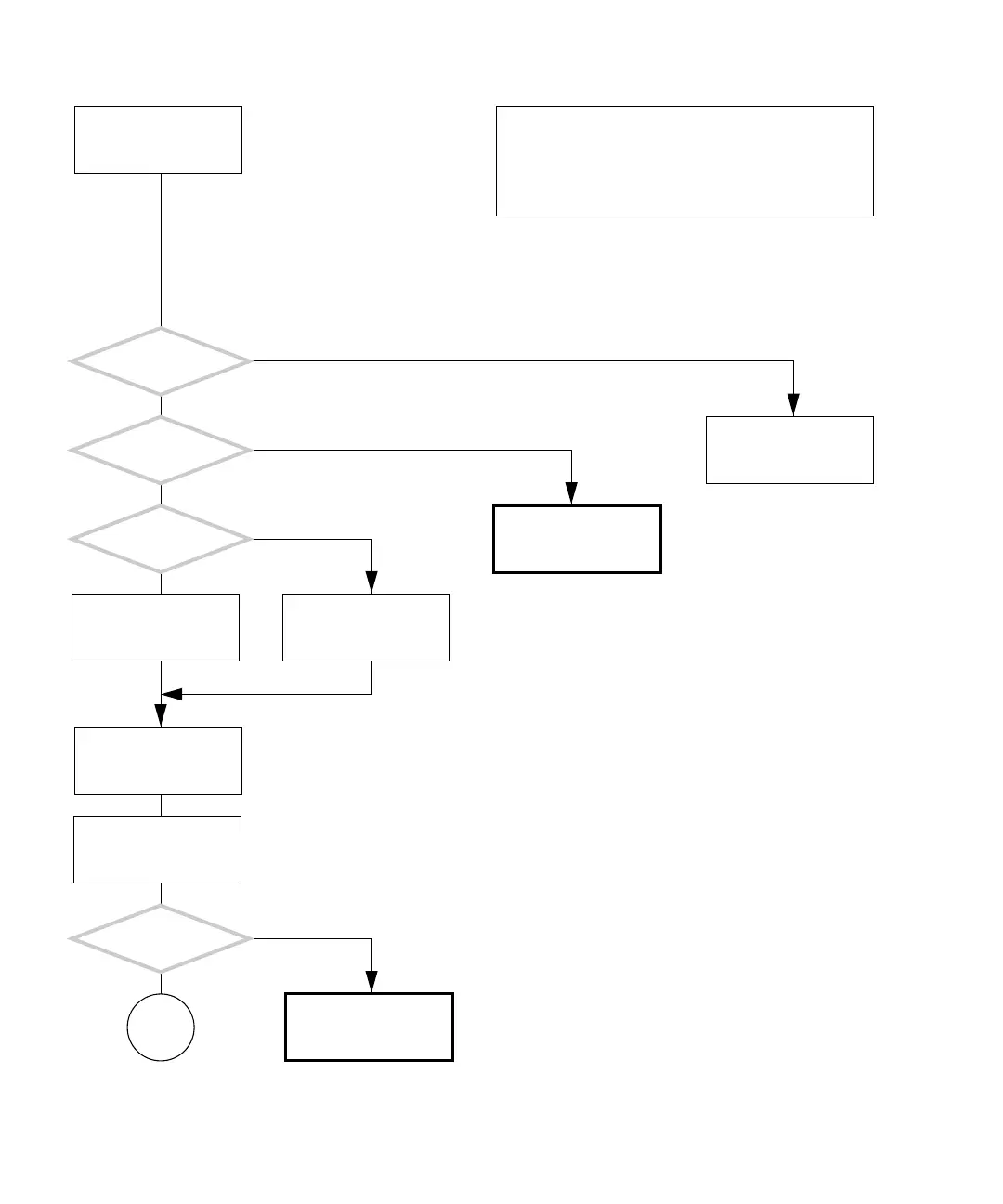
FIGURE 4-11 Monitor Problem
There is a problem with
the monitor.
Is this a Sun
monitor?
Refer to displayed screens
table. See “Displayed
Screens” on page 3-2.
Is the monitor screen
black?
Refer to monitor’s docu-
mentation.
Is a KVM in use?
Attach monitor, key-
board, and mouse
directly to workstation.
Tap spacebar and move
mouse.
Set the brightness and
contrast controls to their
center positions.
Is the problem
still there?
Return to “Power-On
Flowchart” on page 4-3.
Check monitor, key-
board, and mouse con-
nections.
Y
N
Y
N
Y
N
Y
N
In normal operation, an LED on the monitor is green.
In sleep mode the LED is either flashing or amber colored.
The monitor wakes from sleep mode by tapping the space-
bar or moving the mouse.
Checking a component means checking the electrical con-
nections and fit.
Go to
D














 To Next Page