12-18 Sun Blade 1500 Service, Diagnostics, and Troubleshooting Manual • December 2004
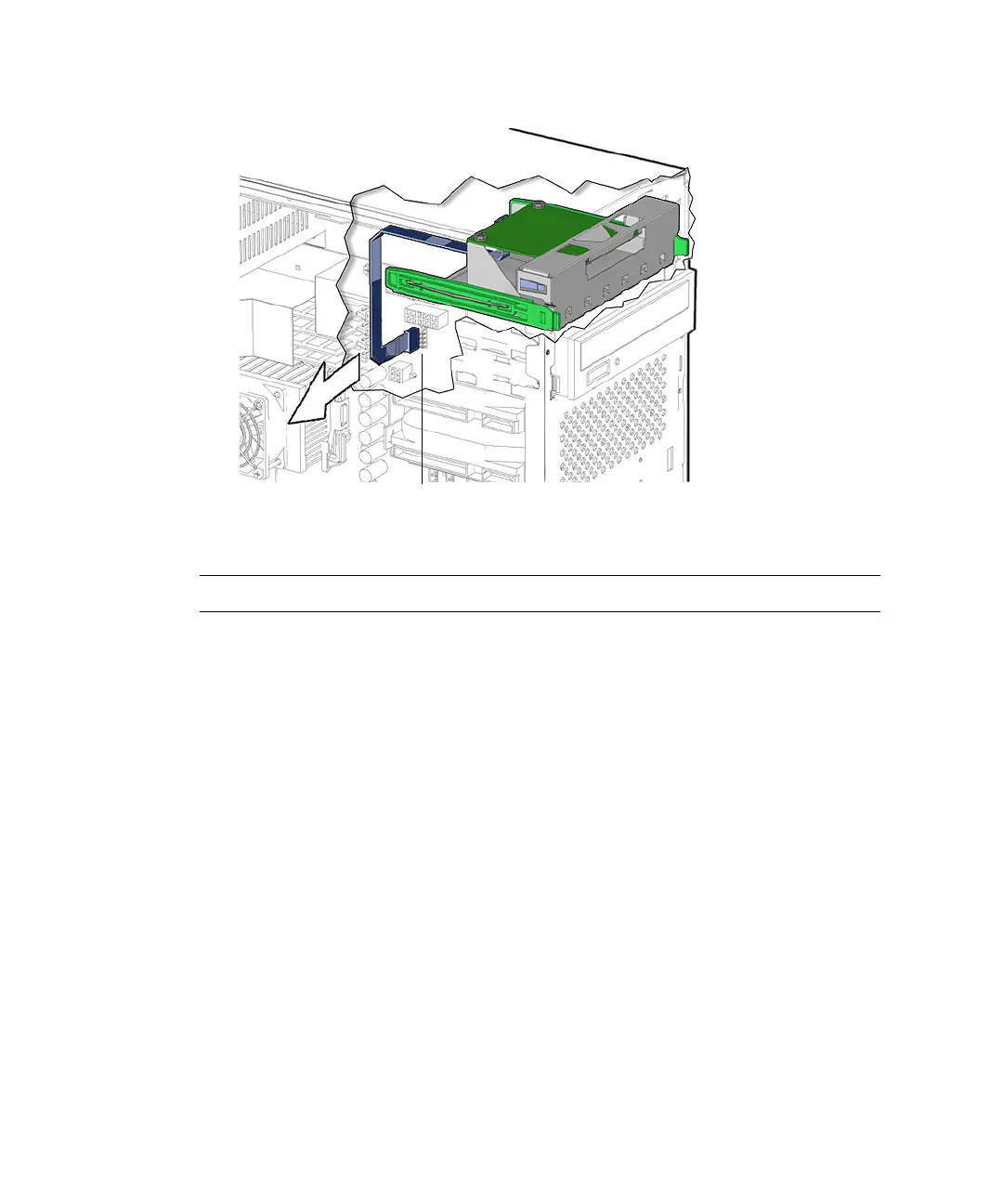
FIGURE 12-15 Disconnecting the Smart Card Reader Interface Cable
Note – Do not remove the cable from the rear of the smart card reader.
5. Squeeze together the two green plastic tabs of the drive rails and pull the smart
card reader bracket, with its cable attached, straight out of the removable media
bay.
See FIGURE 12-16. Set the smart card reader bracket down on an antistatic mat.
Connector SCR0














 To Next Page