13-34 Sun Blade 1500 Service, Diagnostics, and Troubleshooting Manual • December 2004
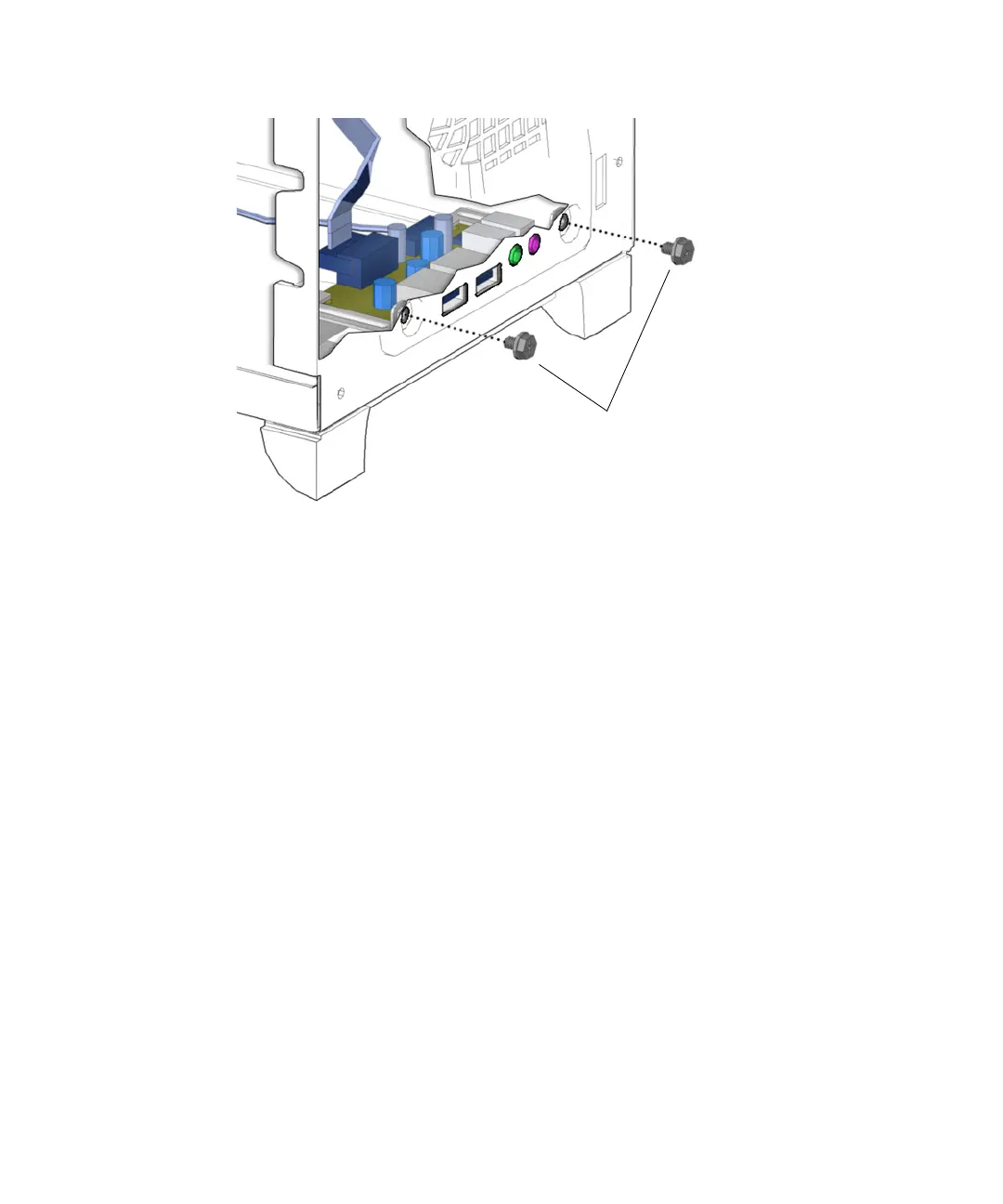
FIGURE 13-36 Unfastening the Audio USB Assembly
6. Lift the audio USB assembly from the chassis. Set it aside on an antistatic mat.
7. Using a No. 2 Phillips screwdriver, remove the two screws that secure the audio
USB board to the audio USB bracket.
See FIGURE 13-37. Set the screws aside in a container.
Screws














 To Next Page