Chapter 11 Replacing the Motherboard and Associated Components 11-31
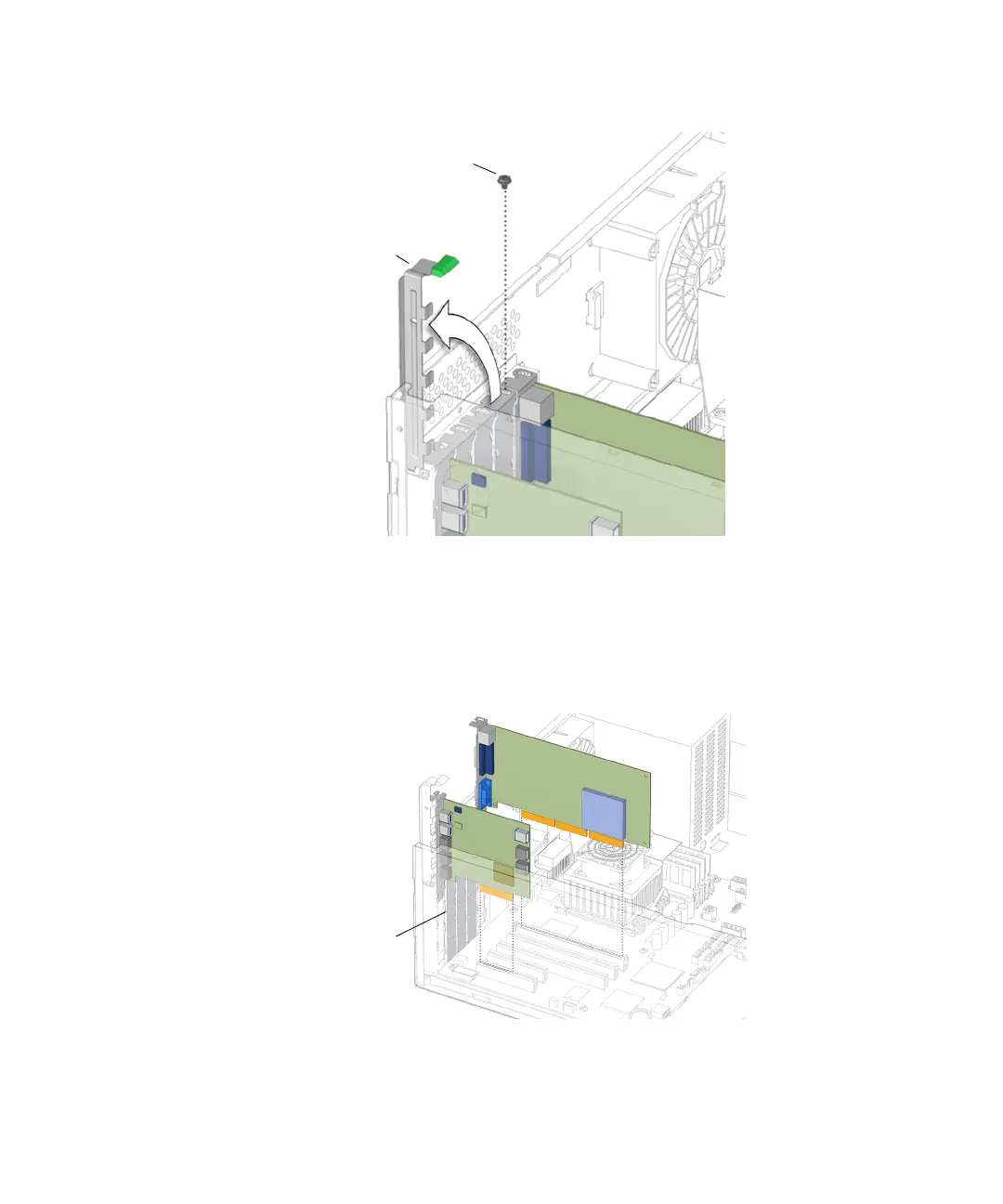
FIGURE 11-33 Opening the PCI Card Retainer
6. Gently rock the PCI card forward, then lift it straight out of the PCI card slot, and
set it aside on an antistatic mat.
See FIGURE 11-34.
FIGURE 11-34 Removing the PCI Card
Screw
PCI card
retainer
EMI fingers














 To Next Page