13-46 Sun Blade 1500 Service, Diagnostics, and Troubleshooting Manual • December 2004
2. Locate the PCI card support.
The PCI card support is a green bracket that fits between the chassis cross brace and
the bottom of the chassis. See
FIGURE 13-47.
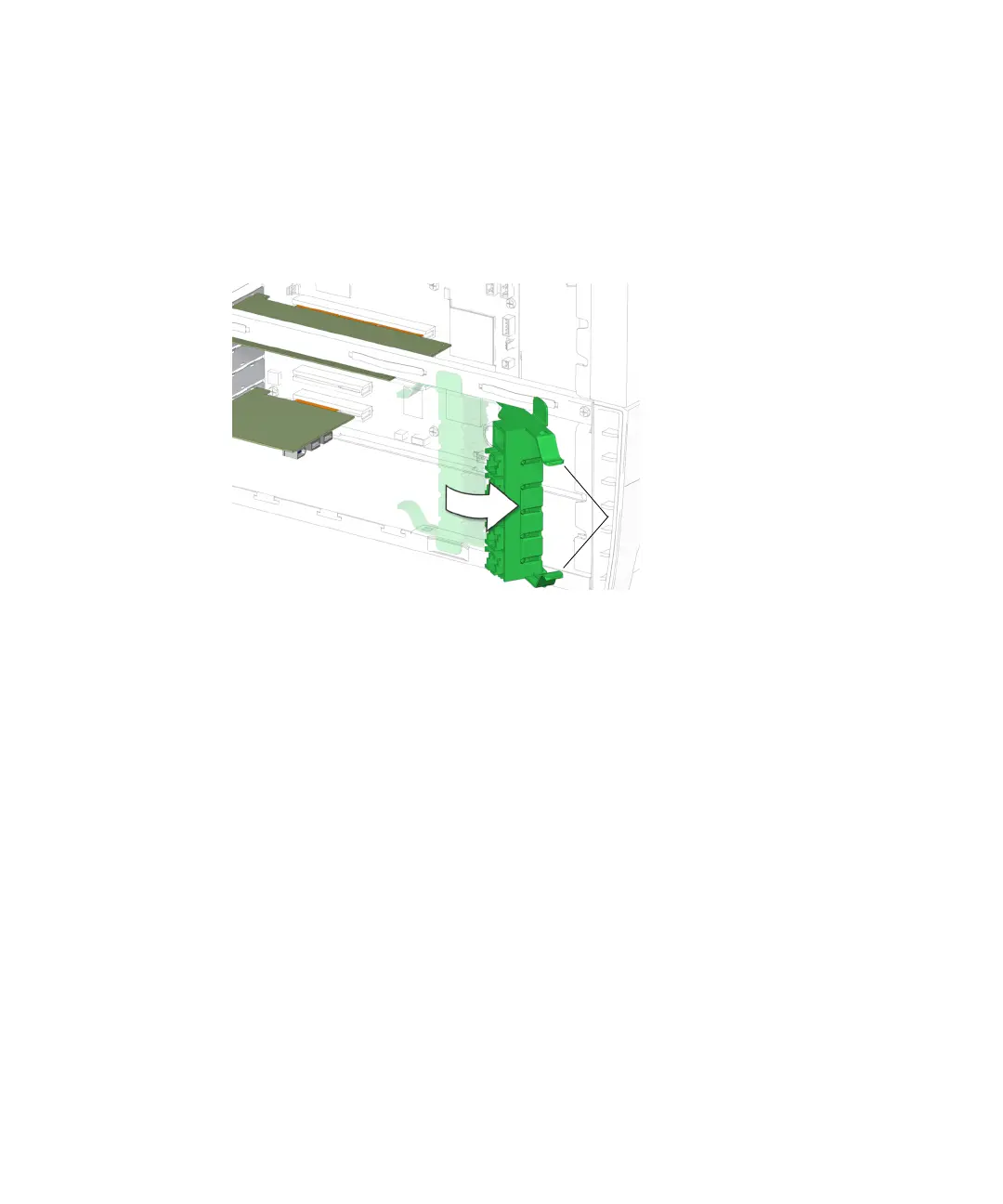
3. Compress the inside tabs together and swing the PCI card support out.
See FIGURE 13-48.
FIGURE 13-48 Swinging Out the PCI Card Support
4. Slightly depress the upper pivot tab and tilt the PCI card support out to separate
the tab from the chassis cross brace.
See FIGURE 13-49.
Inside tabs














 To Next Page