Chapter 4 Troubleshooting Flowcharts 4-7
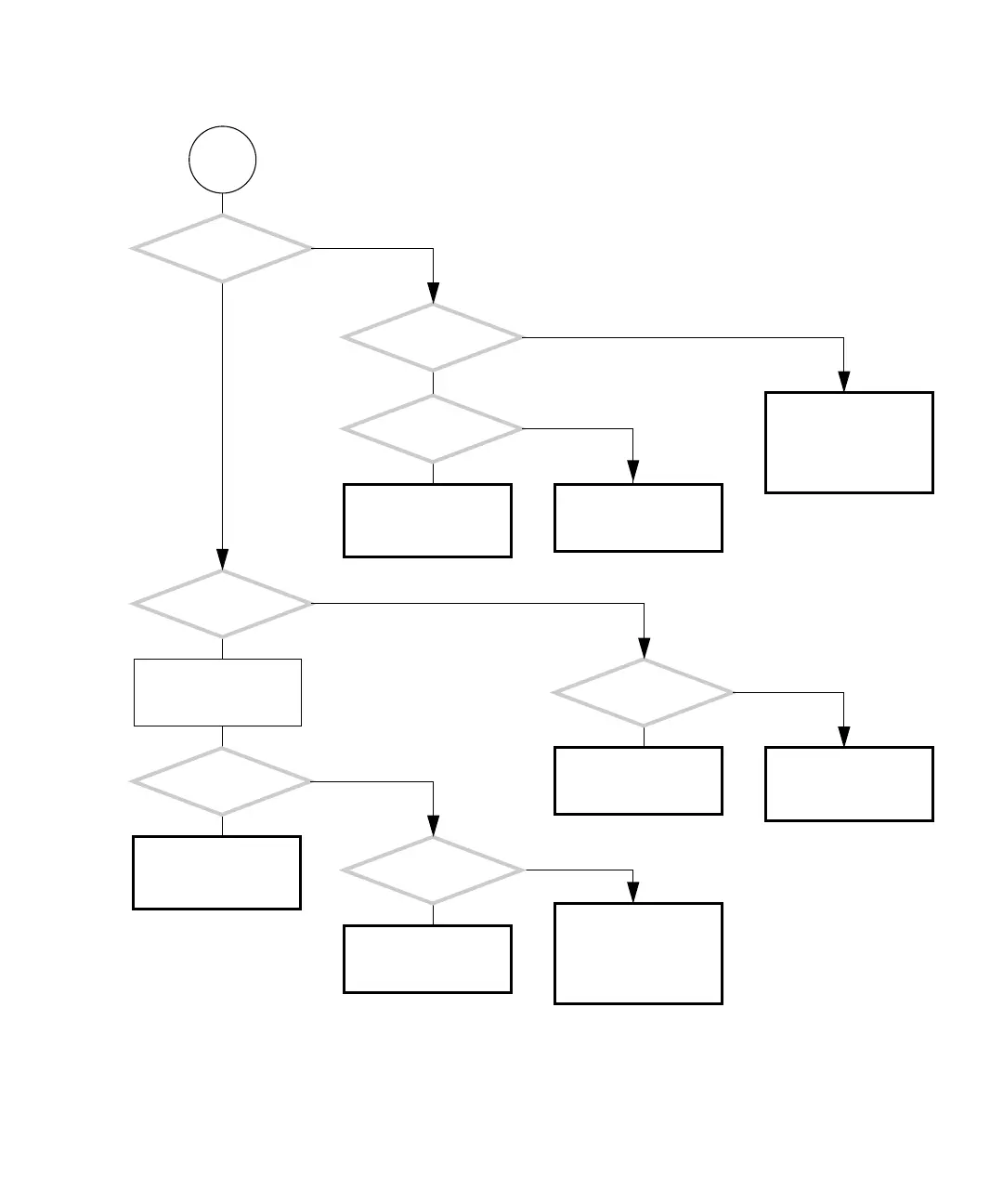
FIGURE 4-4 Power Problem (Continued)
Did you replace the
power switch?
Does the power supply
fan spin?
Did you replace the
power supply?
Check motherboard and
replace if necessary. See
“Motherboard Problem”
on page 4-34.
Replace power supply.
See “Replacing the Power
Supply” on page 13-2.
Check power switch and
replace if necessary. See
“Replacing the Power
Switch Assembly” on
page 14-17.
A
Do any system
fans spin?
Does the hard
drive spin up?
Check motherboard and
replace if necessary. See
“Motherboard Problem”
on page 4-34.
System fan problem. See
“System Fan Problem” on
page 4-9.
Wait a moment.
Check motherboard and
replace if necessary. See
“Motherboard Problem”
on page 4-34.
Does
the system beep and
immediately power off?
Does
the light in the power
button flash or stay lit?
Return to “Power-On
Flowchart” on page 4-3.
Y
N
Y
N
Y
N
Y
N
Y
N
Y
N
Y
N
Check power switch and
replace if necessary. See
“Replacing the Power
Switch Assembly” on
page 14-17.














 To Next Page