Chapter 4 Troubleshooting Flowcharts 4-17
4.2.7 Network Problem
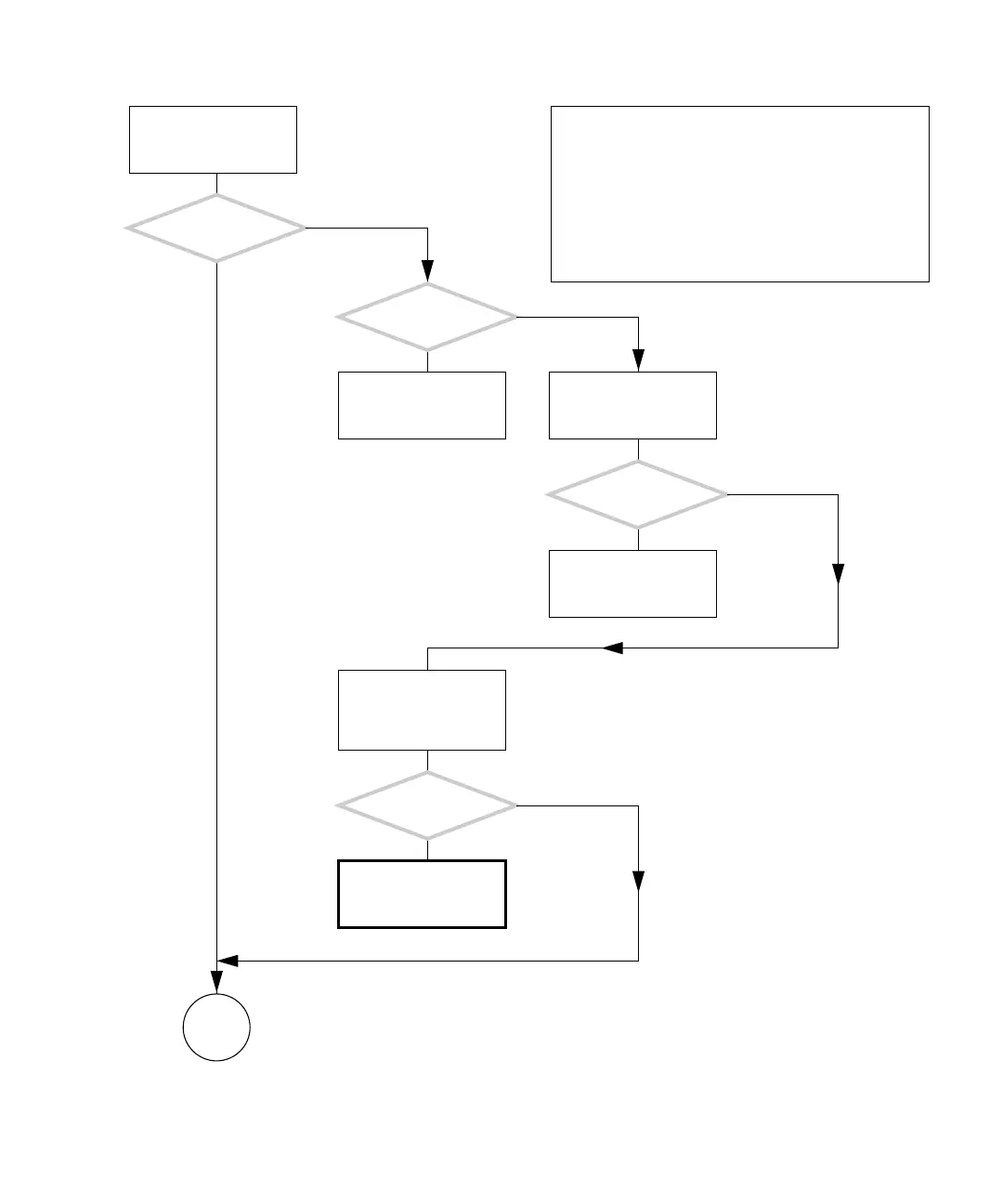
FIGURE 4-14 Network Problem
There is a problem with
the network connection.
Are other
systems on the same sub-
net having problems?
Is the amber
LED at the system’s TPE
connection on?
Check network hardware
and status.
Swap patch cable ports at
the first router/node.
Did this solve
the problem?
Check network hardware.
1. Swap patch cables
back.
2. Replace the system’s
network cable.
Did this solve
the problem?
Return to “Power-On
Flowchart” on page 4-3.
Y
N
Y
N
Y
N
Y
N
In normal operation, the network is invisible to the user.
When a system seems slower or has difficulty accessing
data, the network is most likely the problem. Consider the
load on the network as a possible cause besides hardware
failure.
If a system’s network cable could be easily kicked by a
user, then it might have an intermittent connection at the
system or wall receptacle.
Checking a component means checking the electrical con-
nections and fit.
Go to
F














 To Next Page