4-16 Sun Blade 1500 Service, Diagnostics, and Troubleshooting Manual • December 2004
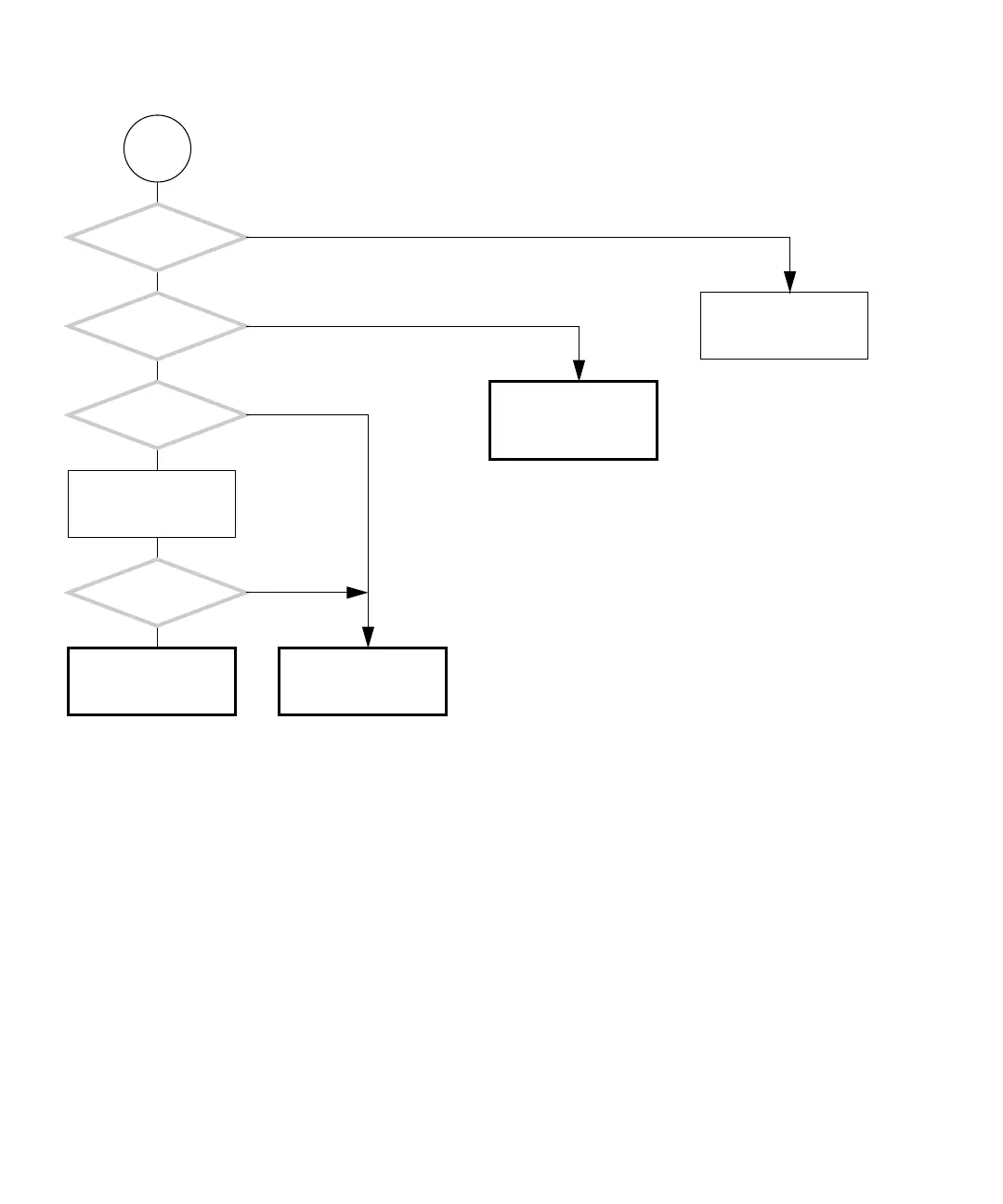
FIGURE 4-13 Monitor Problem (Continued)
E
Is the connector
on the graphics
accelerator good?
Is the
connector on the monitor
signal cable good?
Replace monitor signal
cable.
Replace the graphics
accelerator. See “Replac-
ing the PCI Cards” on
page 11-28.
Does the monitor have
a multi-input switch?
Set the switch to differ-
ent positions.
Did this solve
the problem?
Check the graphics accel-
erator. See “PCI Card
Problem” on page 4-28.
Return to “Power-On
Flowchart” on page 4-3.
Y
N
Y
N
Y
N
Y
N














 To Next Page