14-6 Sun Blade 1500 Service, Diagnostics, and Troubleshooting Manual • December 2004
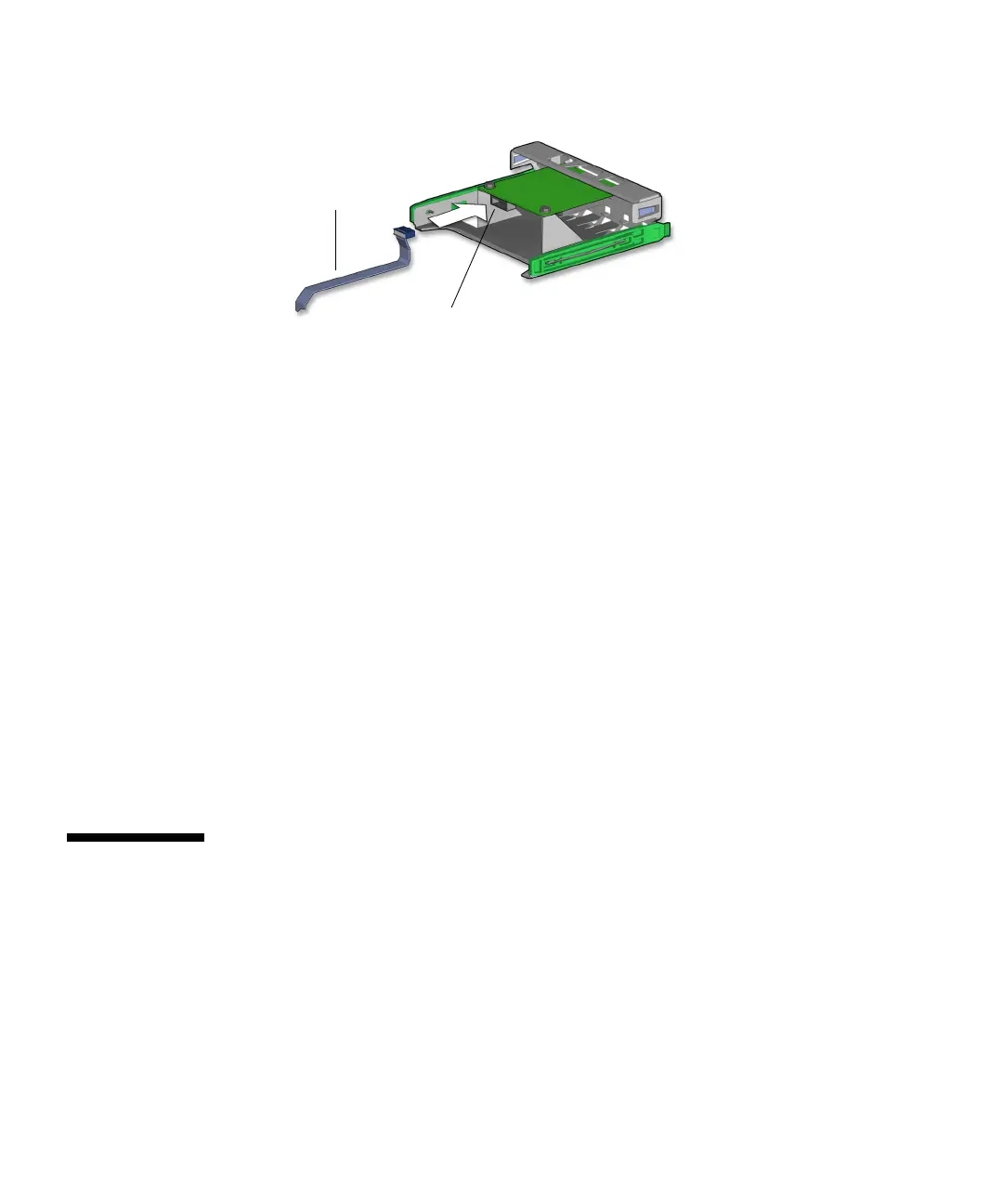
FIGURE 14-4 Connecting the Cable to the Smart Card Reader
5. Install the smart card reader bracket.
Refer to Step 7 of “Installing the Smart Card Reader” on page 12-20.
6. Inspect the cabling to verify that:
■ The interface cable is routed correctly through the reader cable clip, with a
minimum of kinks.
■ The interface cable is secure in the smart card reader connector.
■ The interface cable is secure in the motherboard connector SCR0.
7. Install the bezel, the access panel, power on the system, and verify the smart card
reader cable installation.
Refer to:
■ “Installing the Bezel” on page 15-2
■ “Installing the Access Panel” on page 15-5
■ “Powering On the Workstation” on page 15-8
■ “Verifying an Installation” on page 15-11
14.2 Replacing the Optical Drive Interface
Cable
This section describes removal and installation of the optical drive interface cables.
Topics include:
■ “Identifying the Optical Drive Interface Cable” on page 14-7
■ “Removing the Optical Drive Interface Cable” on page 14-7
■ “Installing the Optical Drive Interface Cable” on page 14-8
Smart card reader
interface cable
Cable connection














 To Next Page