4-12 Sun Blade 1500 Service, Diagnostics, and Troubleshooting Manual • December 2004
4.2.5 Audio Output Problem
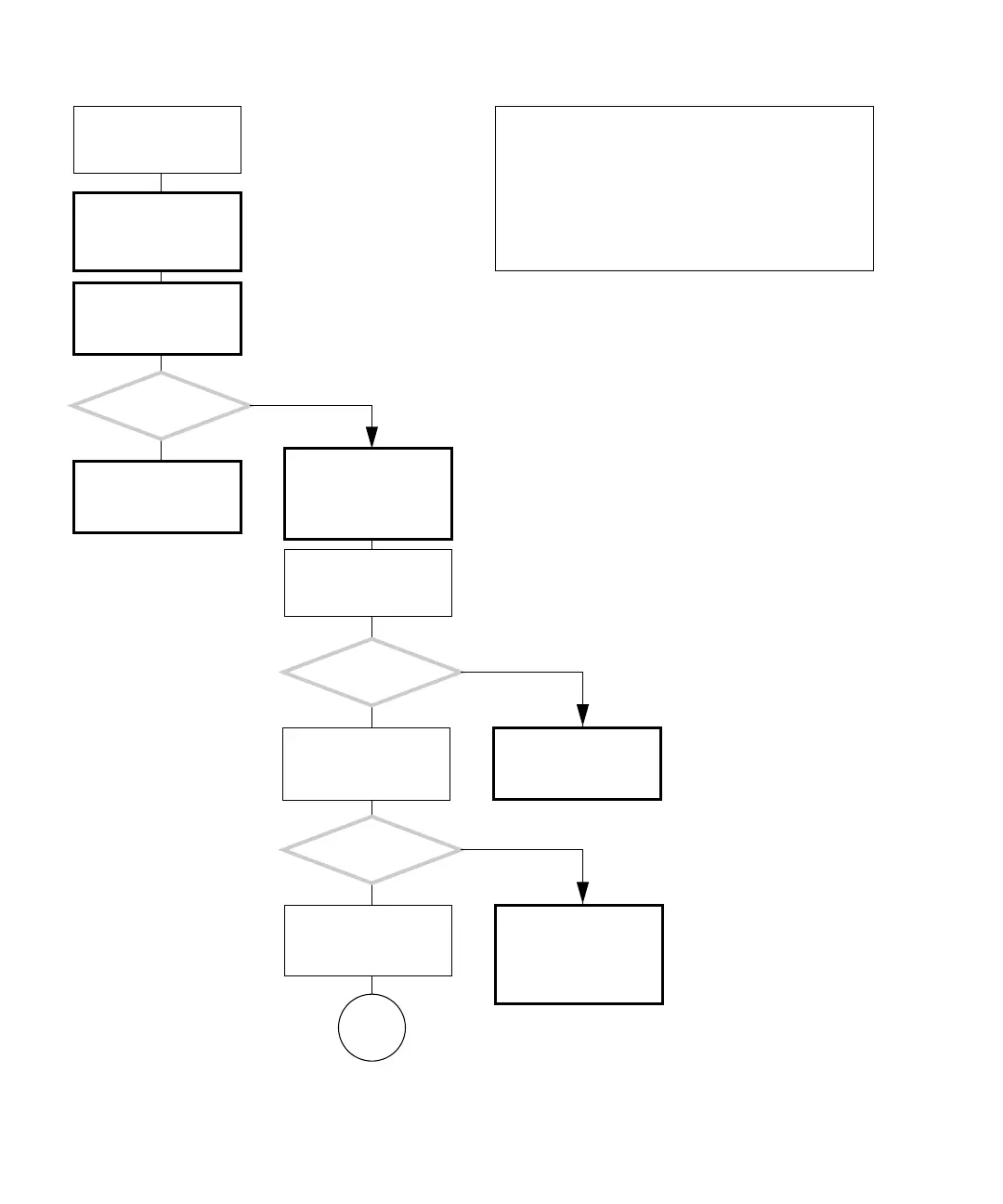
FIGURE 4-9 Audio Output Problem
Check the audio with
OpenBoot Diagnostics.
See “OpenBoot Diagnos-
tics” on page 8-5.
Obtain the ok prompt.
See “Obtaining the ok
Prompt for Testing” on
page 5-2.
There is a problem with
the audio output.
Do you hear a beep in
the headphones?
Do you hear a beep from
the system speaker?
Was an error
displayed?
Check the audio output
with OpenBoot Diagnos-
tics again.
Change the test-args
parameter to loop-
back. See “Configuring
OpenBoot Diagnostics”
on page 8-7.
Check motherboard and
replace if necessary. See
“Motherboard Problem”
on page 4-34.
Attach the headphones
to the audio out jack on
the rear panel and run
the audio test again.
Check the audio/USB
board and replace if nec-
essary. See “Replacing
the Audio USB Board” on
page 13-30.
Check the speaker and
replace if necessary. See
“Replacing the Speaker”
on page 13-39.
Attach headphones to
the headphone jack on
the front panel and run
the audio test again.
Go to
C
Y
N
Y
N
Y
N
In normal operation, system sounds are played through
the chassis speaker and headphone jack.
Some audio drivers might prevent an audio application
from making sound. Consult the system administrator in
this situation.
Loopback connectors can provide more thorough testing
with OpenBoot Diagnostics or SunVTS.
Checking a component means checking the electrical con-
nections and fit.














 To Next Page