Chapter 4 Troubleshooting Flowcharts 4-11
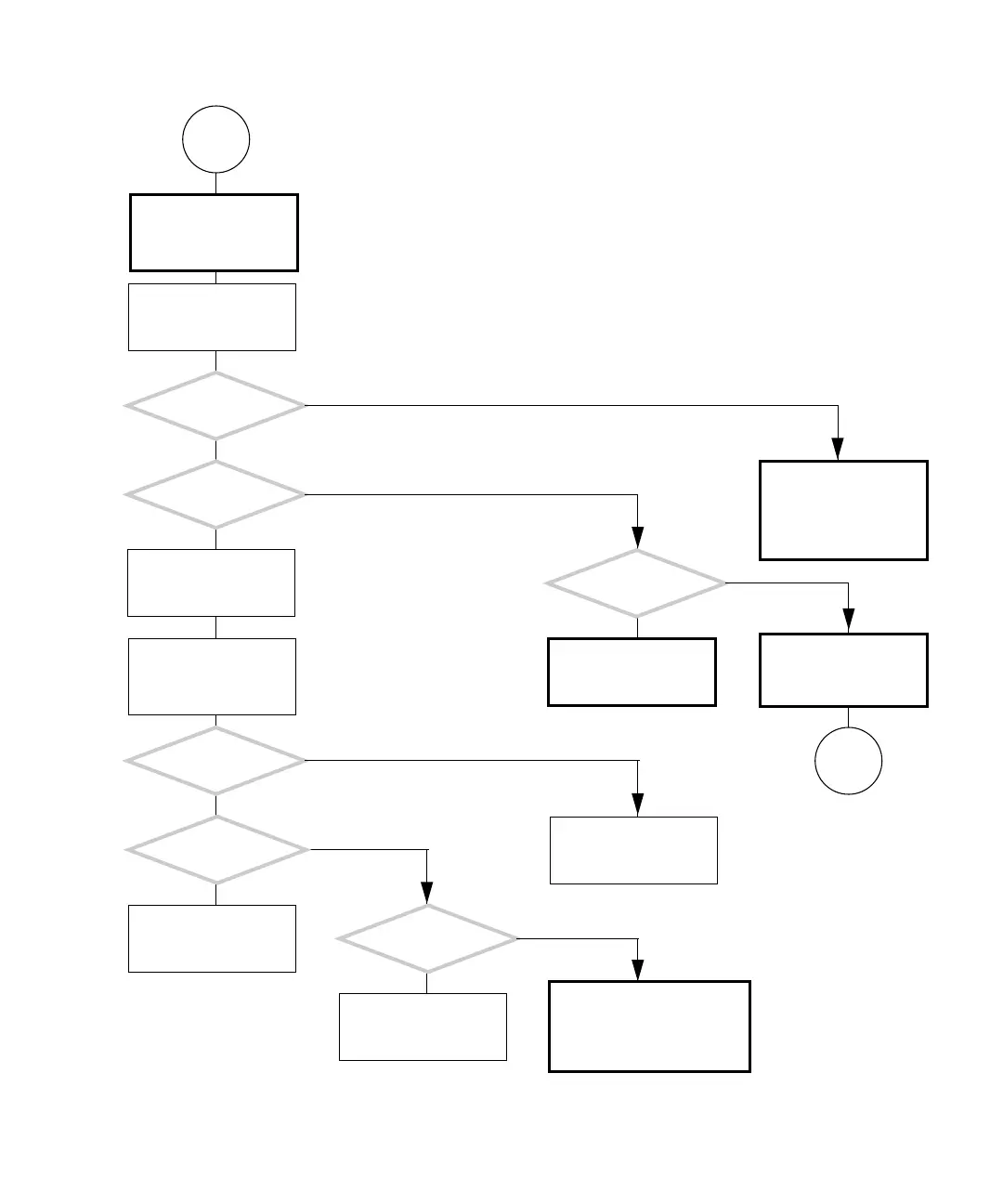
FIGURE 4-8 USB Problem (Continued)
Type:
ok show-devs
Obtain the ok prompt.
See “Obtaining the ok
Prompt for Testing” on
page 5-2.
Do you see this text?
usb@b
usb@a
Problem with I/O sub-
system chip. Replace
motherboard. See
“Replacing the Mother-
board” on page 11-43.
Do you see this text?
usb@8,2
usb@8,1
usb@8
Did you move
the combination card to
another PCI slot?
Y
N
Move the combination
card to another PCI slot.
See “Replacing the PCI
Cards” on page 11-28.
Go to
B
Replace the combination
card. See “Replacing the
PCI Cards” on page 11-28.
Start the operating sys-
tem. Type:
ok boot -r
Determine if the USB
ports are recognized.
Type:
% prtconf
B
Do you see this output?
usb, instance
device, instance
Problem with device
driver. Contact system
administrator.
Problem with Solaris
driver. Contact system
administrator.
Do you see this output
five times?
usb, instance
Problem with device connec-
tion to system. If problem is at
front panel USB ports, check
with keyboard. See “Keyboard
Problem” on page 4-19.
Problem with device
application or device
itself.
Y
N
Y
N
Y
N
Do you see this output?
usb, instance
unit,(driver not
Y
N
Y
N














 To Next Page