Chapter 13 Replacing Chassis Components 13-37
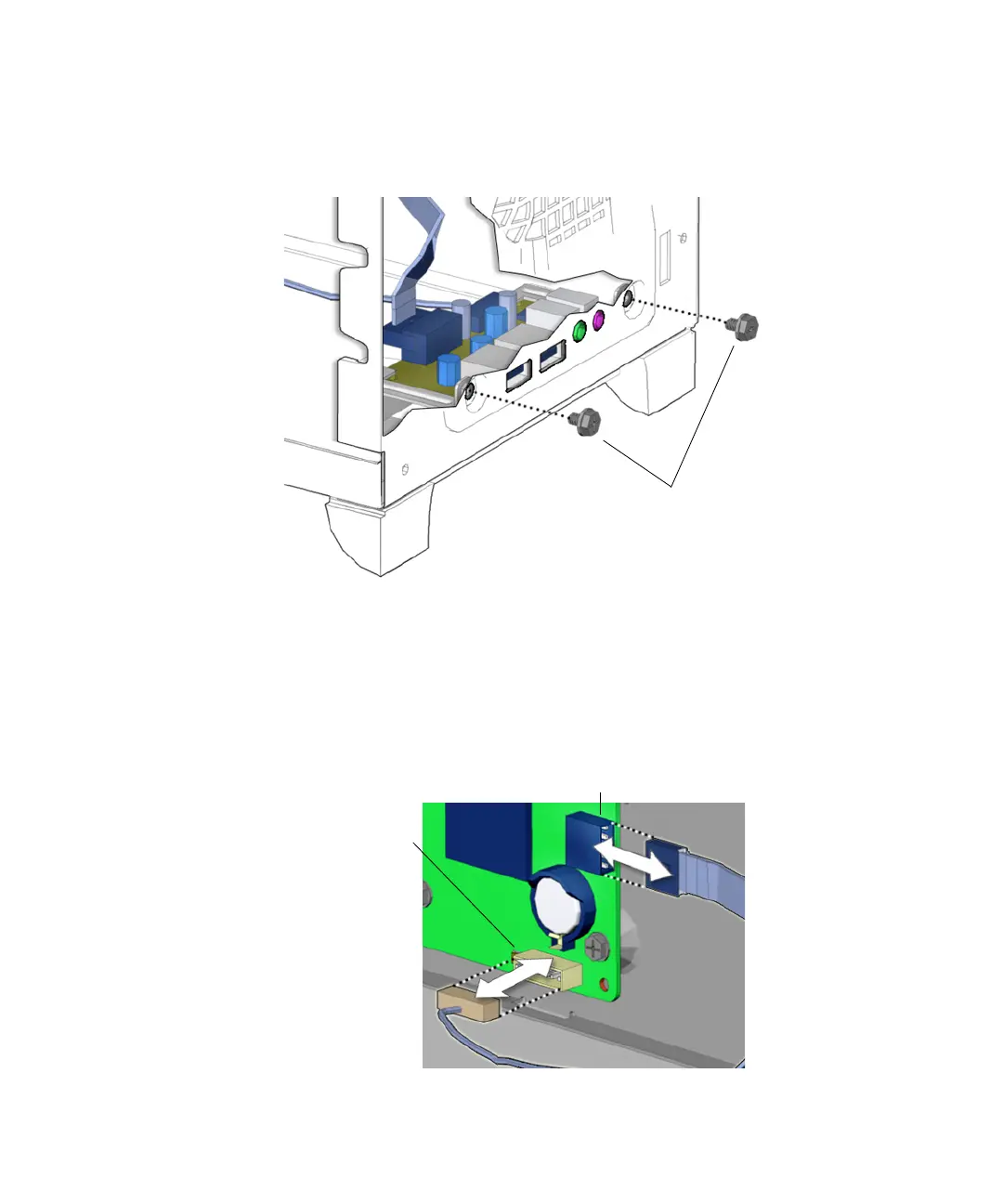
7. Using a No. 2 Phillips screwdriver, fasten the two screws that secure the audio
USB board to the inside front of the chassis.
See FIGURE 13-39.
FIGURE 13-39 Securing the Audio USB Assembly
8. Reconnect the audio and USB cables to the connectors on the motherboard at J19
USB and J13 AUDIO.
See FIGURE 13-40.
FIGURE 13-40 Reconnecting the Cables to the Motherboard
Screws
Connector J19 USB
Connector
J13 AUDIO














 To Next Page