11-18 Sun Blade 1500 Service, Diagnostics, and Troubleshooting Manual • December 2004
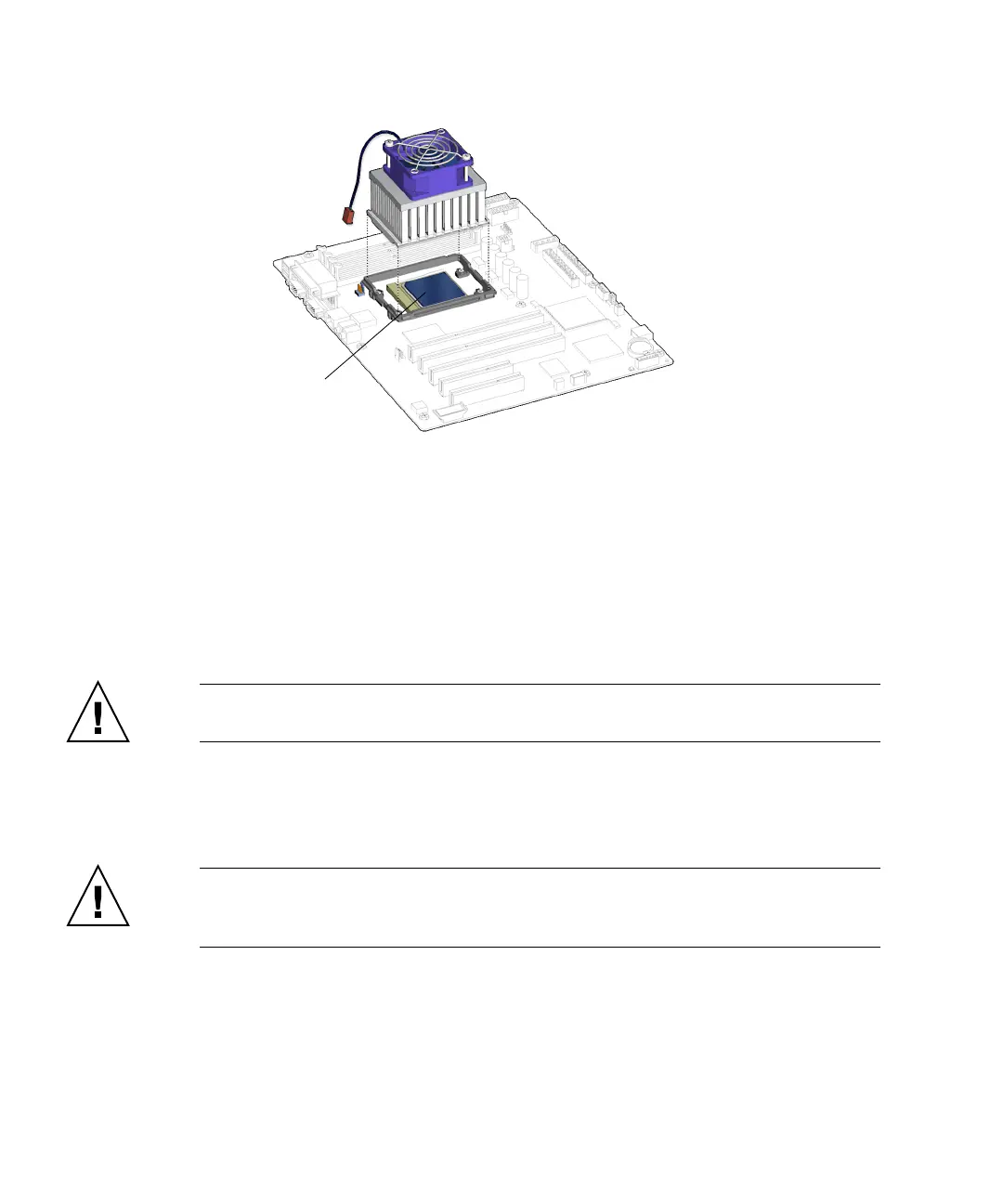
FIGURE 11-19 Lifting the CPU Fan and Heat Sink Assembly Away
d. Set the CPU fan and heat sink assembly on its side.
9. Choose your next step:
■ If you removed the CPU fan and heat sink assembly prior to removing the
motherboard, return to
Step 6 of “Removing the Motherboard” on page 11-46.
■ Otherwise, proceed to “Replacing the CPU Fan and Heat Sink Assembly” on
page 11-13.
Caution – Do not power on the system without the CPU fan and heat sink assembly
installed.
11.2.3 Installing the CPU Fan and Heat Sink Assembly
Caution – The CPU is damaged if the CPU fan and heat sink assembly is not
installed upon powering on the workstation. In this situation, immediately power
off the workstation.
1. Open and position the chassis.
Refer to:
■ “Removing the Access Panel” on page 10-12
■ “Positioning the Chassis” on page 10-16
CPU














 To Next Page