Chapter 11 Replacing the Motherboard and Associated Components 11-55
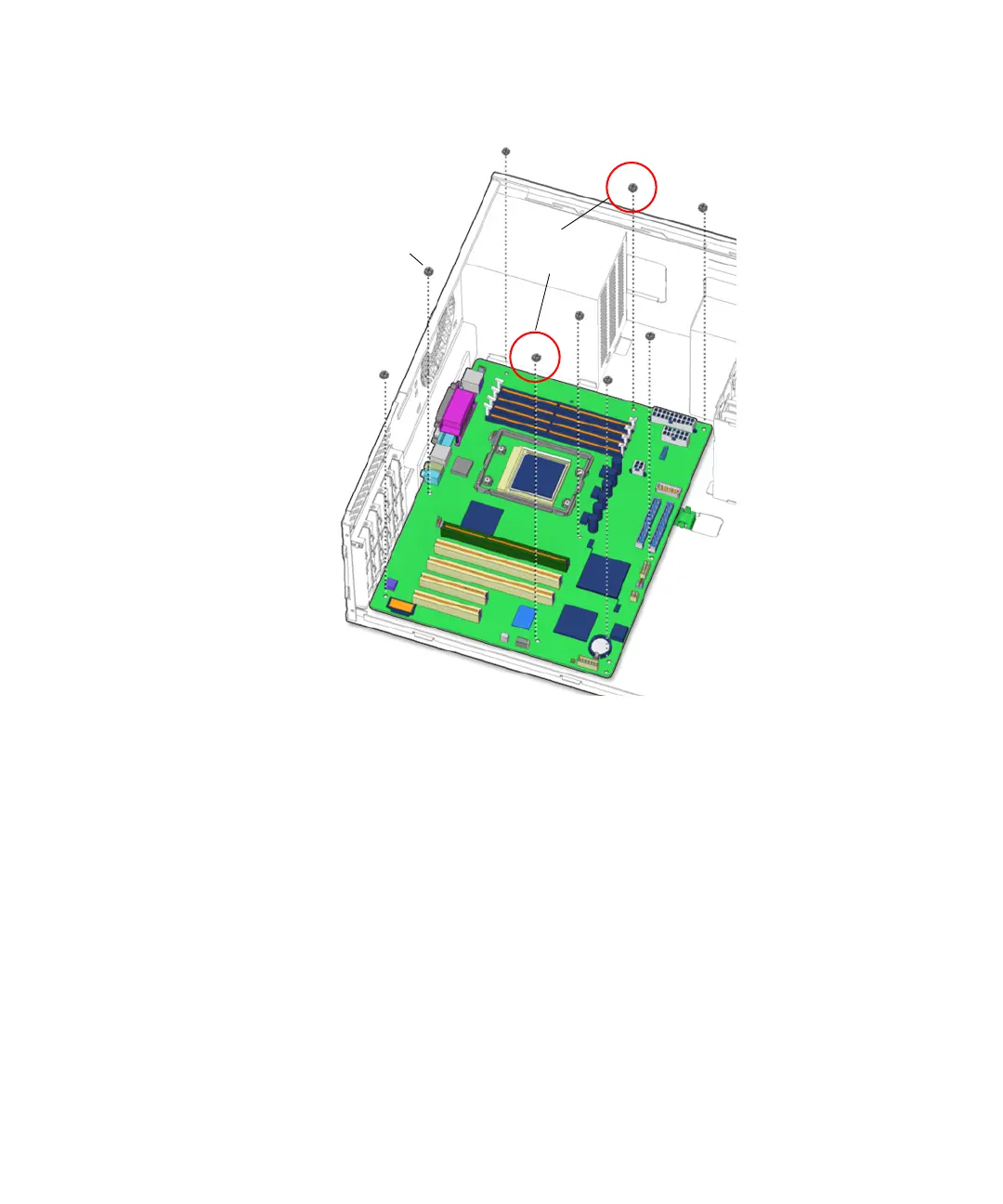
FIGURE 11-50 Installing the Motherboard Mounting Screws
11. Connect the interface cables to the corresponding motherboard connectors.
See FIGURE 11-51.
■ Smart card reader at connector SCR0
■ Hard drive at connector IDE PRI
■ Optical drive at connector IDE SEC
■ Front USB at connector J19 USB
Install
first
Screws (9)














 To Next Page