10-14 Sun Blade 1500 Service, Diagnostics, and Troubleshooting Manual • December 2004
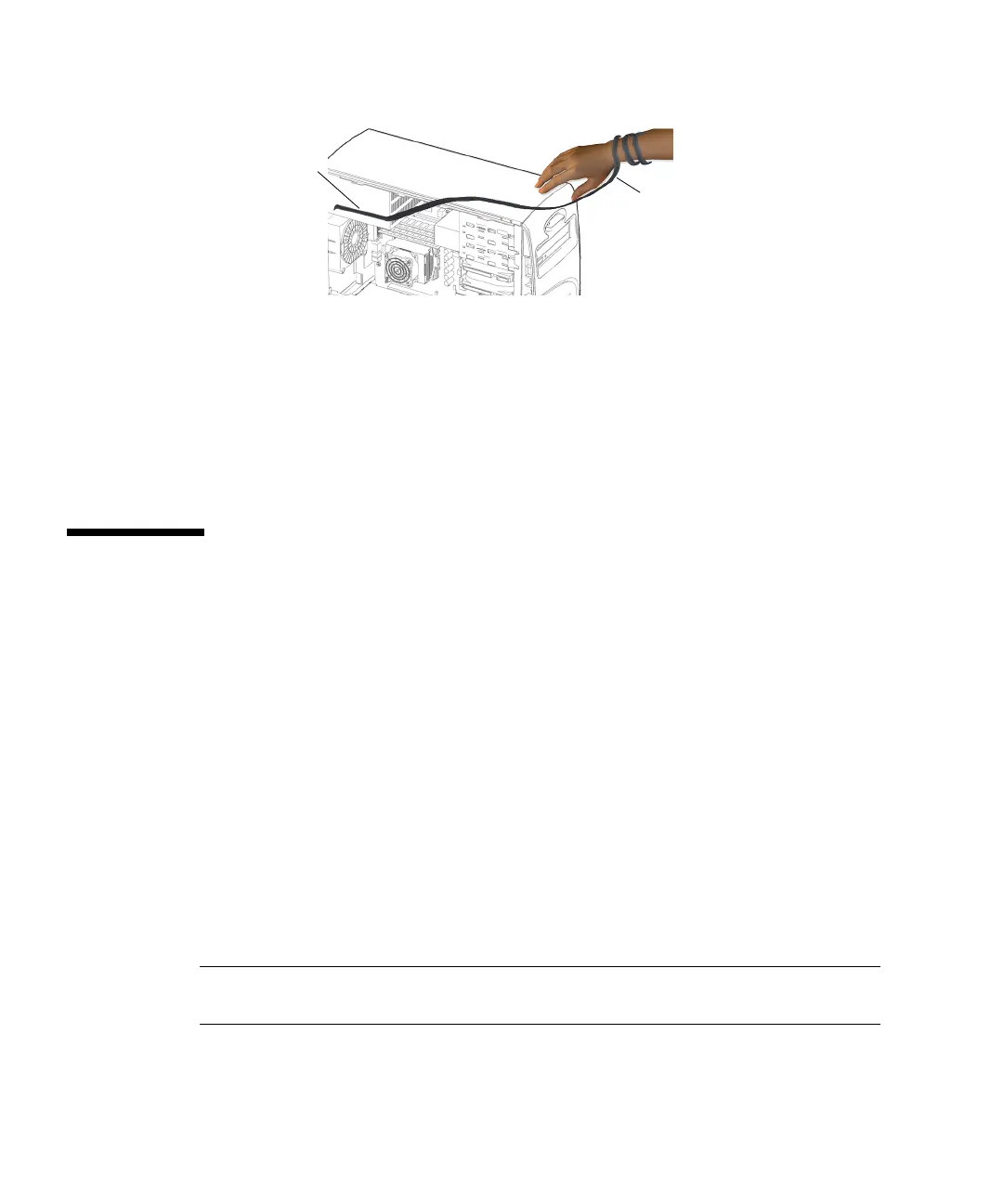
FIGURE 10-8 Attaching the Antistatic Wrist Strap
d. Make sure the strap does not fall off and that the contact location is out of the
way of your replacement procedure.
A suggested location is the inside surface of the rear panel, under the rear fan.
You have completed the process of powering off, opening, and preparing to service
internal components of the workstation.
10.5 Removing the Bezel
This section describes how to remove the bezel. Most replacement procedures do not
require bezel removal. Please refer to the section that describes your replacement
procedure before proceeding here.
For installing the bezel, refer to “Installing the Bezel” on page 15-2.
Removing the bezel provides access to the chassis front panel.
1. Power off the system and open the chassis.
See the following sections:
■ “Powering Off the Workstation” on page 10-4
■ “Removing the Access Panel” on page 10-12
2. Locate the bezel.
See FIGURE 10-9.
Note – While you are removing the bezel, keep the workstation in its vertical
position.
Antistatic
wrist strap
Copper end














 To Next Page