Chapter 10 Preparing to Replace Components 10-13
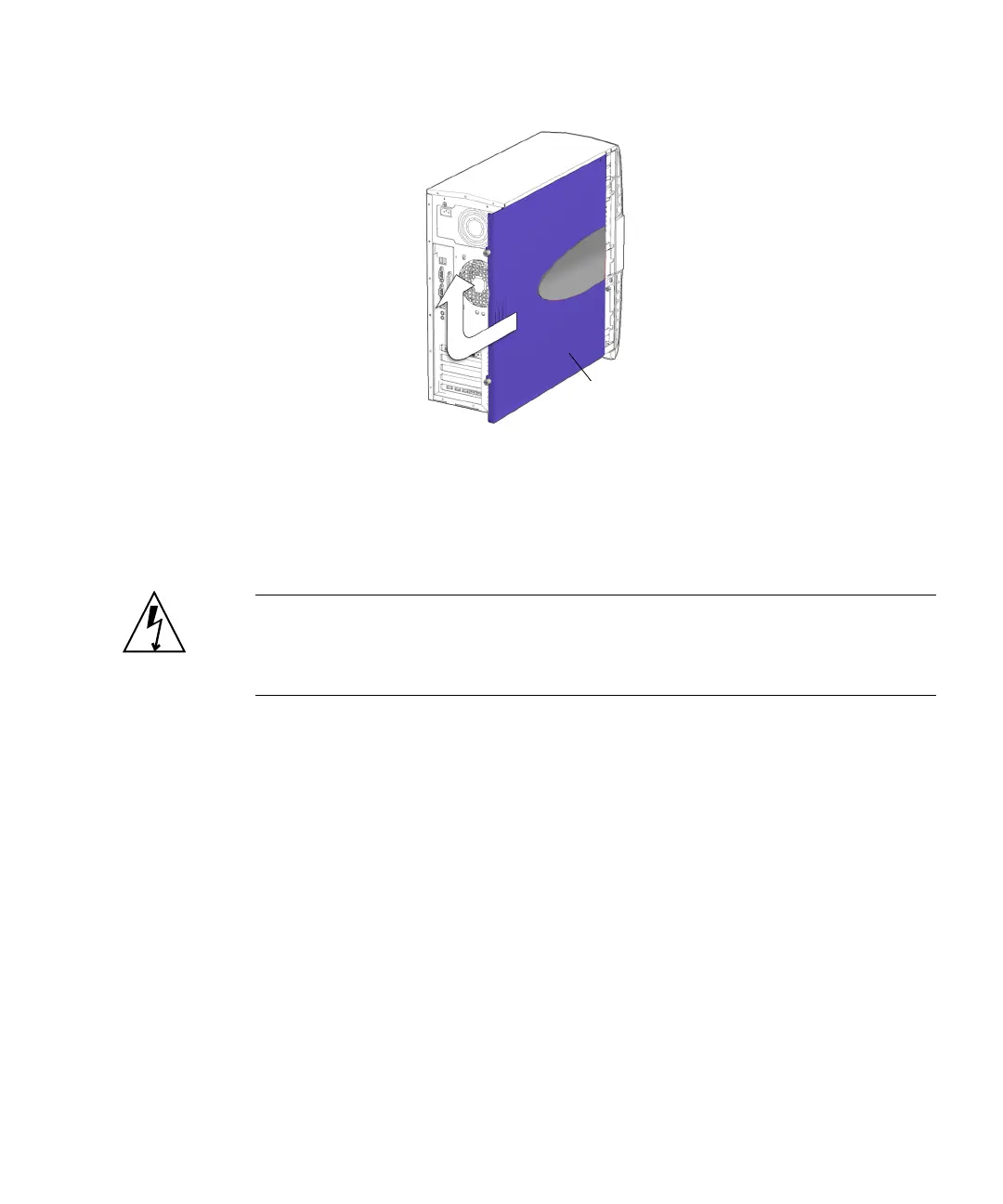
FIGURE 10-7 Removing the Access Panel
The inside surface of the access panel has a service label. The label provides
guidelines and briefly outlines some service procedures.
5. Attach the antistatic wrist strap.
Caution – Some components inside the system, such as drive assemblies, boards, or
cards, are sensitive to ESD. To prevent damage when servicing or removing
workstation components, attach an antistatic strap to your wrist and then to a metal
area on the chassis. Also use an antistatic mat as your work surface.
a. Unwrap the first two folds of the antistatic wrist strap and wrap the adhesive
side firmly against your wrist.
See FIGURE 10-8. This is the end of the antistatic strap that does not have a copper
strip.
b. Peel the liner from the copper foil at the opposite end of the antistatic wrist
strap.
c. Attach the copper end of the strap to a metal portion of the system chassis.
See FIGURE 10-8.
Access
panel














 To Next Page